
Disclaimer

How to change headlights on Fiat Panda 169 – replacement guide
downloads:
23
Views:
801


Important!
This replacement procedure can be used for:
FIAT PANDA (169) 1.2 4x4 (169.AXB2A), FIAT PANDA (169) 1.2 Natural Power (169.AXB1A), FIAT PANDA (169) 1.1 (169.AXA1A), FIAT PANDA (169) 1.3 D Multijet (169.AXC1A), FIAT PANDA (169) 1.3 D Multijet 4x4 (169.AXC2A), FIAT PANDA (169) 1.4 (169AXE1B), FIAT PANDA (169) 1.3 D Multijet (169AXG1A, 169AXD1A) … View more
The steps may slightly vary depending on the car design.
FIAT PANDA (169) 1.2 4x4 (169.AXB2A), FIAT PANDA (169) 1.2 Natural Power (169.AXB1A), FIAT PANDA (169) 1.1 (169.AXA1A), FIAT PANDA (169) 1.3 D Multijet (169.AXC1A), FIAT PANDA (169) 1.3 D Multijet 4x4 (169.AXC2A), FIAT PANDA (169) 1.4 (169AXE1B), FIAT PANDA (169) 1.3 D Multijet (169AXG1A, 169AXD1A) … View more
The steps may slightly vary depending on the car design.
How to change front headlights on FIAT PANDA (169) [TUTORIAL AUTODOC]
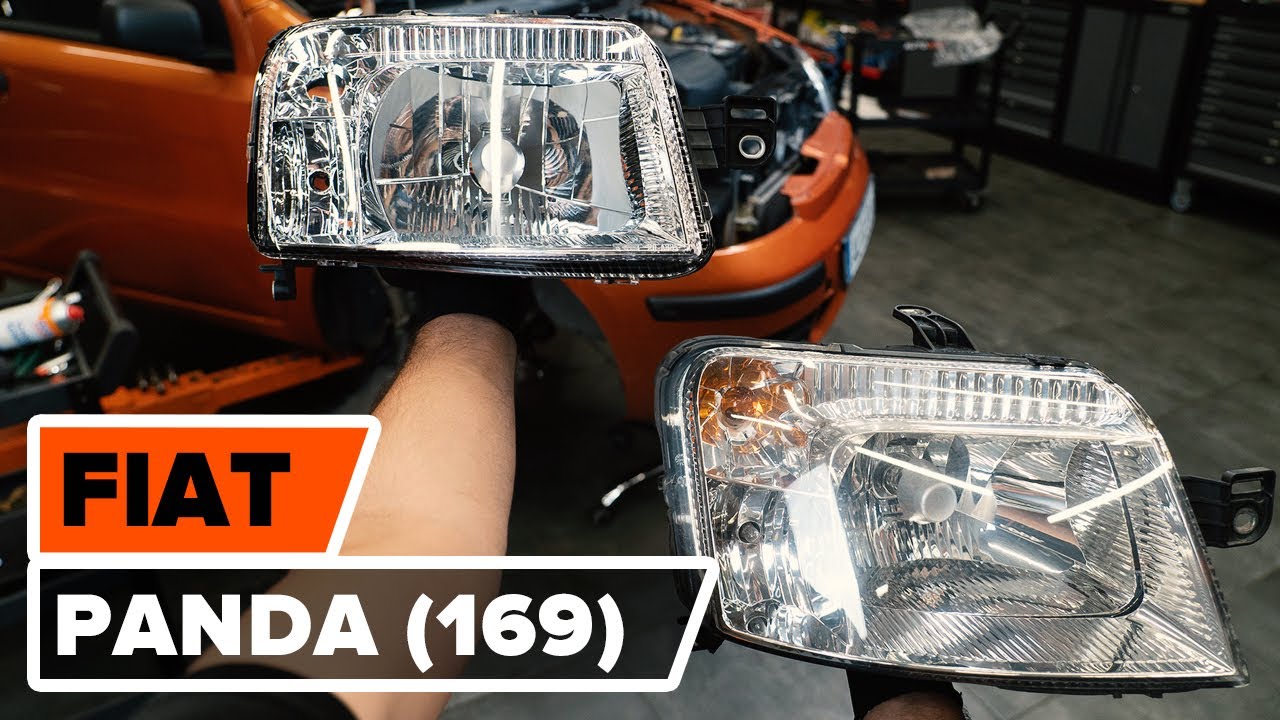
All the parts you need to replace – Headlights for PANDA (169) and other FIAT models
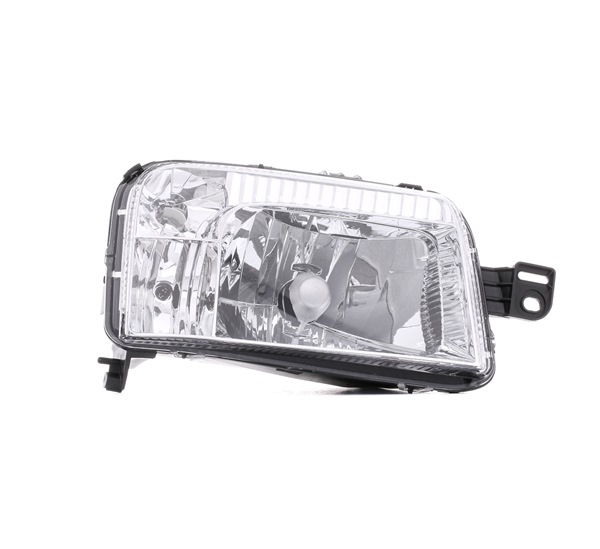
Alternative products
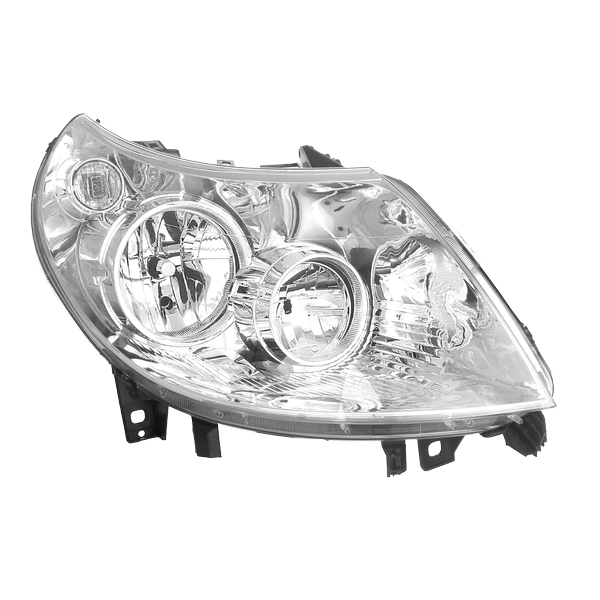 Headlight
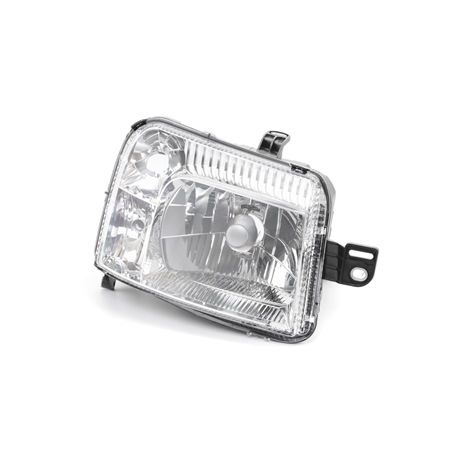
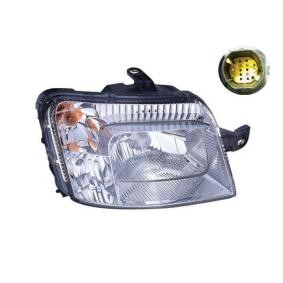
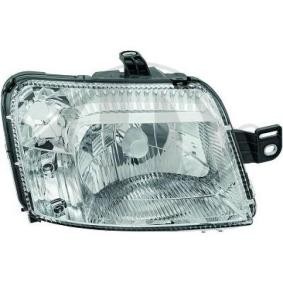
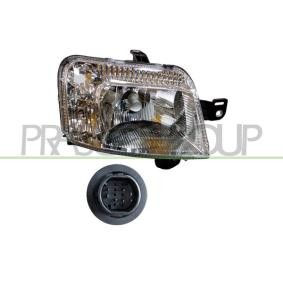
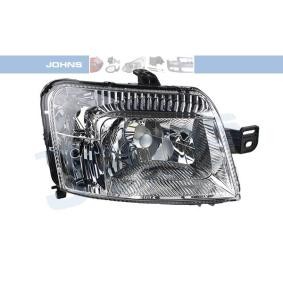
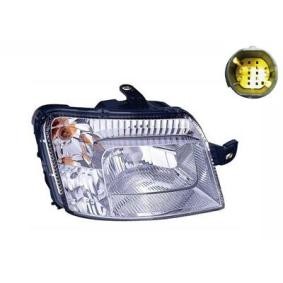
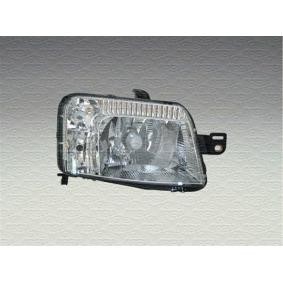


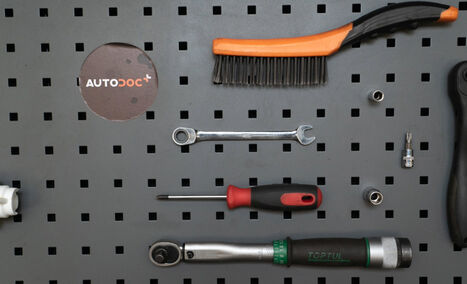
Electronic spray
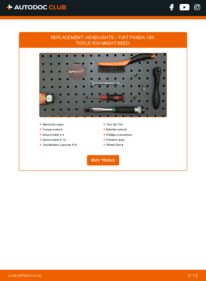
Torque wrench
Drive socket # 8
Drive socket # 10
Combination spanner #10
Torx bit T30
Ratchet wrench
Phillips screwdriver
Painter's tape
Wheel chock

Replacement: headlights – Fiat Panda 169. AUTODOC experts recommend:
- The replacement procedure is identical for the right and left headlight.
- Please note: all work on the car – Fiat Panda 169 – should be done with the engine switched off.
Carry out replacement in the following order:
- Step 1
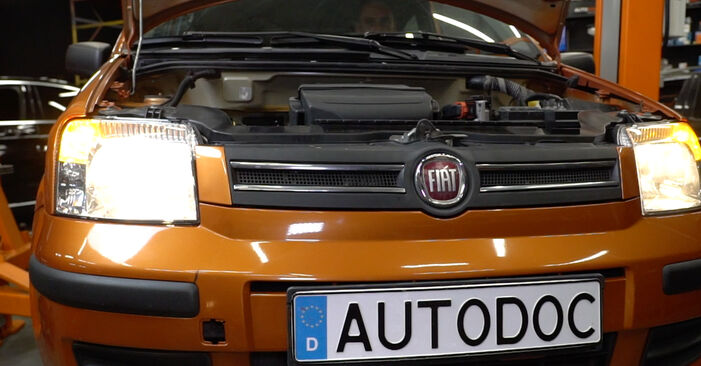
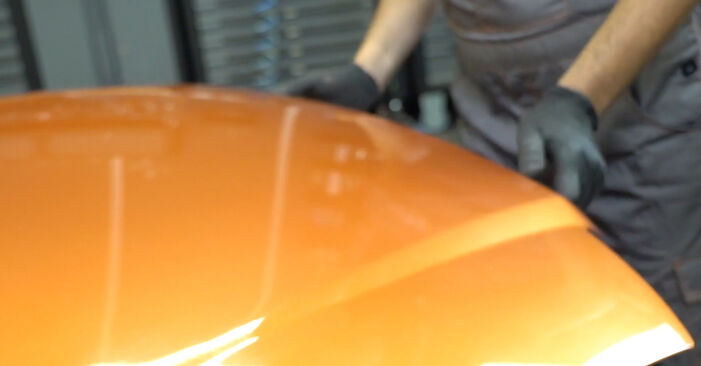
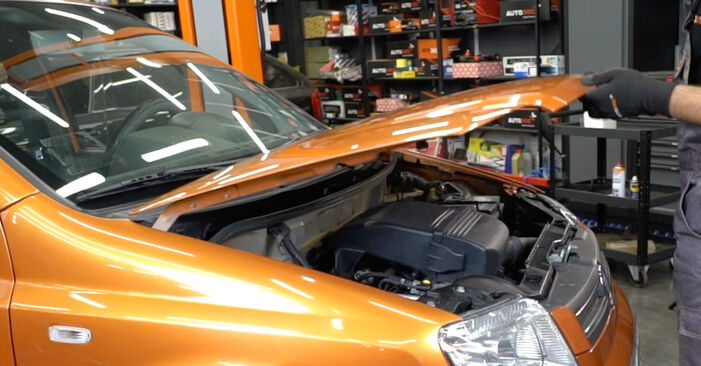 Open the hood.
 - Step 2Lift the car using a jack or place it over an inspection pit.Step 3
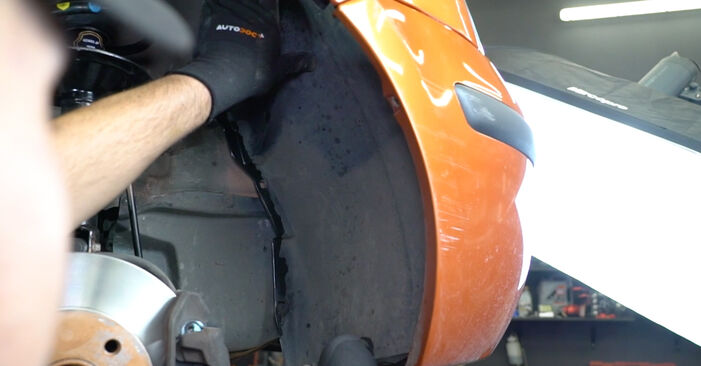
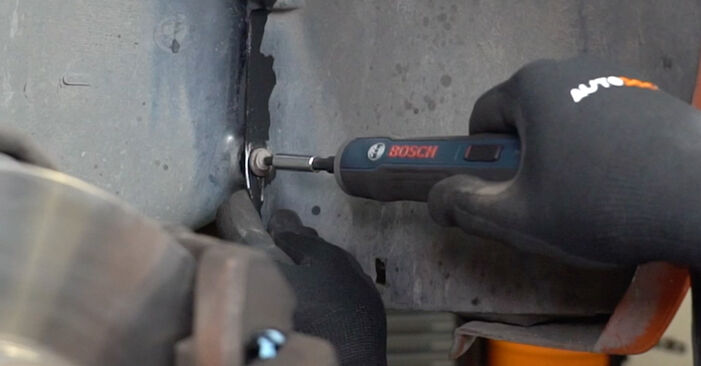 Unscrew the wheel arch cover fasteners. Use a Phillips screwdriver. Use a drive socket #8. Use a ratchet wrench.
 - Step 4
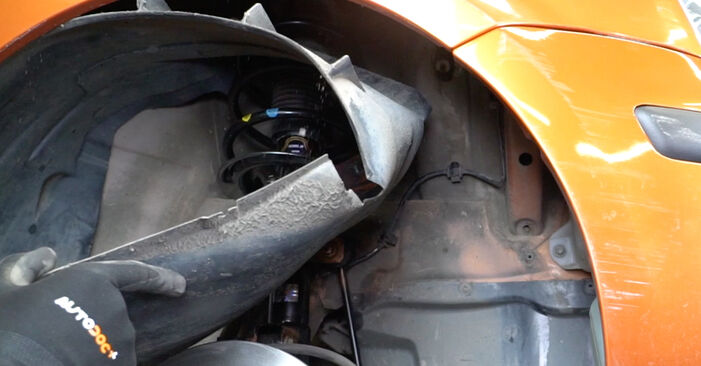 Move the part aside.
 - Step 5
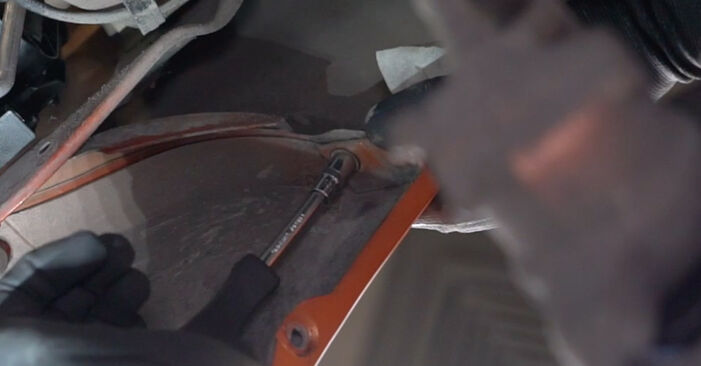
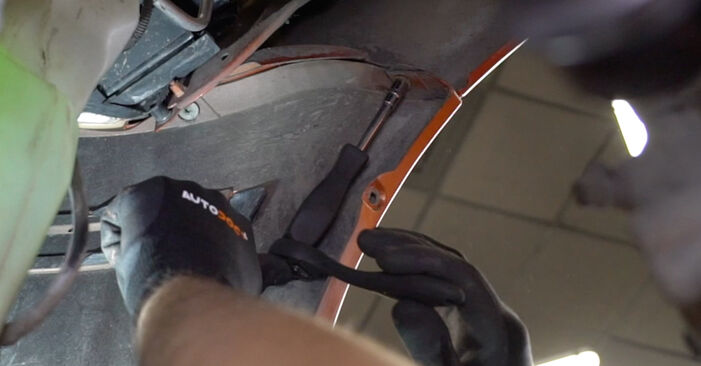 Unscrew the lower fasteners of the bumper. Use Torx T30. Use a drive socket #8. Use a ratchet wrench.
 - Step 6
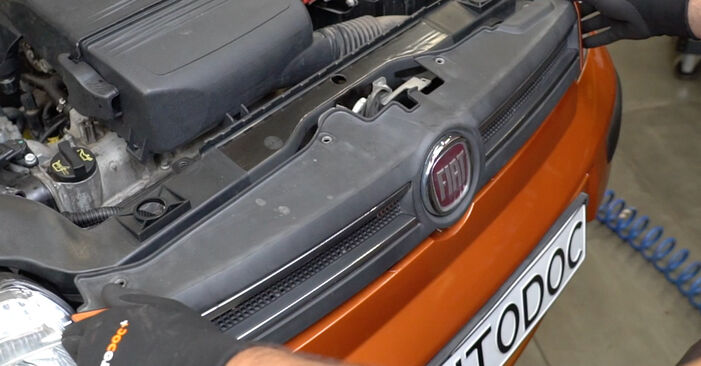
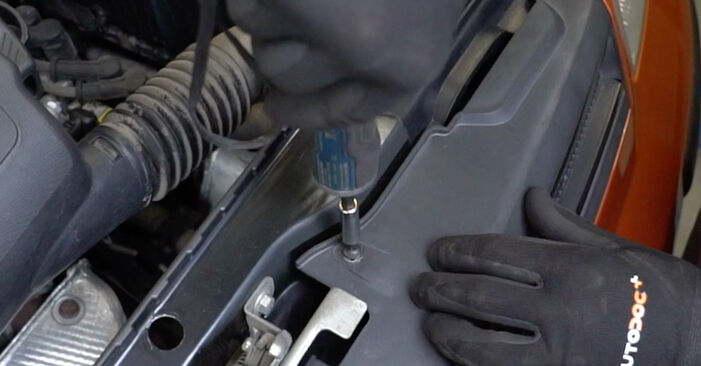
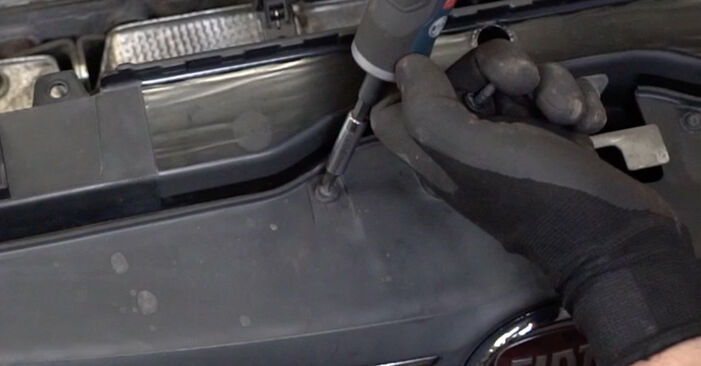 Unscrew the radiator grille fastener. Use a Phillips screwdriver.
 - Step 7
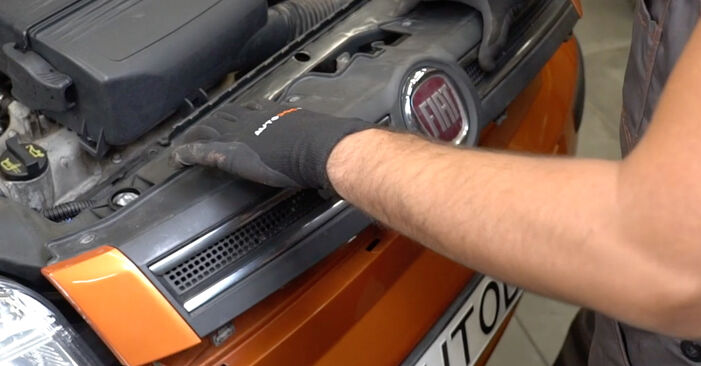 Remove the radiator grille.
 - Step 8
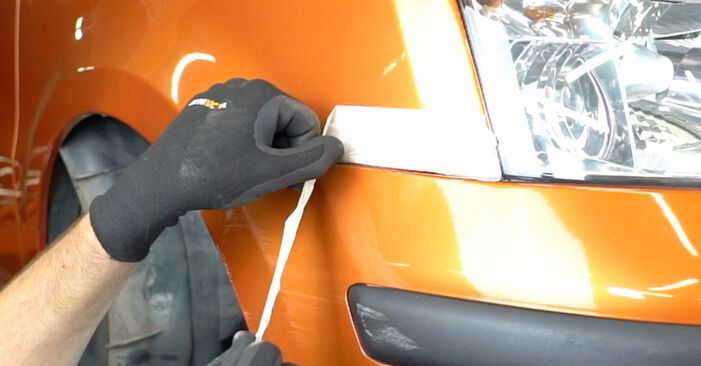
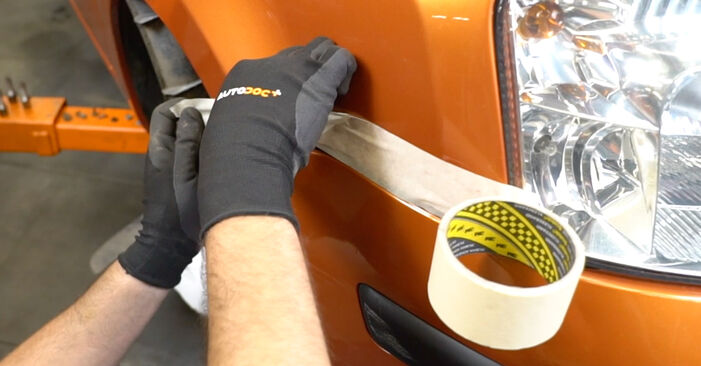 Use the masking tape to prevent plastic and painted parts of the car from being damaged.
 - Step 9
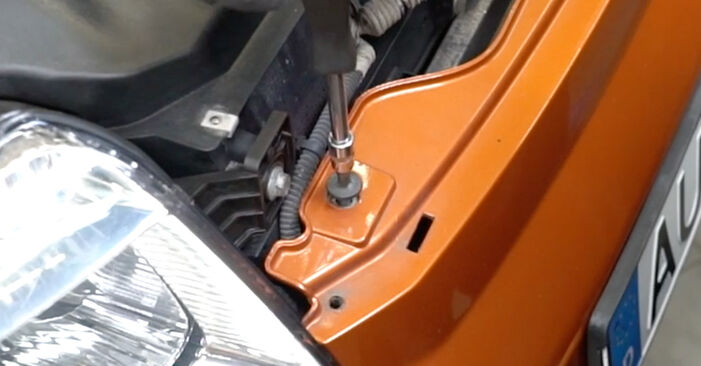
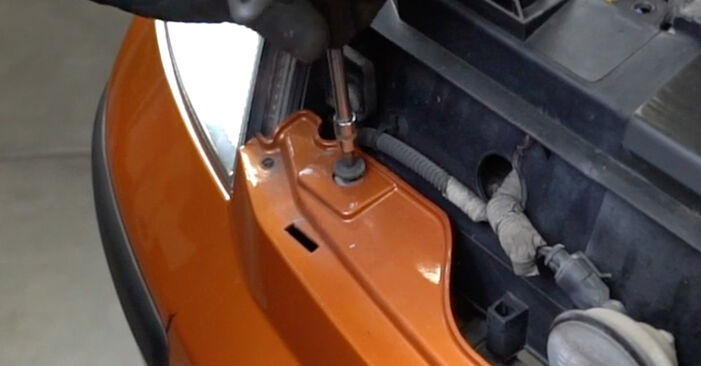 Unscrew the upper fasteners of the bumper. Use Torx T30. Use a ratchet wrench.
 - Step 10Release the side clips of the bumper.Step 11Carefully release the bumper from the fasteners.AUTODOC recommends:Replacement: headlights – Fiat Panda 169. Do not use excessive force when removing the part as this may damage it.Step 12
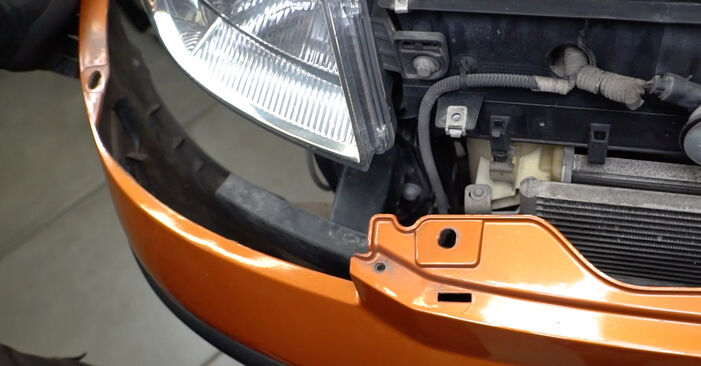 Remove the bumper.
 - Step 13
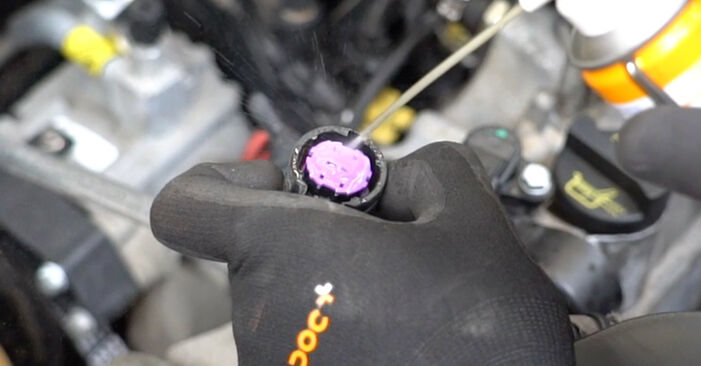
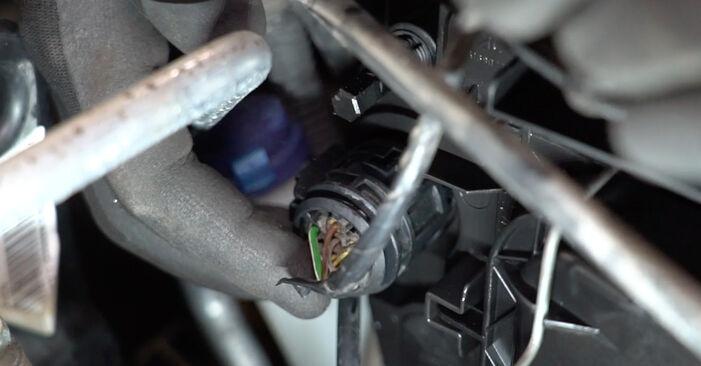
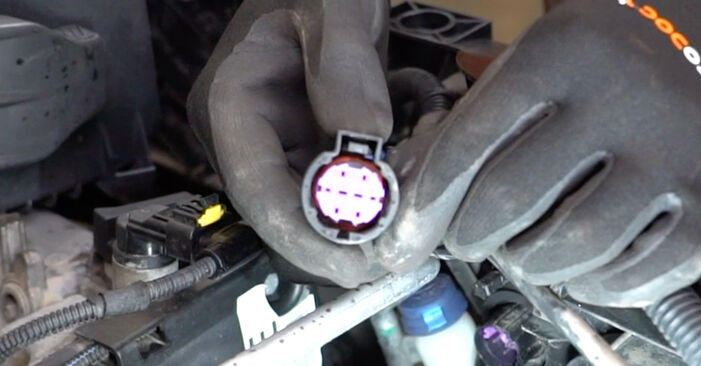 Unplug the connectors of the headlight bulbs.
 - Step 14
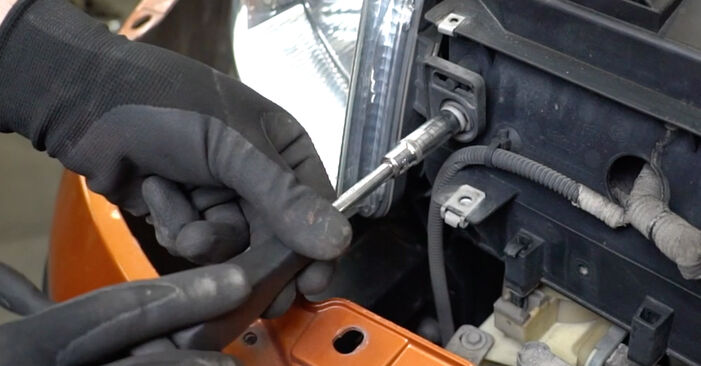 Unscrew the headlight fasteners. Use a combination spanner #10. Use a drive socket #10. Use a ratchet wrench.
 - Step 15
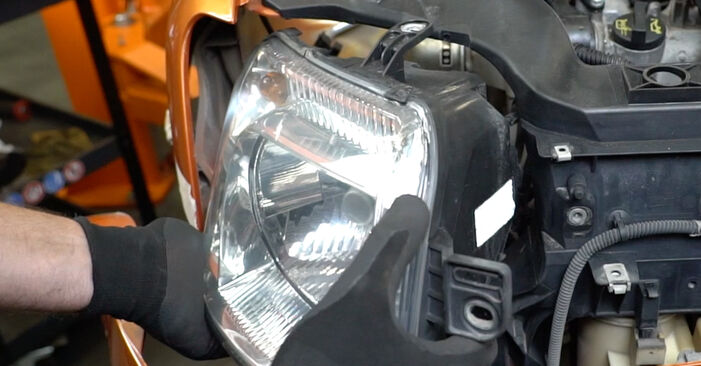 Remove the headlight.AUTODOC recommends:Replacement: headlights – Fiat Panda 169. Do not use excessive force when removing the part as this may damage it.
 - Step 16
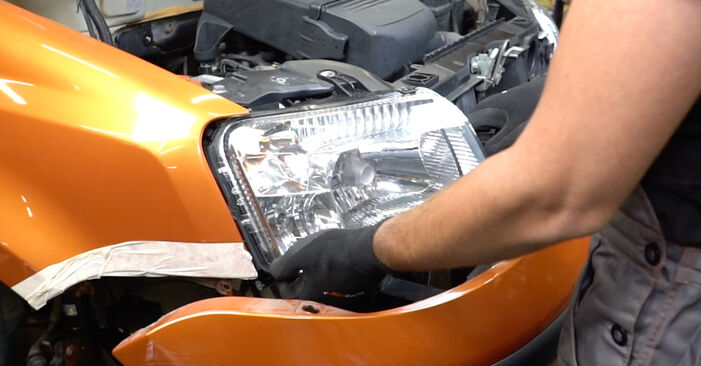 Install the new headlight.AUTODOC recommends:Replacement: headlights – Fiat Panda 169. Do not use excessive force during installation. This may damage the part.
 - Step 17
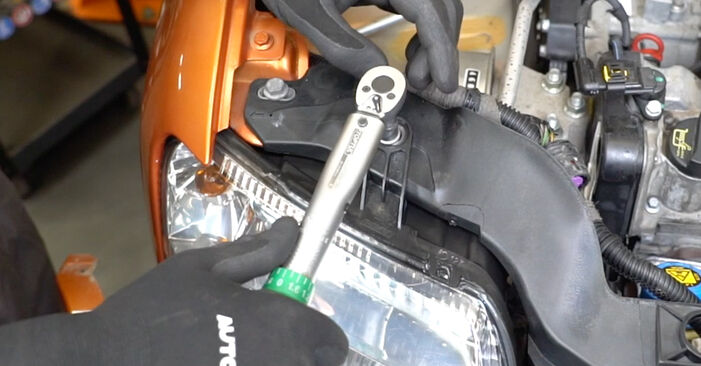 Tighten the headlamp fasteners. Use a combination spanner #10. Use a drive socket #10. Use a ratchet wrench.
 - Step 18
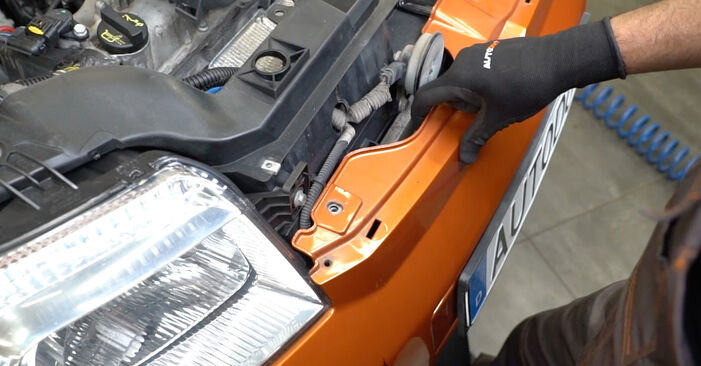 Install the bumper to the mounting seat.AUTODOC recommends:Replacement: headlights – Fiat Panda 169. Do not use excessive force during installation. This may damage the part.
Was this manual helpful?
Please rate this manual on a scale from 1 to 5. If you have any questions, feel free to ask us.
Users voted – 0
Need New Tyres?
Find out which tyre and wheel sizes are compatible with the FIAT Panda II Hatchback (169) model


Popular maintenance tutorials for Fiat Panda Mk2
 Free download PDF
 2.51 MB
 Free download PDF2.17 MB
 Free download PDF1.93 MB
 Free download PDF1.57 MB
 Free download PDF4.42 MB
 Free download PDF1.59 MB
Complete guides for changing the Headlight on different FIAT PANDA models
 Free download PDF3.02 MB
 Free download PDF2.49 MB
 Free download PDF2.64 MB
 Free download PDF2.34 MB
 Free download PDF2.82 MB
 Free download PDF1.6 MB

Unlock your car maintenance assistant!
Track expenses, manage logs, schedule replacements, and more.

Tips & tricks for your FIAT PANDA (169)
View more
 Three ways to change oil without a lift
 How to Install a New Windscreen Yourself | AUTODOC Expert Tips
 Reviving Your Car: How to Start After Extended Idle Time | AUTODOC Tips
 Can You Hear Your Brakes Squeaking? Learn the Causes and DIY Solutions! | AUTODOC Tips
Most commonly replaced car parts on FIAT PANDA










Time to replace parts? Get even better deals in our Shop app.

SCAN ME