
Disclaimer

How to change air filter on Honda CR-V II – replacement guide
downloads:
15
Views:
422


Recommended replacement interval for the part category Air filter : 40000 km
Important!
This replacement procedure can be used for:
HONDA CR-V III (RE) 2.2 i-CTDi 4WD (RE6), HONDA CR-V III (RE) 2.2 i-DTEC 4WD (RE6), HONDA FR-V (BE) 2.2 i CTDi (BE5) … View more
The steps may slightly vary depending on the car design.
HONDA CR-V III (RE) 2.2 i-CTDi 4WD (RE6), HONDA CR-V III (RE) 2.2 i-DTEC 4WD (RE6), HONDA FR-V (BE) 2.2 i CTDi (BE5) … View more
The steps may slightly vary depending on the car design.
How to change air filter on HONDA CR-V II [TUTORIAL AUTODOC]
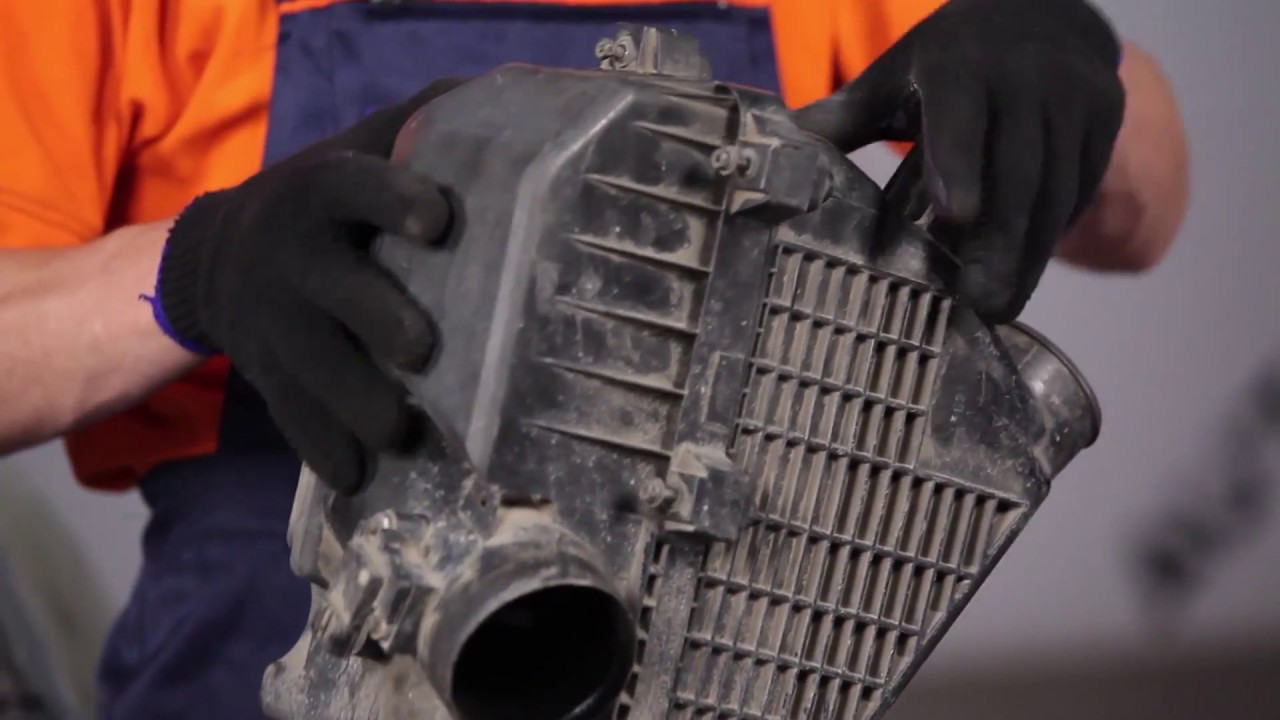
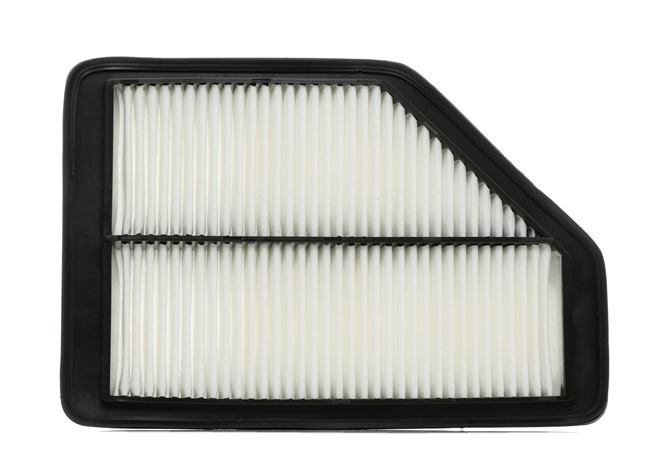
All the parts you need to replace – Air Filter for CR-V II (RD_) and other HONDA models
Alternative products
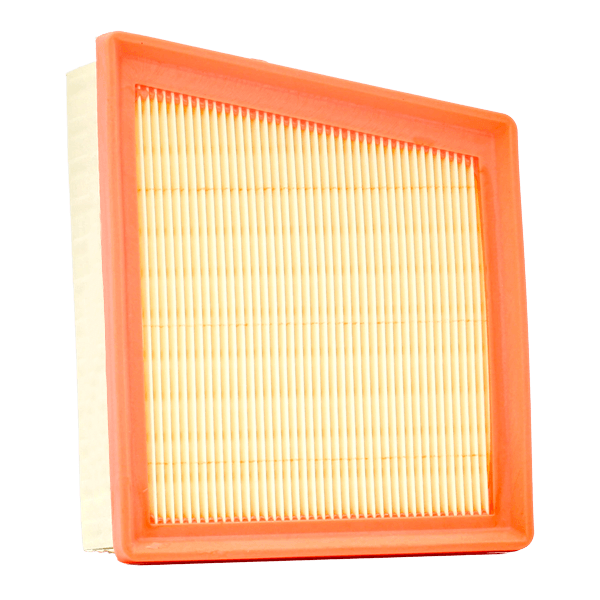 Air filter
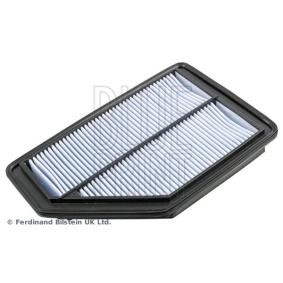
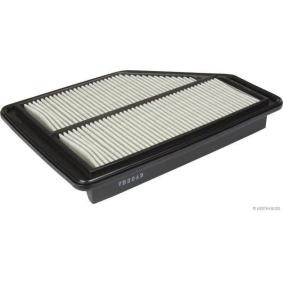
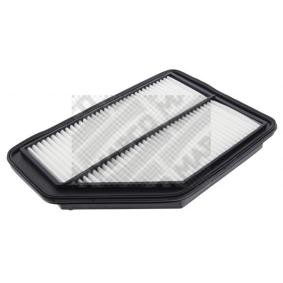
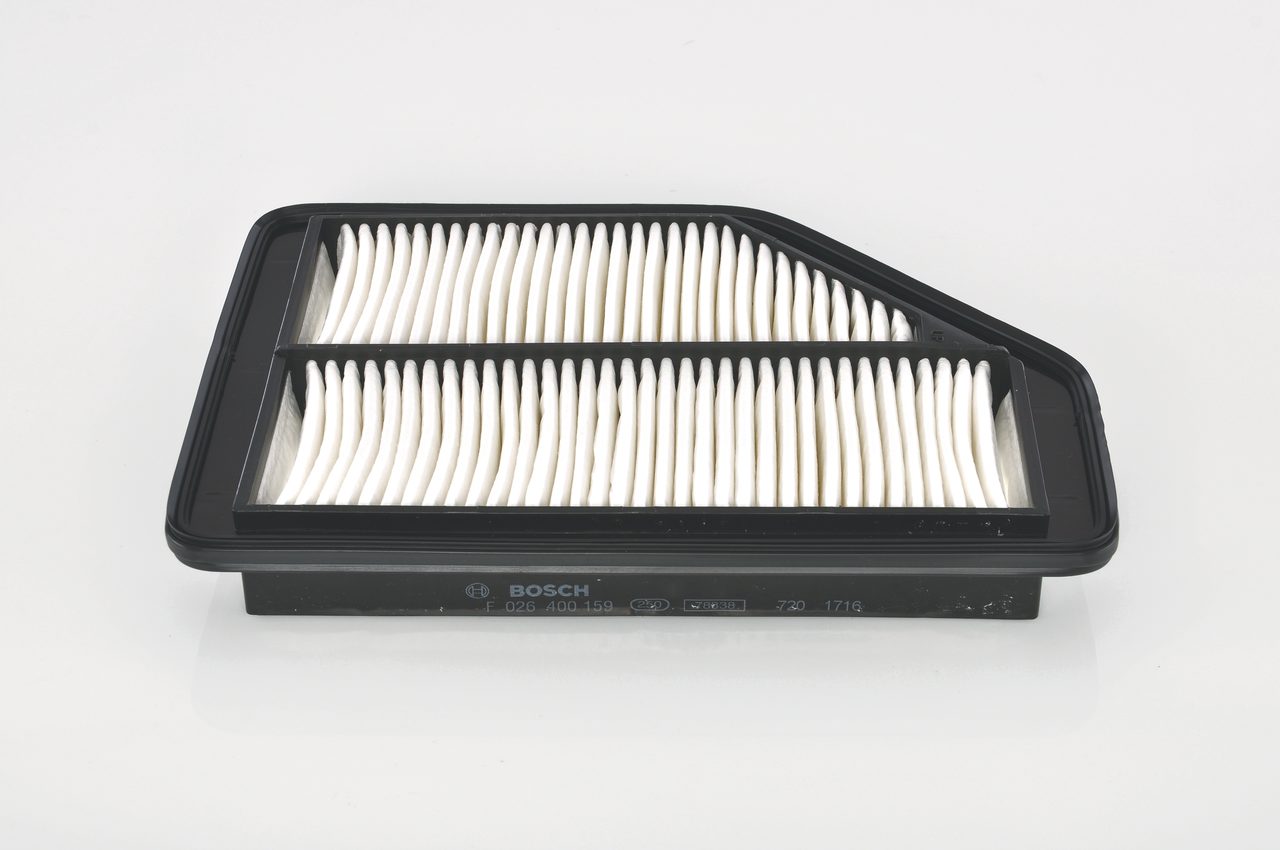
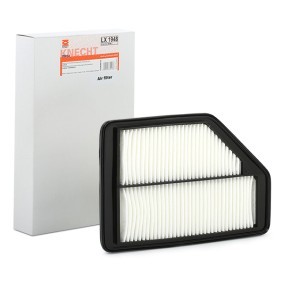
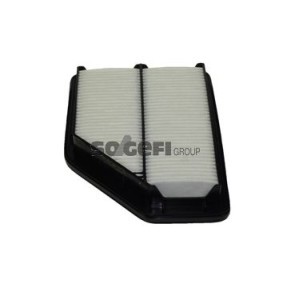
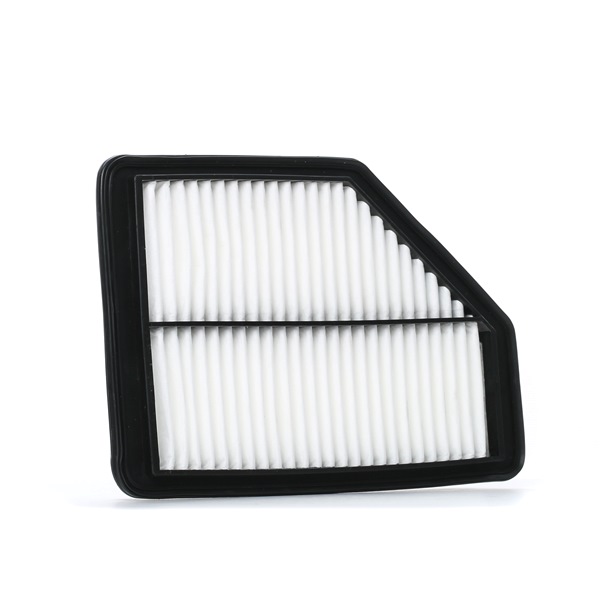
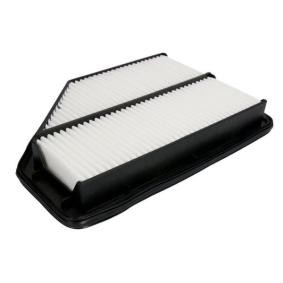


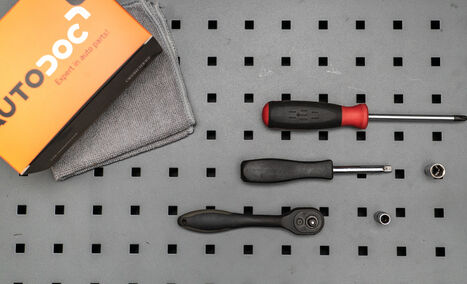
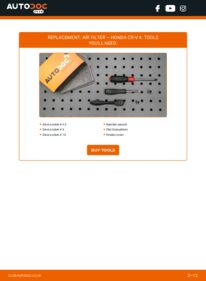
Drive socket # 5.5
Drive socket # 8
Drive socket # 10
Ratchet wrench
Flat Screwdriver
Fender cover

Replacement: air filter – Honda CR-V II. Tip from AUTODOC:
- Follow the terms, recommendations and requirements of the part operation provided by the manufacturer.
- Please note: all work on the car – Honda CR-V II – should be done with the engine switched off.
Carry out replacement in the following order:
- Step 1
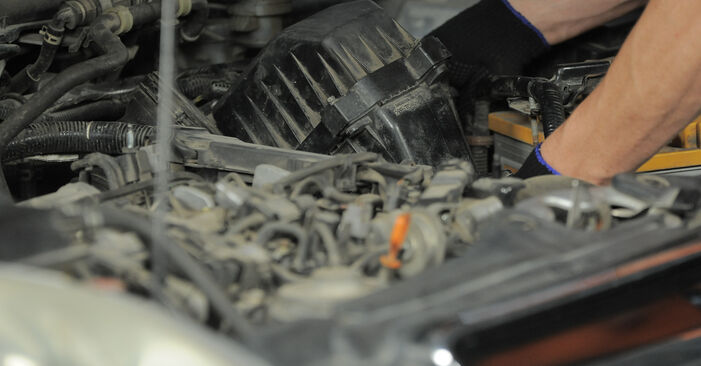
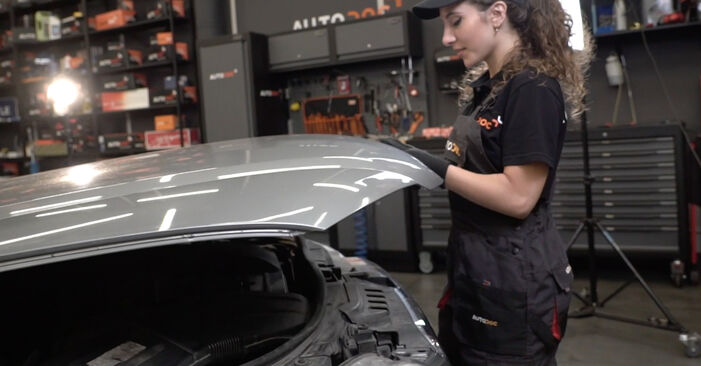 Open the bonnet.
 - Step 2
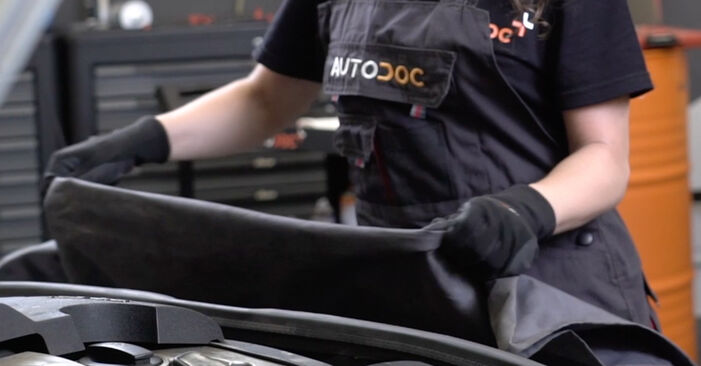
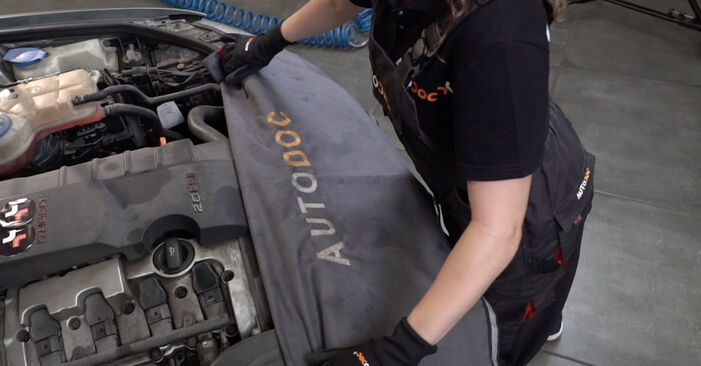 Use a fender protection cover to prevent damaging paintwork and plastic parts of the car.
 - Step 3
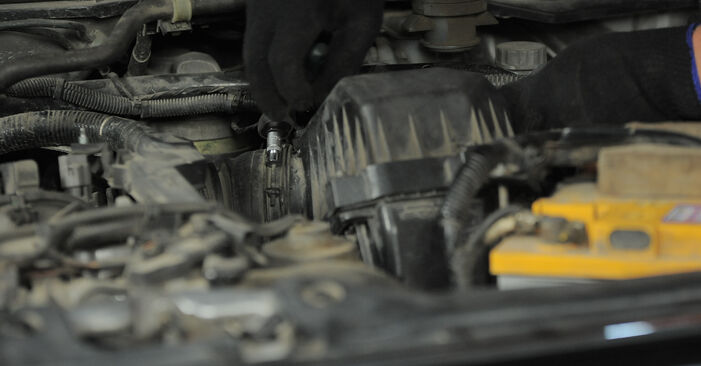
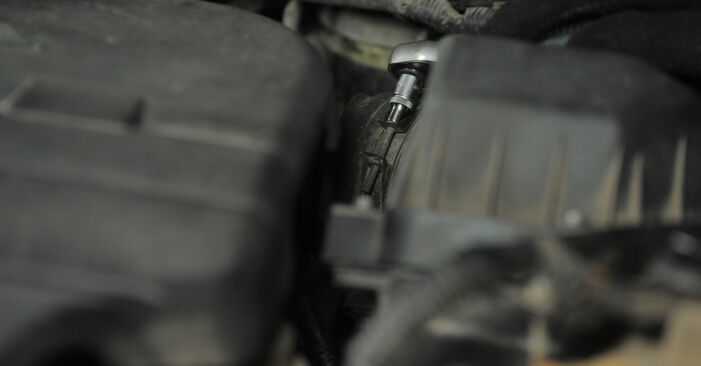 Detach the air intake hose clamp.Use a drive socket #5.5.Use a ratchet wrench.
 - Step 4
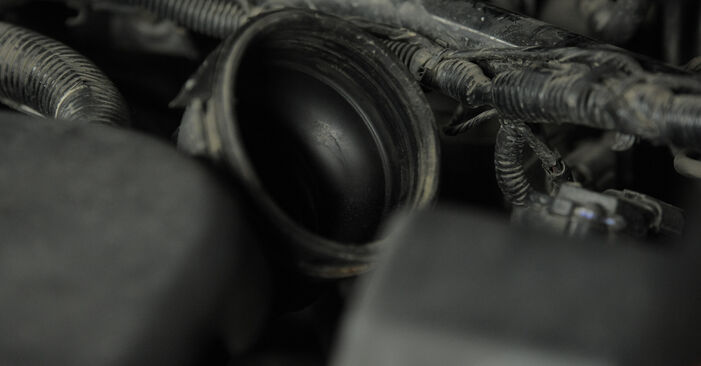 Disconnect the air intake pipe from the air filter housing.
 - Step 5
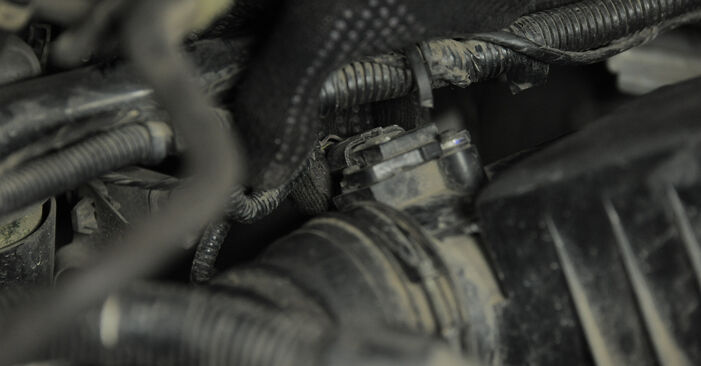
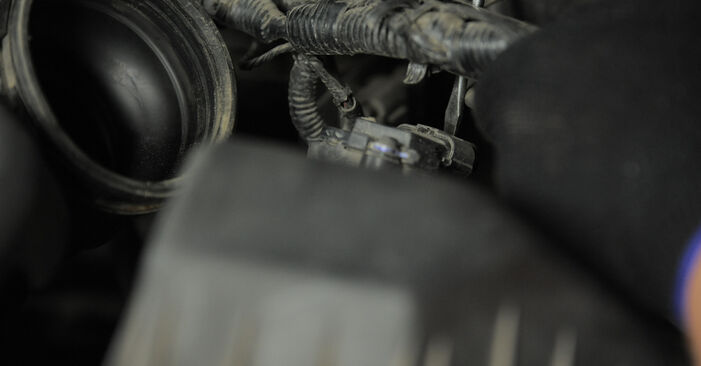 Unplug the mass air flow sensor connector.Use a flat screwdriver.
 - Step 6
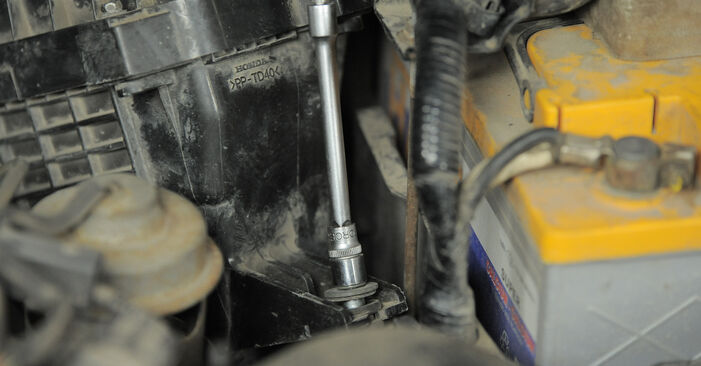
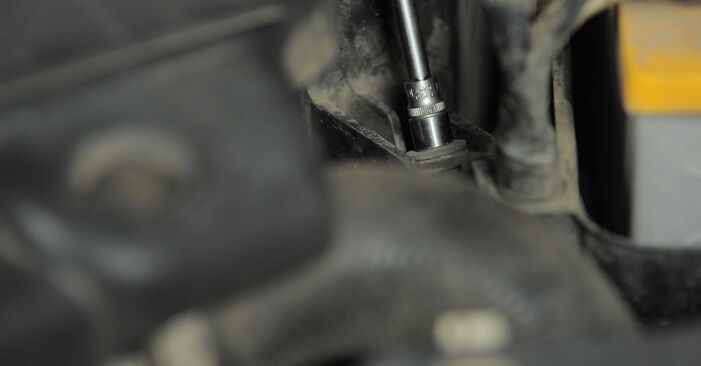 Unscrew the air filter housing fastener.Use a drive socket #10.Use a ratchet wrench.
 - Step 7
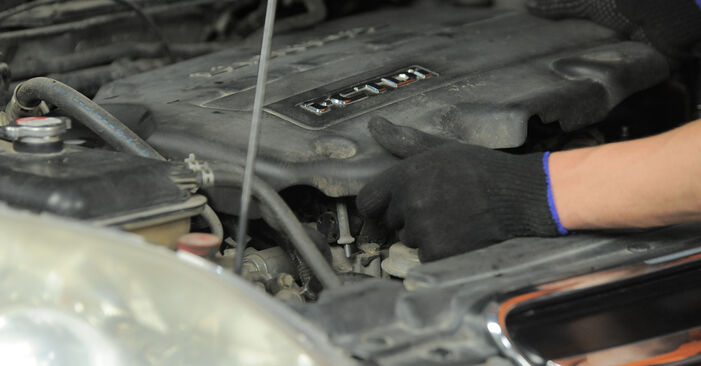
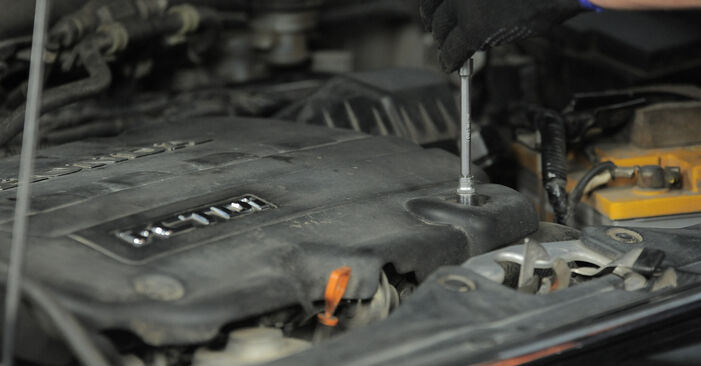
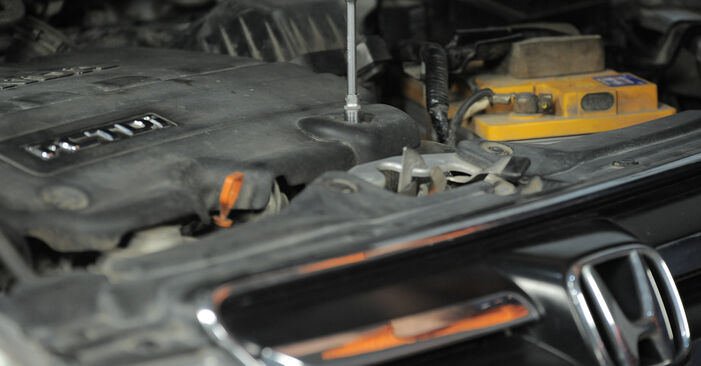 Unscrew the engine cover fastener.Use a drive socket #10.Use a ratchet wrench.
 - Step 8
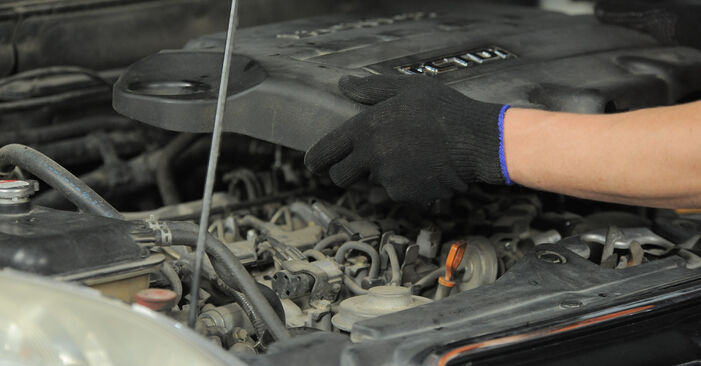 Remove the engine cover.Replacement: air filter – Honda CR-V II. Tip from AUTODOC experts:Raise the engine cover, holding it on two sides simultaneously.Do not apply excessive force when removing the part. Otherwise you may damage it.
 - Step 9
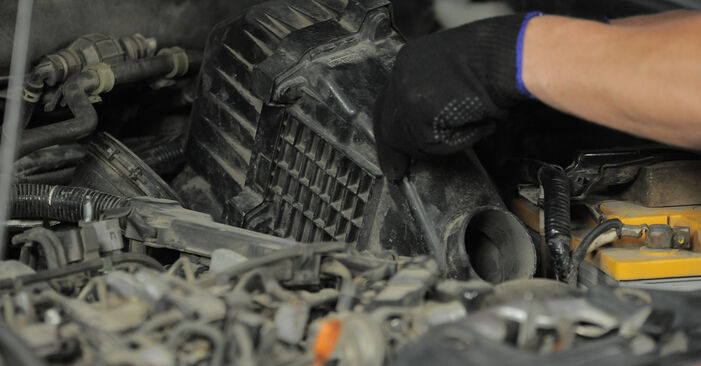 Remove the air filter housing.
 - Step 10
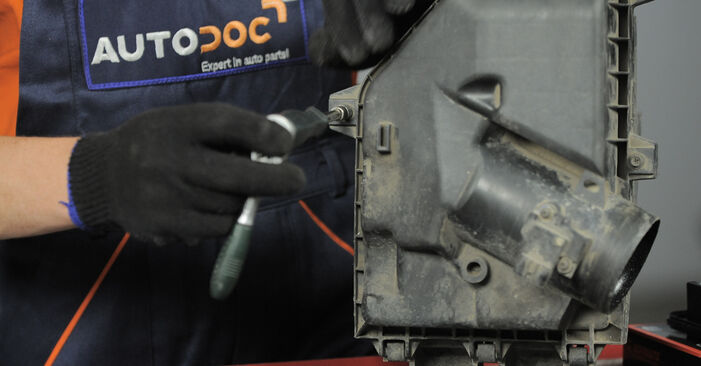 Undo the fastening screws of the air filter cover.Use a drive socket #8.Use a ratchet wrench.
 - Step 11
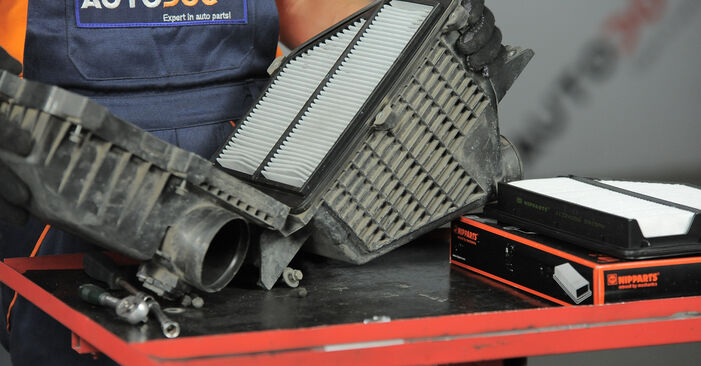 Take off the filter lid.AUTODOC recommends:Replacement: air filter – Honda CR-V II. Do not use excessive force when removing the part as this may damage it.
 - Step 12
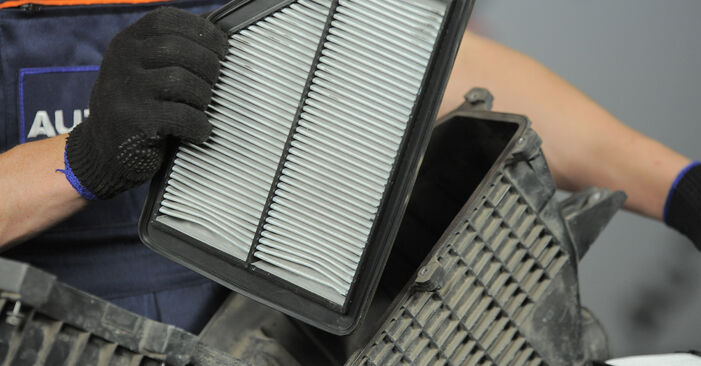 Remove the filter element from the filter housing.
 - Step 13Clean the air filter cover and housing.Step 14
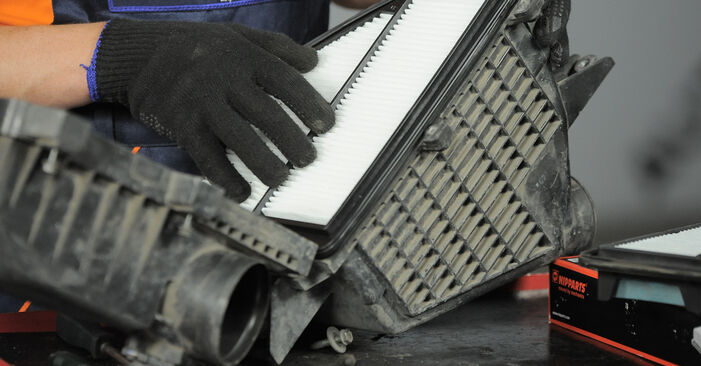 Insert a new filter element into the filter housing.Make sure that the filter edge fits tight to the housing.Replacement: air filter – Honda CR-V II. Professionals recommend:Check out the correct location of the filter element. Do not skew.Attention! Use quality filters – Honda CR-V II.During installation, make sure to prevent dust and dirt from getting into the air filter housing.
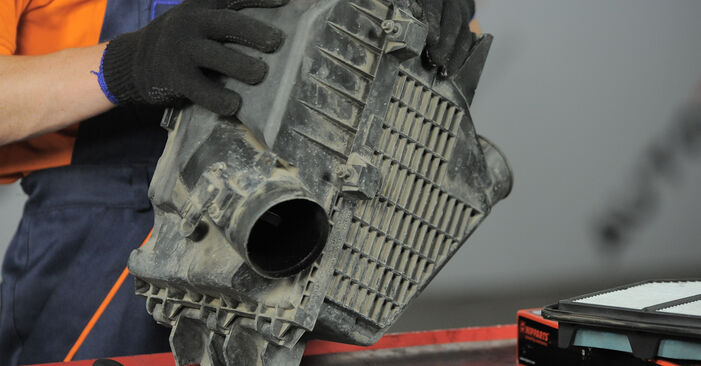
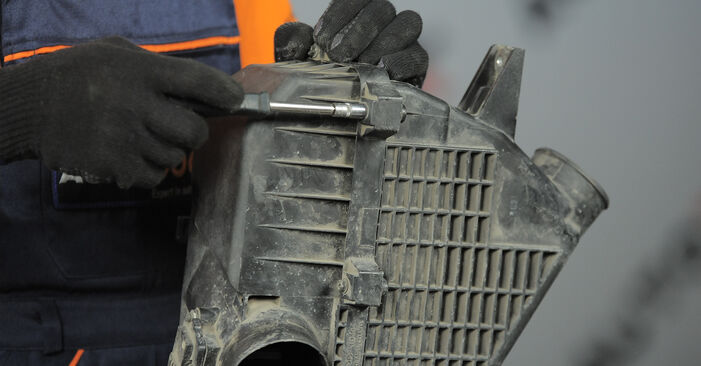


Comments –
2
 @user_296470704.11.2024 19:27MemberIt was helpful!! Thank you
 @Graziana Venturi05.11.2024 07:50@user_ModeratorWe're glad you enjoy our content!
Was this manual helpful?
Please rate this manual on a scale from 1 to 5. If you have any questions, feel free to ask us.
Users voted – 1
Need New Tyres?
Find out which tyre and wheel sizes are compatible with the HONDA CR-V II (RD) model


Popular maintenance tutorials for Honda CR-V Mk2
 Free download PDF
 2.05 MB
 Free download PDF1.6 MB
 Free download PDF1.52 MB
 Free download PDF1.71 MB
 Free download PDF2.2 MB
 Free download PDF2.33 MB
Complete guides for changing the Air filters on different HONDA CR-V models
 Free download PDF1.5 MB
 Free download PDF1.02 MB
 Free download PDF1.71 MB
 Free download PDF1.21 MB
 Free download PDF1.61 MB
 Free download PDF952.32 KB

Unlock your car maintenance assistant!
Track expenses, manage logs, schedule replacements, and more.

Tips & tricks for your HONDA CR-V II (RD_)
View more
 Petrol or diesel: The engine showdown! | AUTODOC
 Regain Your Confidence on the Road: Easy Headlight Restoration Tips
 Stop Rust Before It Starts: Top 5 Tips for Car Body Protection | AUTODOC Insights
 Easy Steps to Paint Brake Calipers Without Special Skills or High Costs
Most commonly replaced car parts on HONDA CR-V















Time to replace parts? Get even better deals in our Shop app.

SCAN ME