
Disclaimer

How to change front brake discs on VAUXHALL ASTRA Mk III (F) – replacement guide
downloads:
3
Views:
24


Recommended replacement interval for the part category Brake disc : 50000 km
Important!
This replacement procedure can be used for:
VAUXHALL ASTRA Mk III (F) 1.6 i, VAUXHALL ASTRA Mk III (F) 1.6 i, VAUXHALL ASTRA Mk III (F) 1.4 i … View more
The steps may slightly vary depending on the car design.
VAUXHALL ASTRA Mk III (F) 1.6 i, VAUXHALL ASTRA Mk III (F) 1.6 i, VAUXHALL ASTRA Mk III (F) 1.4 i … View more
The steps may slightly vary depending on the car design.
This video shows the replacement procedure of a similar car part on another vehicle
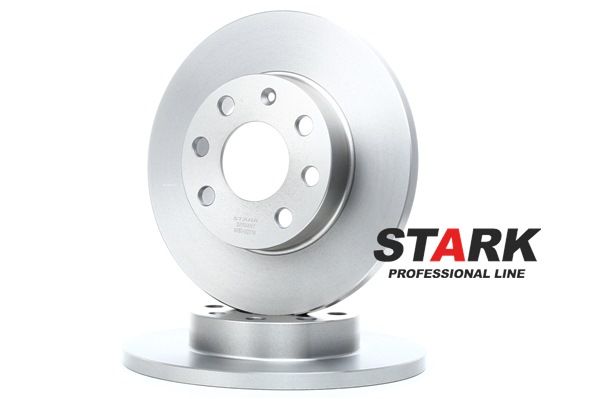
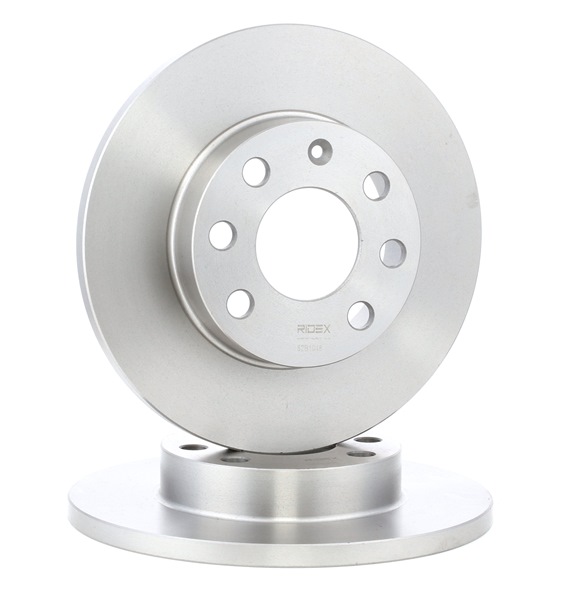
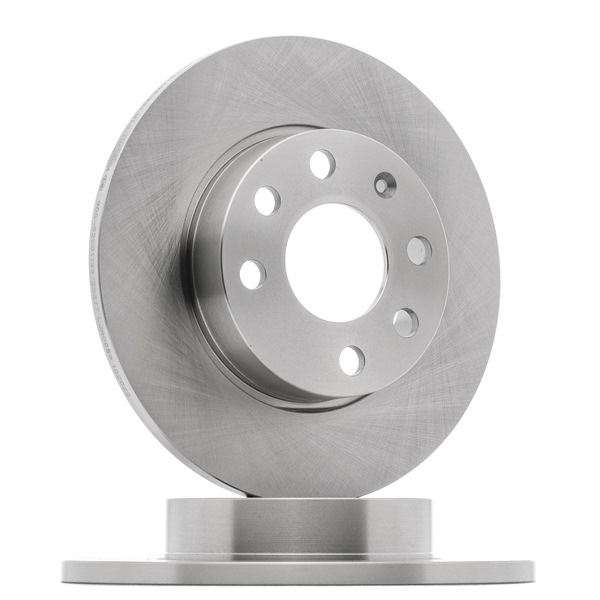
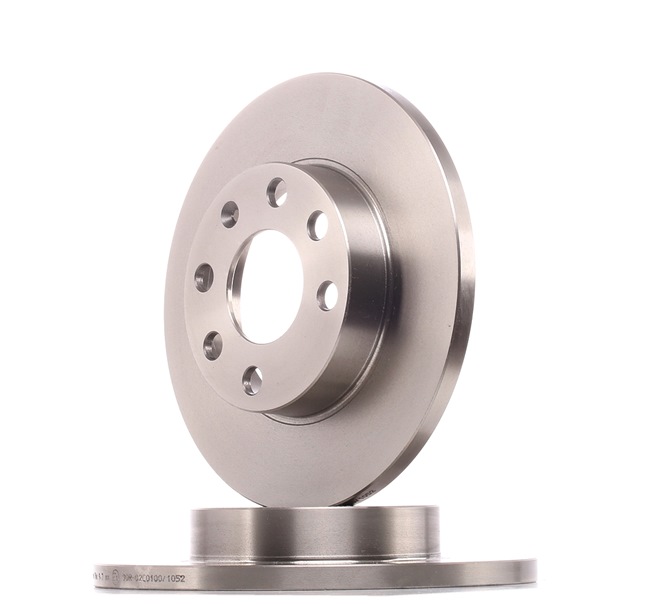
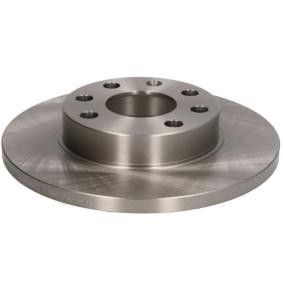
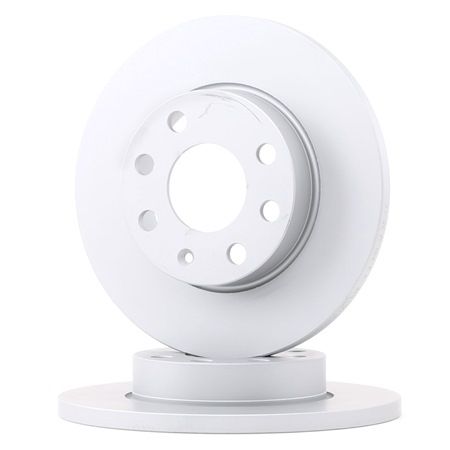
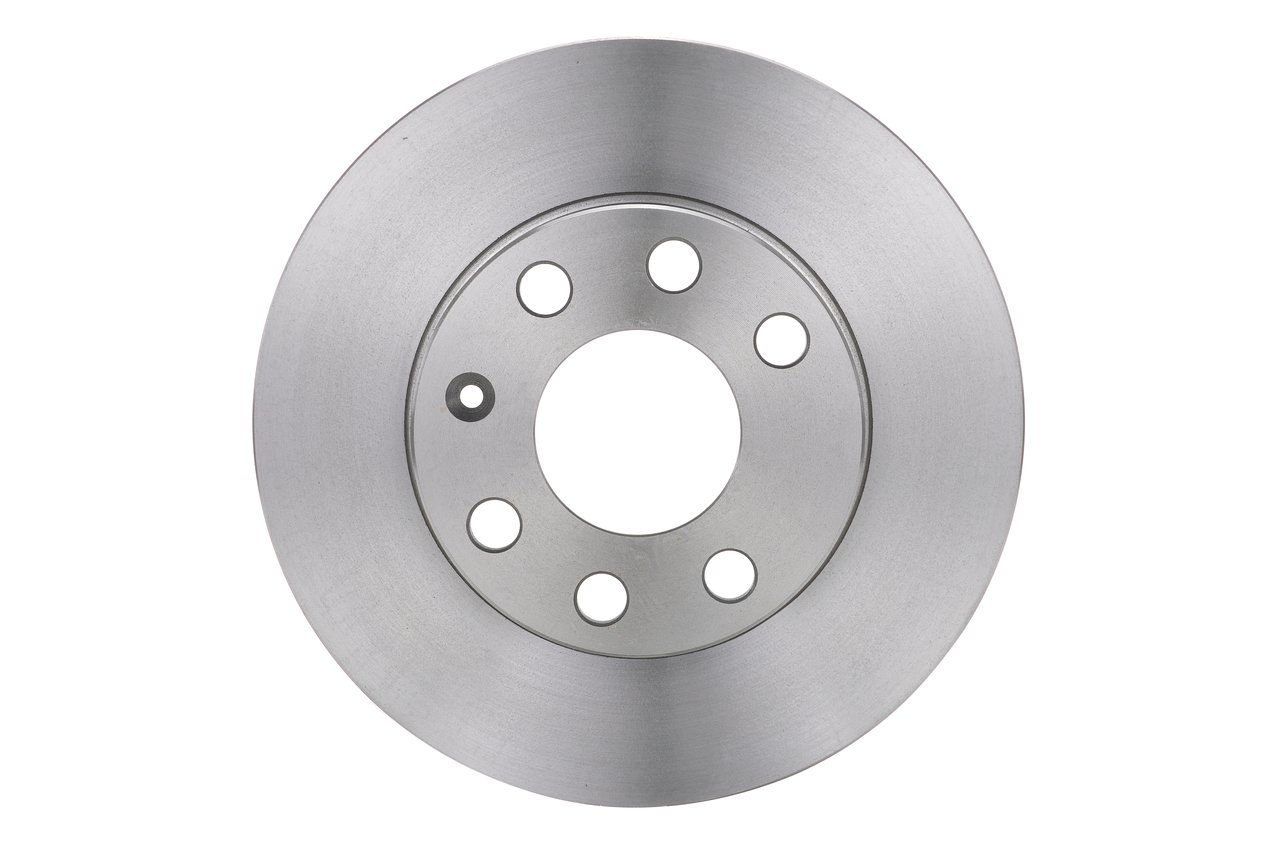
All the parts you need to replace – Brake Discs for ASTRA Mk III (F) and other VAUXHALL models
Alternative products
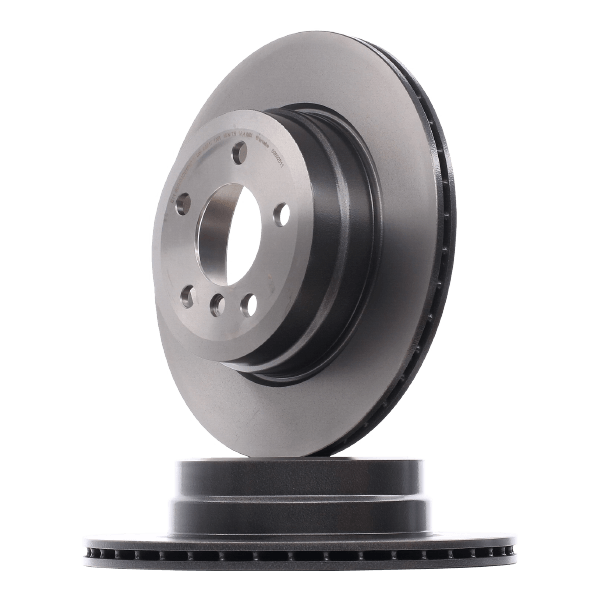 Brake disc


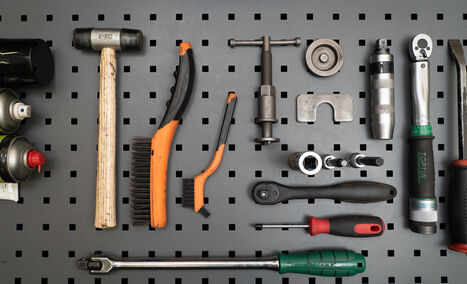
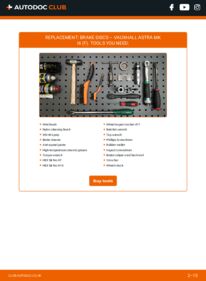
Wire brush
Nylon cleaning brush
WD-40 spray
Brake cleaner
Anti-squeal paste
High-temperature ceramic grease
Torque wrench
HEX bit No.H7
HEX bit No.H10
Wheel impact socket #17
Ratchet wrench
Tap wrench
Phillips Screwdriver
Rubber mallet
Impact screwdriver
Brake caliper wind back tool
Crow bar
Wheel chock

AUTODOC recommends:
- Replace the brake disks on the car VAUXHALL ASTRA Mk III (F) in complete set for each axis. Regardless of the state of components. This will ensure even braking.
- The replacement procedure is identical for both brake disks on the same axle.
- When changing the brake discs, always replace the brake pads.
- Please note: all work on the car – VAUXHALL ASTRA Mk III (F) – should be done with the engine switched off.
Carry out replacement in the following order:
- Step 1Open the bonnet.Step 2Unscrew the brake fluid reservoir cap.Step 3Secure the wheels with chocks.Step 4
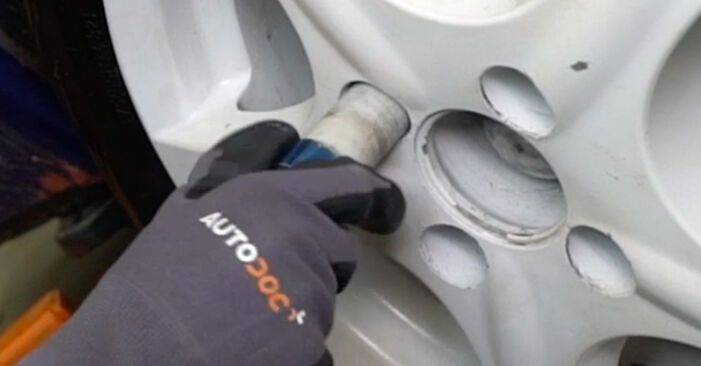
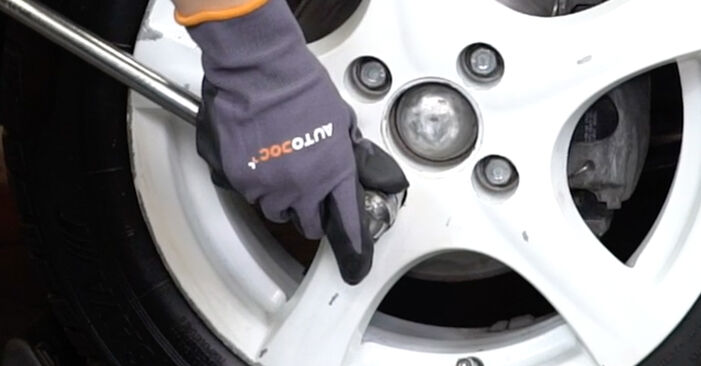 Loosen the wheel mounting bolts. Use wheel impact socket #17.
 - Step 5Raise the car.Replacement: brake discs – VAUXHALL ASTRA Mk III (F). Tip from AUTODOC experts:If you are using a jack, make sure it rests on a flat surface without any unevenness.Be sure to additionally secure the car with jack stands.Step 6
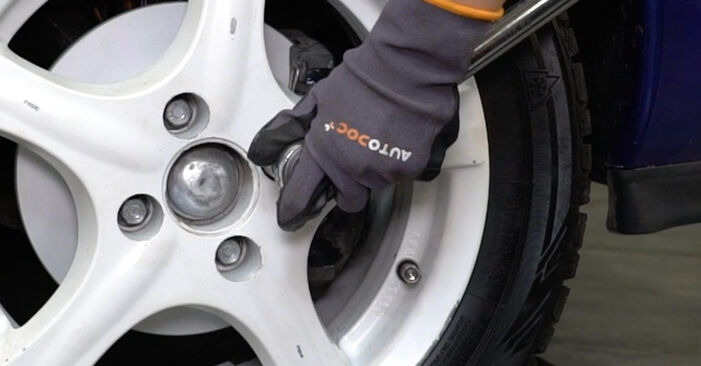
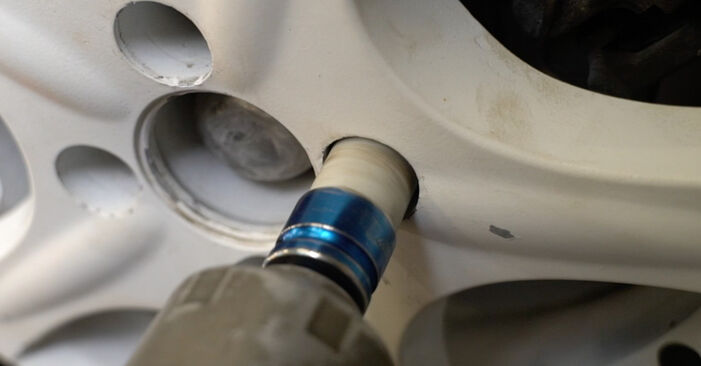 Unscrew the wheel bolts.AUTODOC recommends:Warning! To avoid injury, hold the wheel while unscrewing the fastening bolts. VAUXHALL ASTRA Mk III (F)
 - Step 7
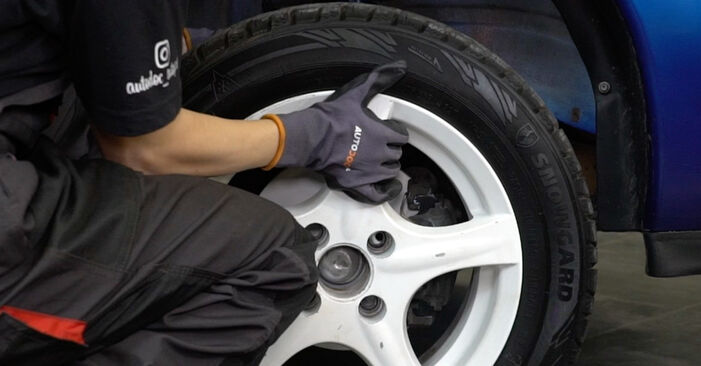
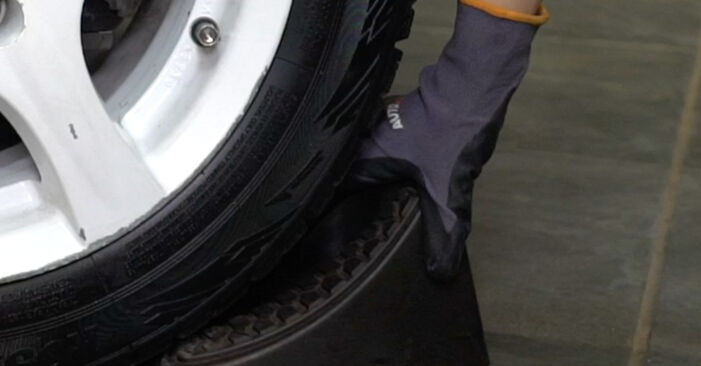
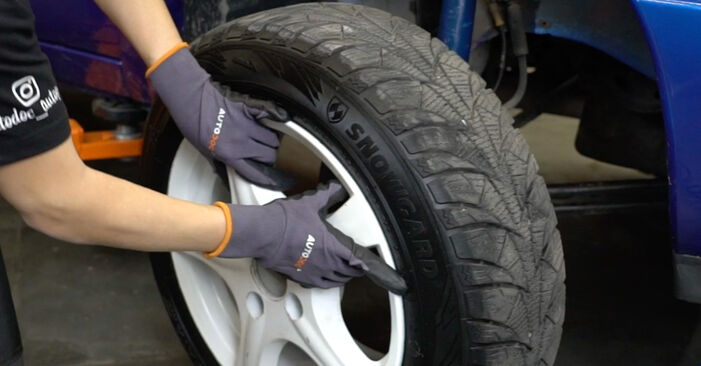 Remove the wheel.
 - Step 8
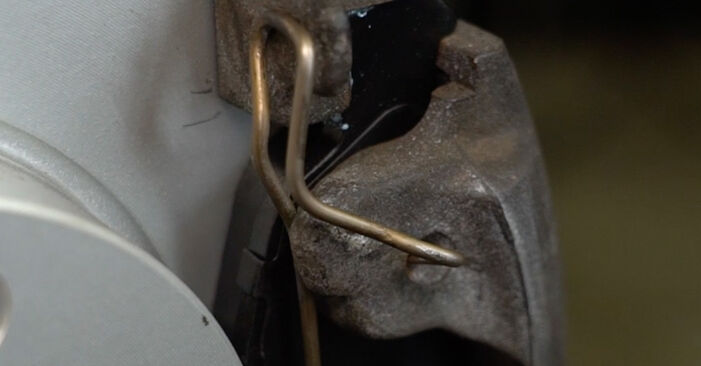
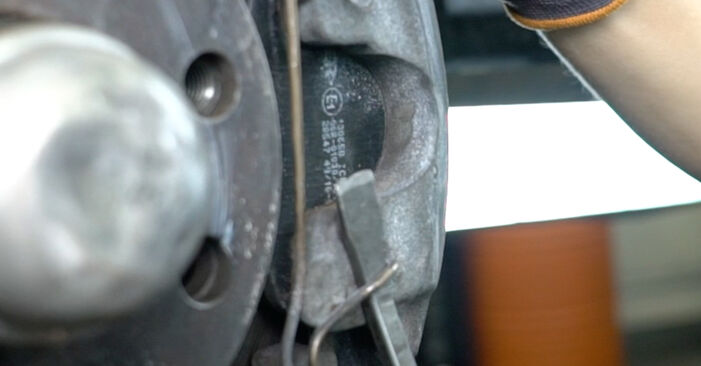 Detach the brake caliper retaining spring. Use a crowbar.
 - Step 9
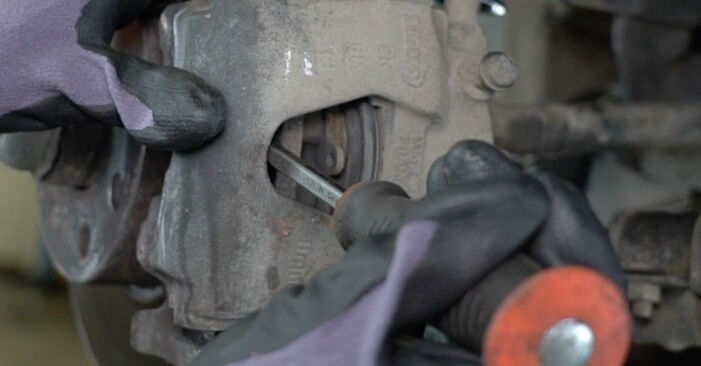 Spread the brake pads. Use a crowbar.
 - Step 10
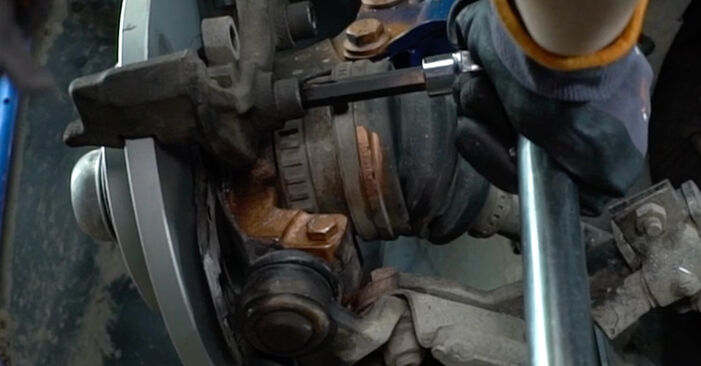
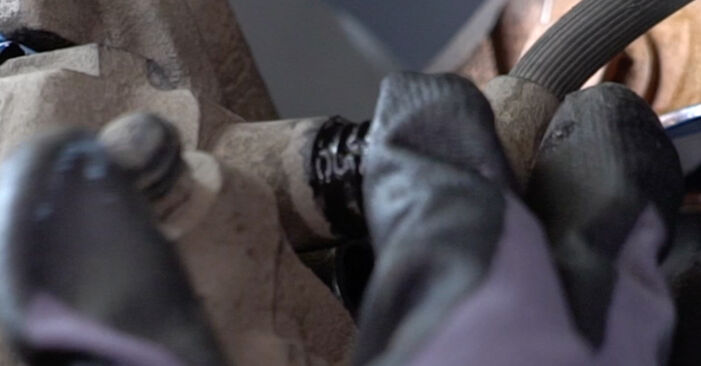
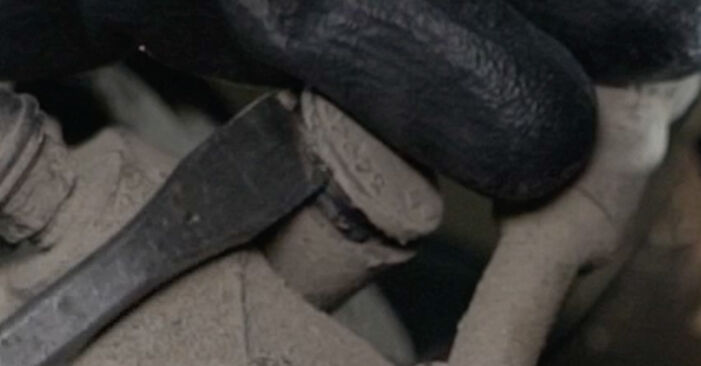 Remove the dust boot caps of the brake caliper guide pins. Use a crowbar.
 - Step 11
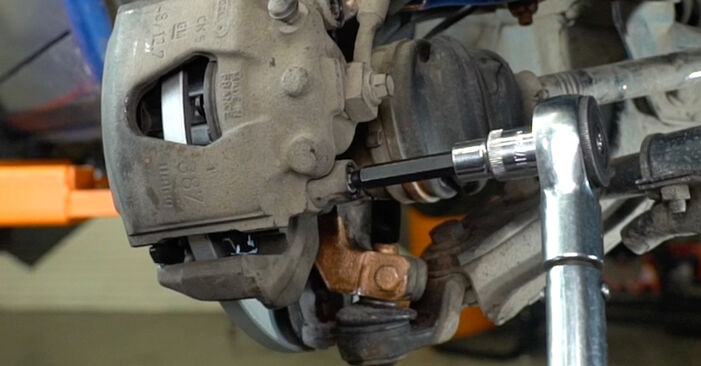
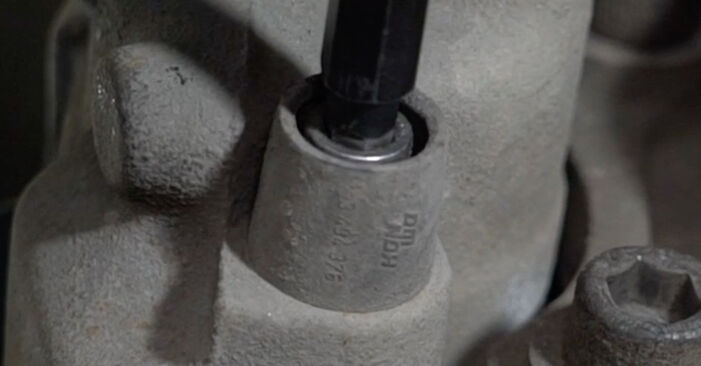 Unscrew the brake caliper fastening. Use HEX No.H7. Use a ratchet wrench.
 - Step 12
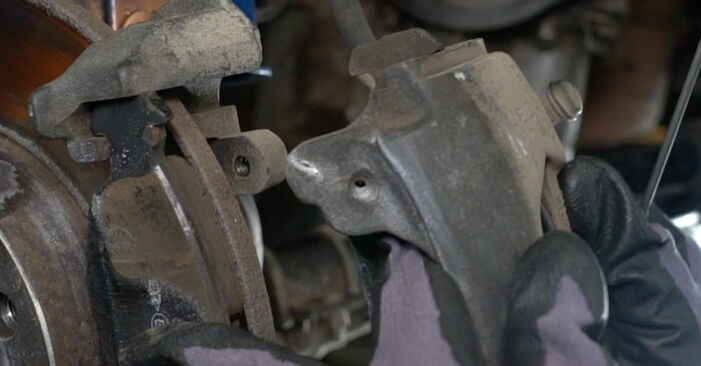 Remove the brake caliper.Replacement: brake discs – VAUXHALL ASTRA Mk III (F). Professionals recommend:Tie the caliper to the suspension or to the body with a wire without disconnecting from the brake hose to prevent depressurization of the brake system.Make sure that the brake caliper is not hanging on the brake hose.Don't press the brake pedal after the brake caliper has been removed. As a result, the piston can fall out from the brake cylinder, and brake fluid leakage and depressurization of the system may occur.
 - Step 13
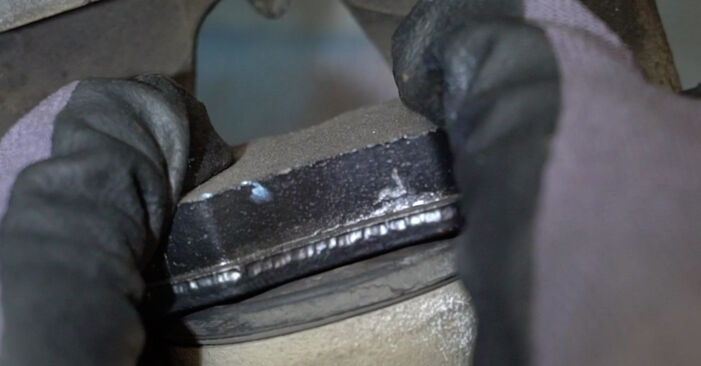
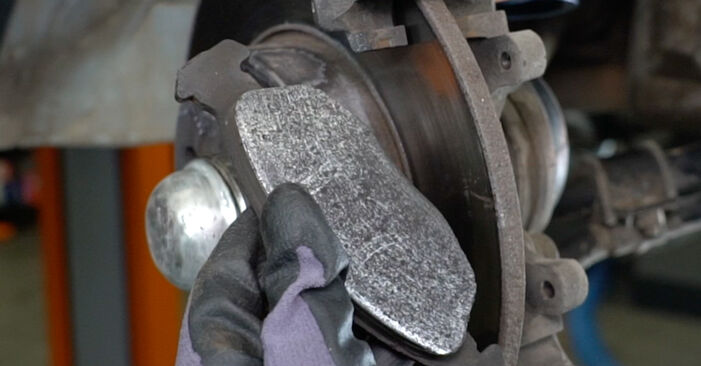 Remove the brake pads.
 - Step 14
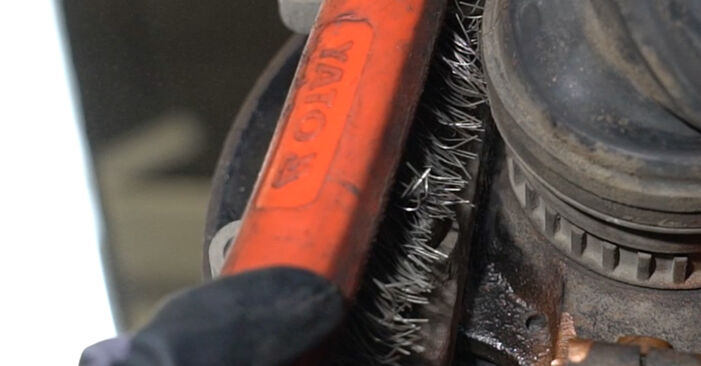 Clean the brake caliper bracket fasteners. Use a wire brush. Use WD-40 spray.
 - Step 15
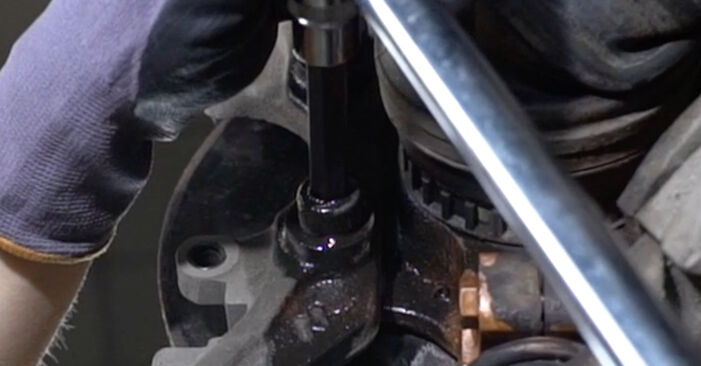 Unscrew the caliper bracket fastening. Use HEX No.H10. Use a ratchet wrench. Use a tap wrench.
 - Step 16
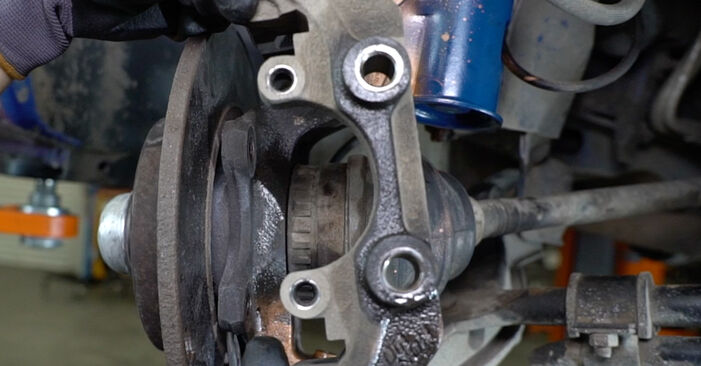 Remove the caliper bracket.
 - Step 17
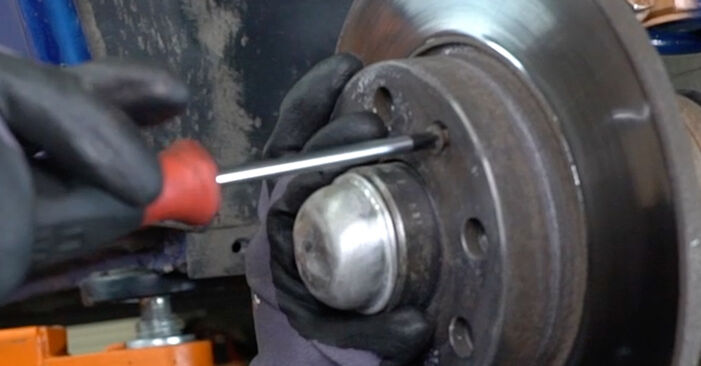 Unscrew the brake disc fastening. Use a Phillips screwdriver. Use an impact screwdriver.
 - Step 18
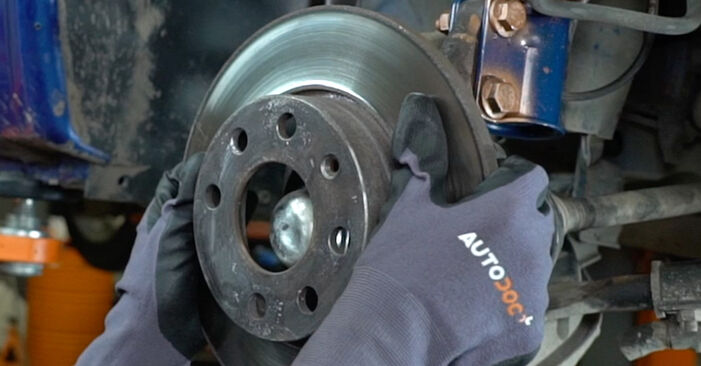 Remove the brake disc.Replacement: brake discs – VAUXHALL ASTRA Mk III (F). Tip from AUTODOC:If necessary, use a rubber mallet.
 - Step 19
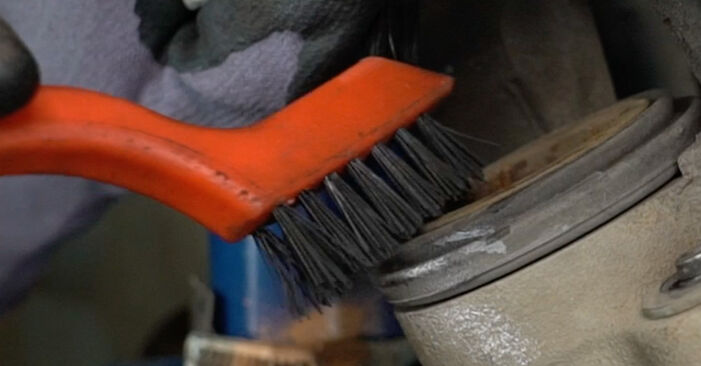
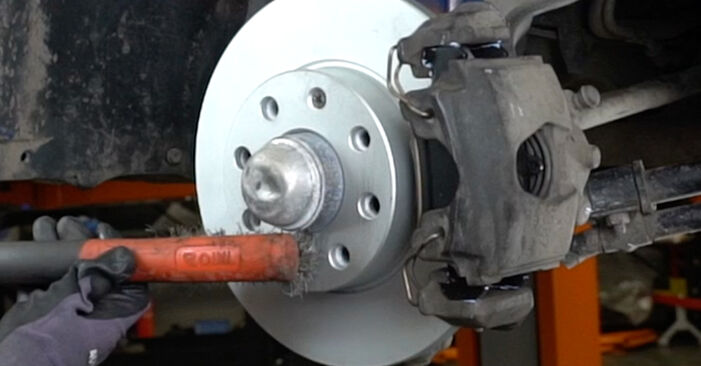
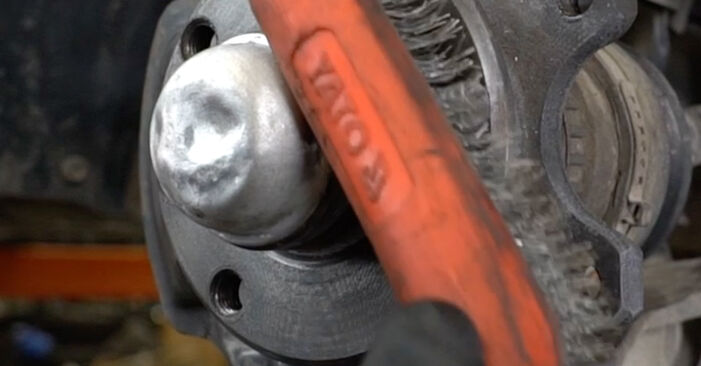 Clean the hub. Use a wire brush. Treat the contacting surface. Use high-temperature ceramic grease.
 - Step 20
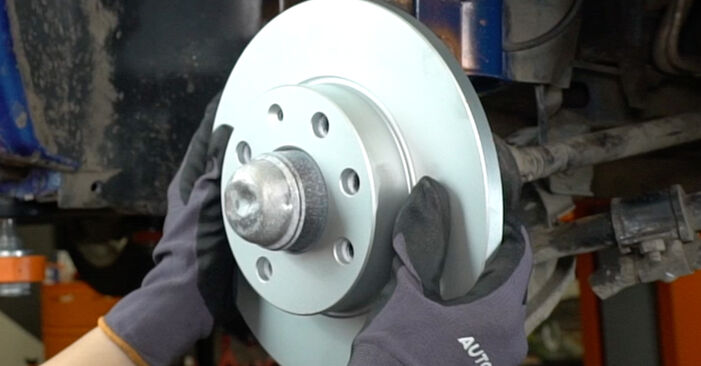 Install the brake disc.
 - Step 21
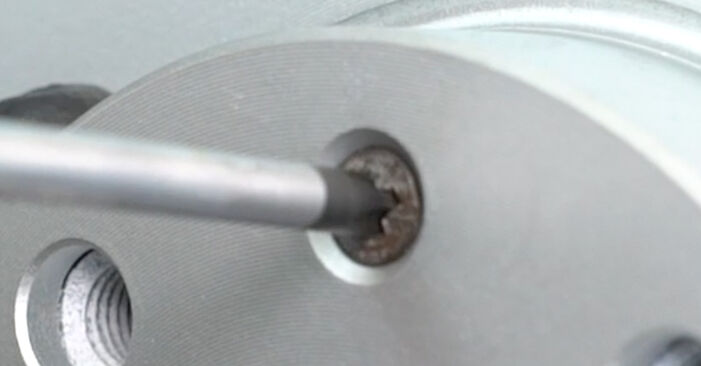 Screw in the brake disc fastener. Use a Phillips screwdriver.
 - Step 22
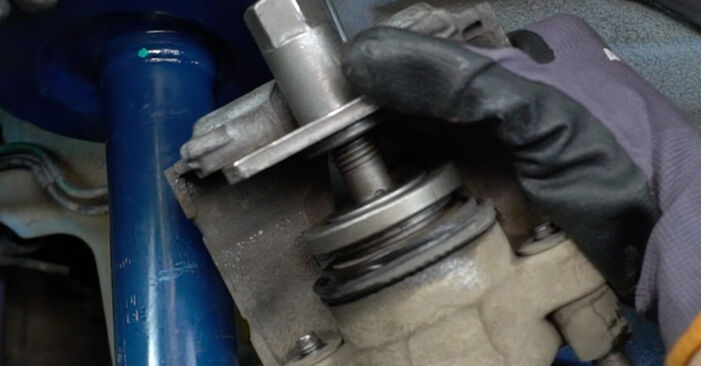
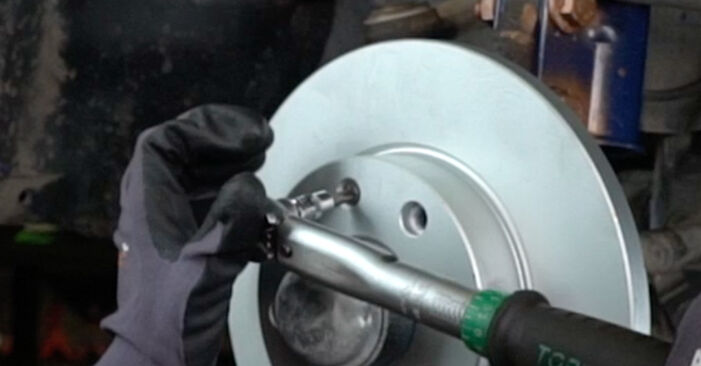 Tighten the brake disc fastening. Use a Phillips screwdriver. Use a torque wrench. Tighten it to 7 Nm torque.
 - Step 23
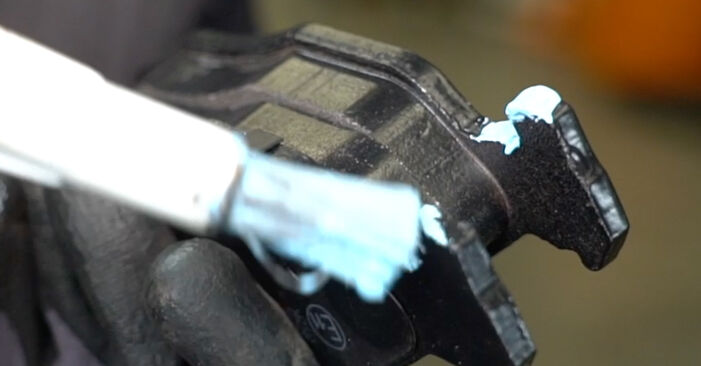
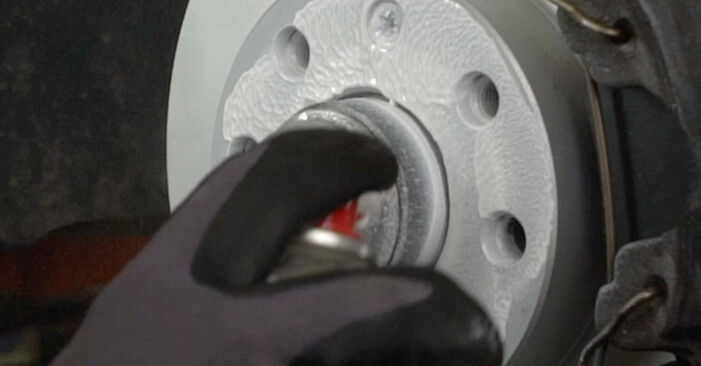
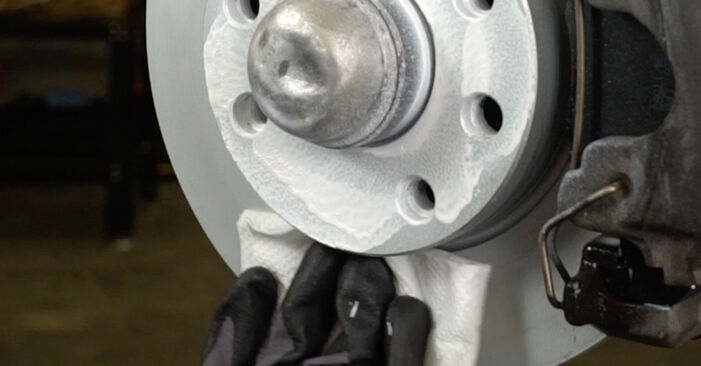
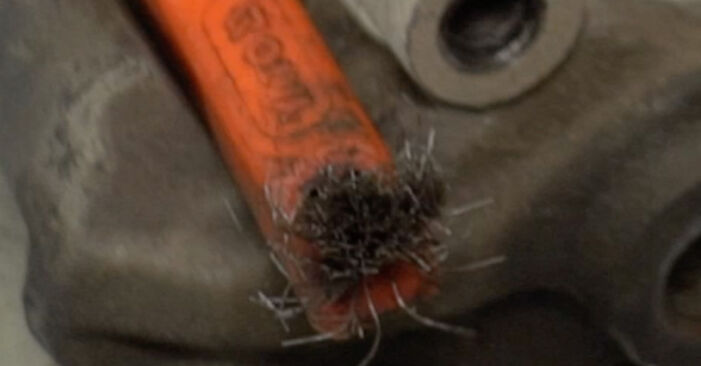 Clean the brake caliper bracket from dirt and dust. Use a wire brush. Use a brake cleaner.AUTODOC recommends:Replacement: brake discs – VAUXHALL ASTRA Mk III (F). After applying the spray, wait a few minutes.
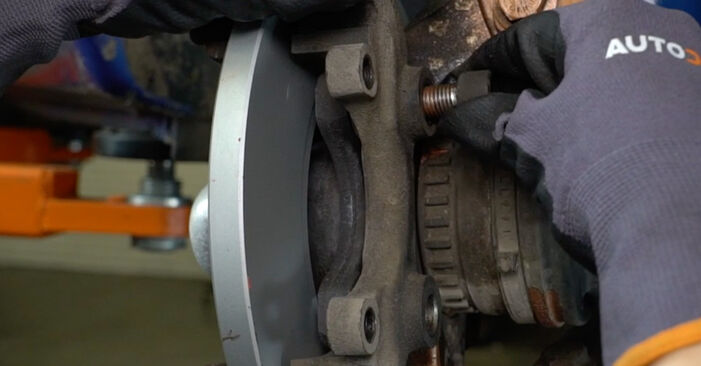
Was this manual helpful?
Please rate this manual on a scale from 1 to 5. If you have any questions, feel free to ask us.
Users voted – 0
Need New Tyres?
Find out which tyre and wheel sizes are compatible with the VAUXHALL Astra Mk3 (F) Saloon model


Popular maintenance tutorials for VAUXHALL ASTRA Mk III (F)
 Free download PDF
 2.08 MB
 Free download PDF1.57 MB
 Free download PDF1.46 MB
 Free download PDF2.65 MB
 Free download PDF1.16 MB
 Free download PDF634.88 KB
Complete guides for changing the Brake rotors on different VAUXHALL ASTRA models
 Free download PDF1.95 MB
 Free download PDF1.29 MB
 Free download PDF1.95 MB
 Free download PDF1.29 MB
 Free download PDF1.29 MB
 Free download PDF1.95 MB

Unlock your car maintenance assistant!
Track expenses, manage logs, schedule replacements, and more.

Tips & tricks for your VAUXHALL ASTRA Mk III (F)
View more
 Coolant comparison test | AUTODOC
 Revive Your Tyres: Expert Tips for a Lasting Shine | AUTODOC Guide
 Top 5 Mistakes to Avoid for Safe Engine Bay Repairs | AUTODOC Tips
 How to remove scratches from car plastic | AUTODOC tips
Most commonly replaced car parts on VAUXHALL ASTRA















Time to replace parts? Get even better deals in our Shop app.

SCAN ME