
Disclaimer

How to change rear brake discs on VAUXHALL Astra Mk V (H) (A04) Hatchback – replacement guide
downloads:
14
Views:
108


Recommended replacement interval for the part category Brake disc : 50000 km
Important!
This replacement procedure can be used for:
VAUXHALL Astra Mk V (H) (A04) Hatchback 1.4 (L48), VAUXHALL Astra Mk V (H) (A04) Hatchback 1.6 (L48), VAUXHALL Astra Mk V (H) (A04) Hatchback 1.8 (L48), VAUXHALL Astra Mk V (H) (A04) Hatchback 2.0 Turbo (L48), VAUXHALL Astra Mk V (H) (A04) Hatchback 1.7 CDTI (L48), VAUXHALL Astra Mk V (H) (A04) Hatchback 1.7 CDTI (L48), VAUXHALL Astra Mk V (H) (A04) Hatchback 1.9 CDTI (L48), VAUXHALL Astra Mk V (H) (A04) Hatchback 1.3 CDTI (L48), VAUXHALL Astra Mk V (H) (A04) Hatchback 2.0 Turbo (L48), VAUXHALL Astra Mk V (H) (A04) Hatchback 1.9 CDTI 16V (L48), VAUXHALL Astra Mk V (H) (A04) Hatchback 1.9 CDTI (L48), VAUXHALL Astra Mk V (H) (A04) Hatchback 2.0 Turbo (L48), VAUXHALL Astra Mk V (H) (A04) Hatchback 1.6 (L48), VAUXHALL Astra Mk V (H) (A04) Hatchback 1.8 (L48), VAUXHALL Astra Mk V (H) (A04) Hatchback 1.7 CDTi (L48) … View more
The steps may slightly vary depending on the car design.
VAUXHALL Astra Mk V (H) (A04) Hatchback 1.4 (L48), VAUXHALL Astra Mk V (H) (A04) Hatchback 1.6 (L48), VAUXHALL Astra Mk V (H) (A04) Hatchback 1.8 (L48), VAUXHALL Astra Mk V (H) (A04) Hatchback 2.0 Turbo (L48), VAUXHALL Astra Mk V (H) (A04) Hatchback 1.7 CDTI (L48), VAUXHALL Astra Mk V (H) (A04) Hatchback 1.7 CDTI (L48), VAUXHALL Astra Mk V (H) (A04) Hatchback 1.9 CDTI (L48), VAUXHALL Astra Mk V (H) (A04) Hatchback 1.3 CDTI (L48), VAUXHALL Astra Mk V (H) (A04) Hatchback 2.0 Turbo (L48), VAUXHALL Astra Mk V (H) (A04) Hatchback 1.9 CDTI 16V (L48), VAUXHALL Astra Mk V (H) (A04) Hatchback 1.9 CDTI (L48), VAUXHALL Astra Mk V (H) (A04) Hatchback 2.0 Turbo (L48), VAUXHALL Astra Mk V (H) (A04) Hatchback 1.6 (L48), VAUXHALL Astra Mk V (H) (A04) Hatchback 1.8 (L48), VAUXHALL Astra Mk V (H) (A04) Hatchback 1.7 CDTi (L48) … View more
The steps may slightly vary depending on the car design.
This video shows the replacement procedure of a similar car part on another vehicle
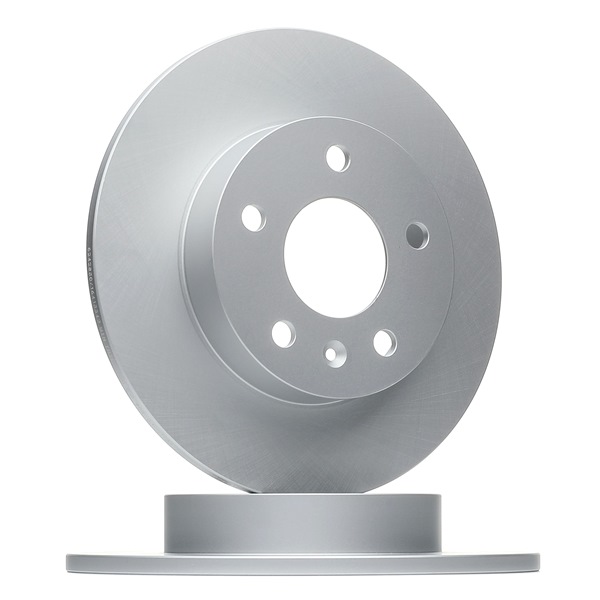
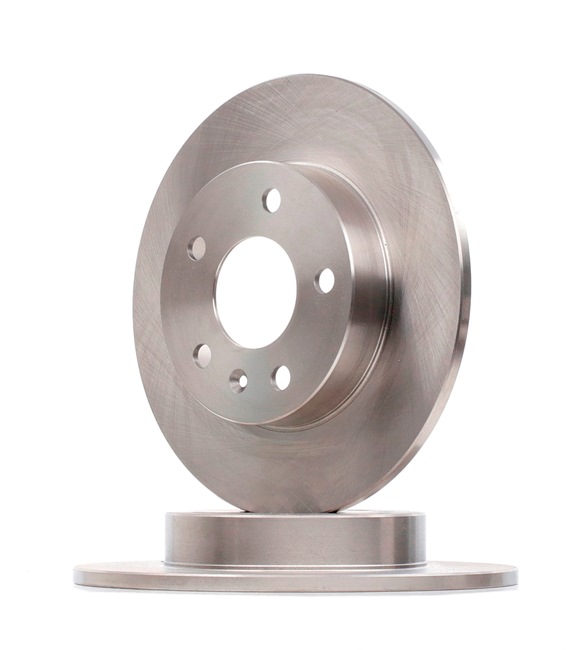
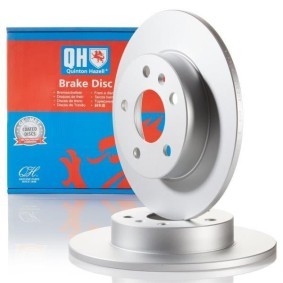
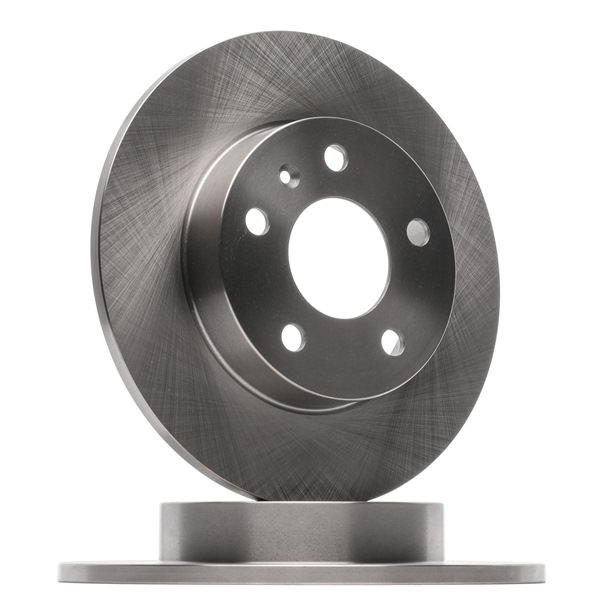
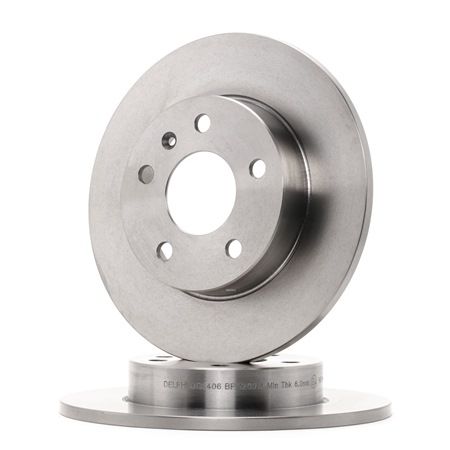
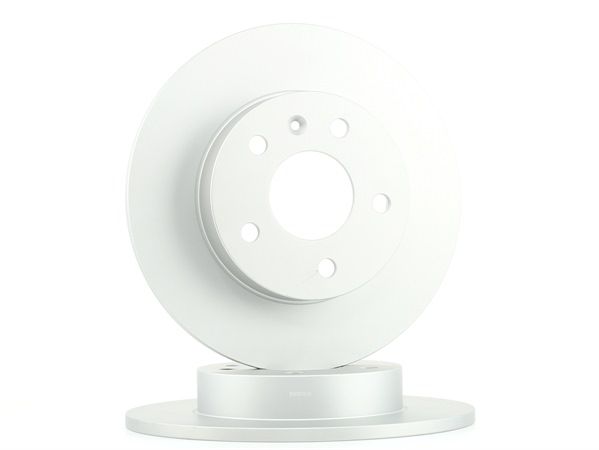
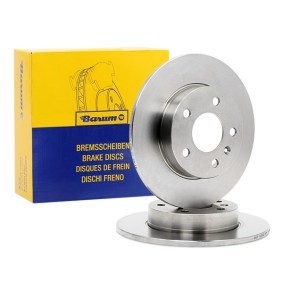
All the parts you need to replace – Brake Discs for Astra Mk V (H) (A04) Hatchback and other VAUXHALL models
Alternative products
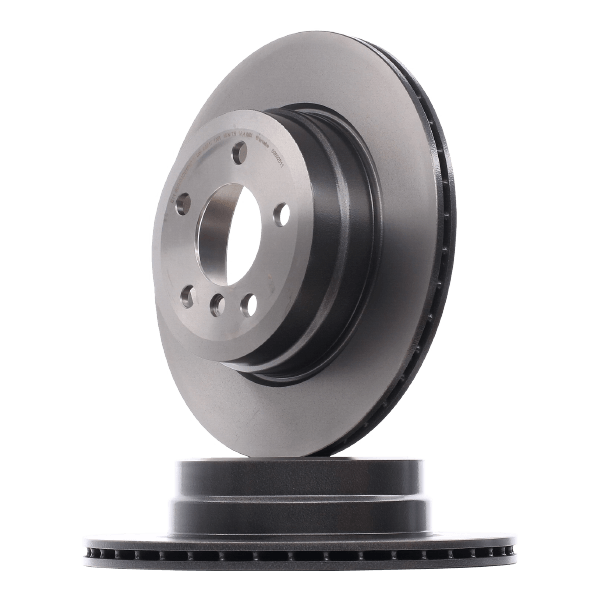 Brake disc




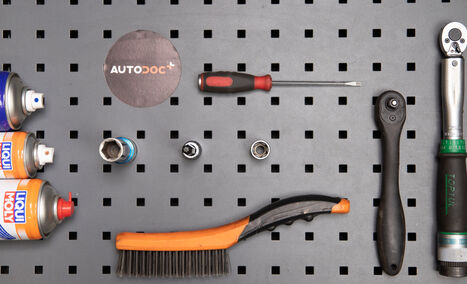
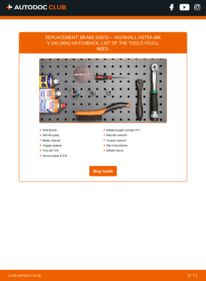
Wire brush
WD-40 spray
Brake cleaner
Copper grease
Torx bit T30
Drive socket # E18
Wheel impact socket #17
Ratchet wrench
Torque wrench
Flat Screwdriver
Wheel chock

Replacement: brake discs – VAUXHALL ASTRA Mk V (H) Hatchback. AUTODOC experts recommend:
- Replace the brake disks on the car VAUXHALL ASTRA Mk V (H) Hatchback in complete set for each axis. Regardless of the state of components. This will ensure even braking.
- The replacement procedure is identical for both brake disks on the same axle.
- When changing the brake discs, always replace the brake pads.
- Warning! Shut down the engine before starting any work – VAUXHALL ASTRA Mk V (H) Hatchback.
Carry out replacement in the following order:
- Step 1Open the bonnet. Unscrew the brake fluid reservoir cap.Step 2
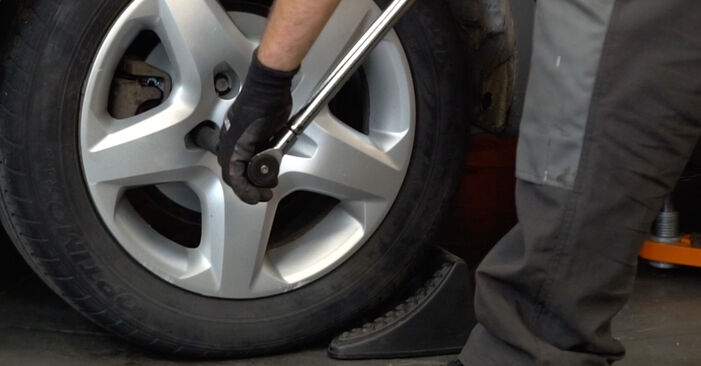
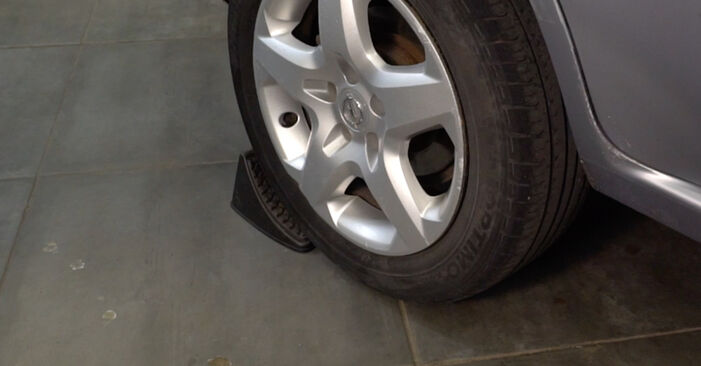 Secure the wheels with chocks.
 - Step 3
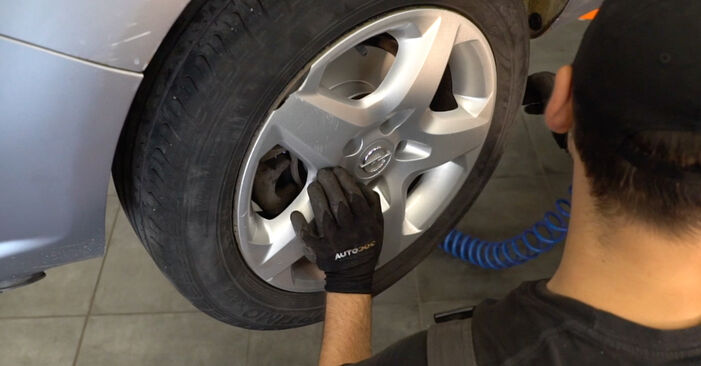
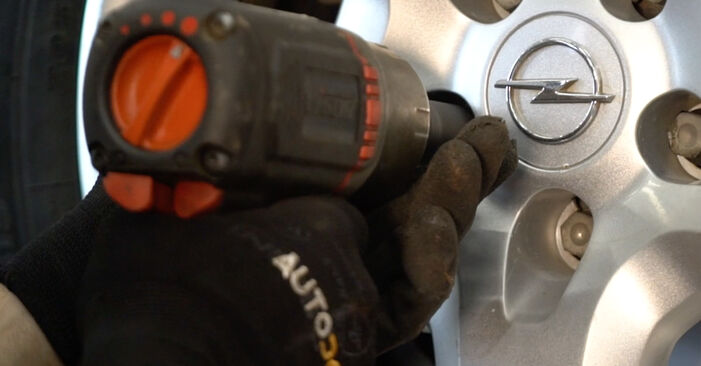
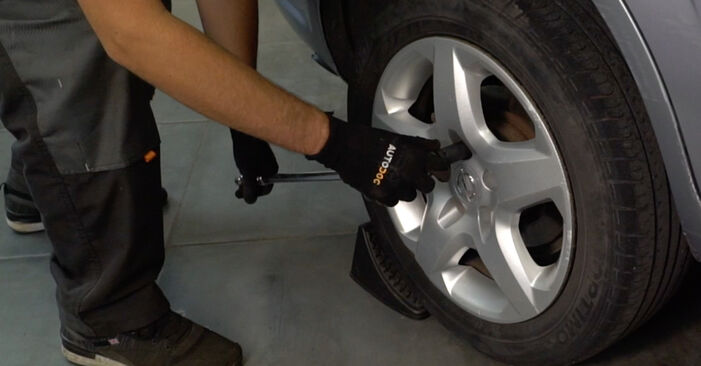 Loosen the wheel mounting bolts. Use wheel impact socket #17.
 - Step 4Raise the rear of the car and secure on supports.Step 5
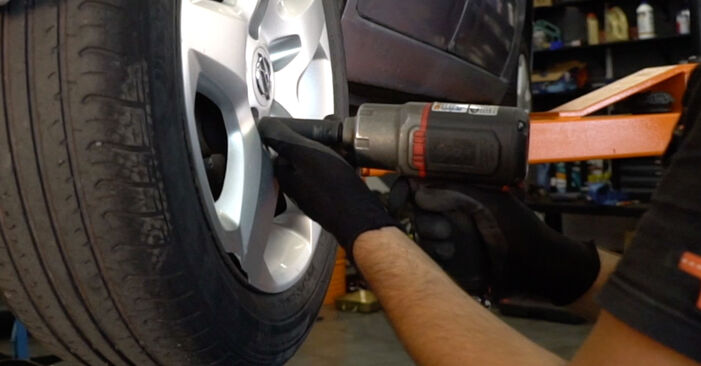 Unscrew the wheel bolts.Replacement: brake discs – VAUXHALL ASTRA Mk V (H) Hatchback. Tip:To avoid injury, hold up the wheel when unscrewing the bolts.
 - Step 6
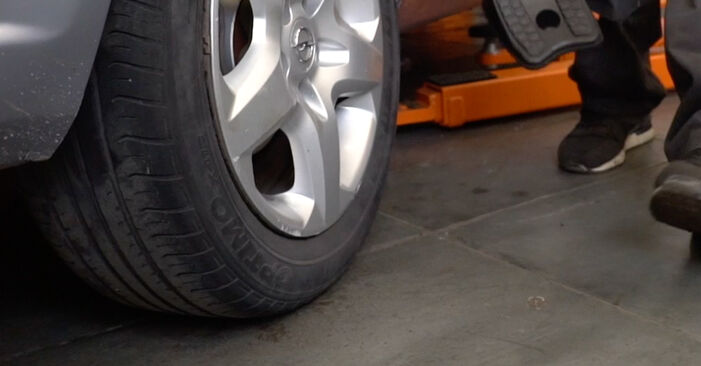
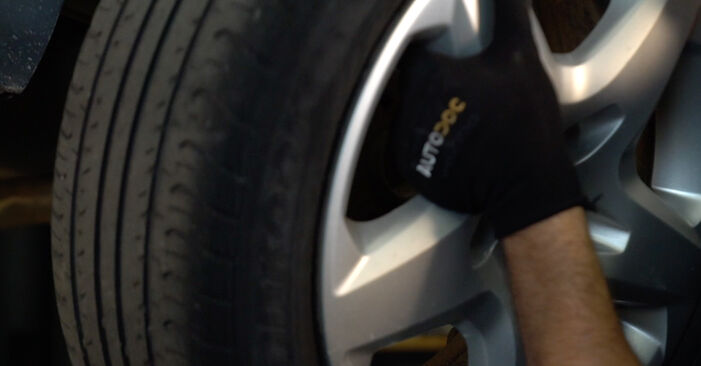 Remove the wheel.
 - Step 7
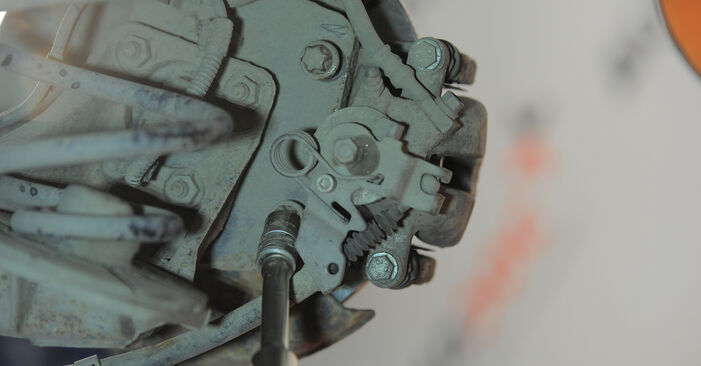
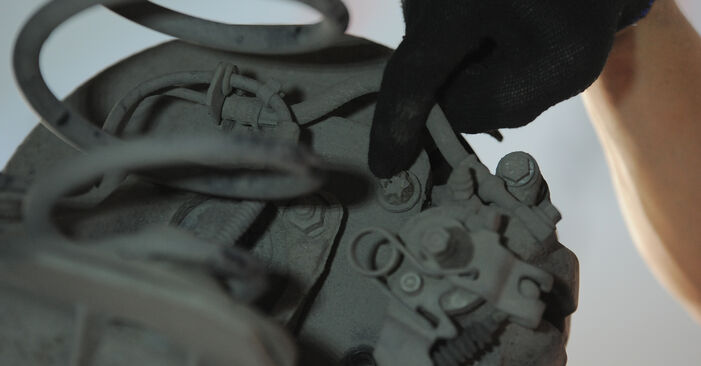 Clean the brake caliper bracket fasteners. Use a wire brush. Use WD-40 spray.
 - Step 8
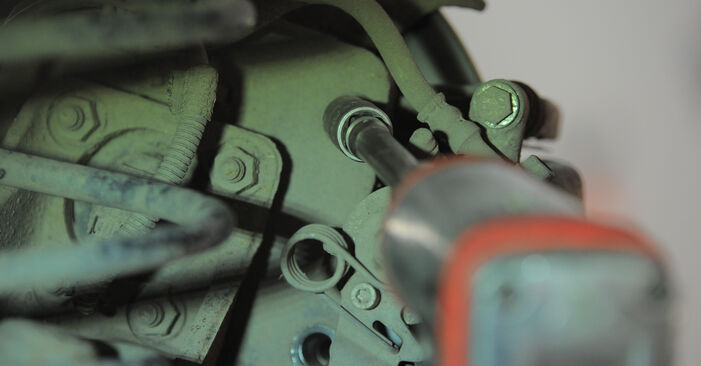 Unscrew the caliper bracket fastening. Use a drive socket #E18. Use a ratchet wrench.
 - Step 9Remove the fastening bolts (2 pieces).Step 10
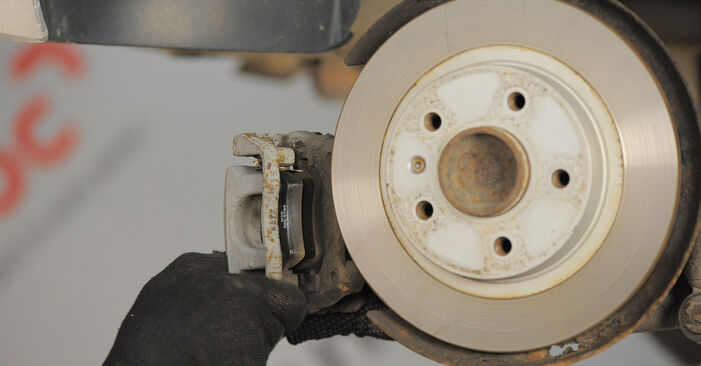 Remove the brake caliper together with its bracket. Use a flat screwdriver.Replacement: brake discs – VAUXHALL ASTRA Mk V (H) Hatchback. AUTODOC recommends:Tie the caliper to the suspension or to the body with a wire without disconnecting from the brake hose to prevent depressurization of the brake system.Make sure that the brake caliper is not hanging on the brake hose.Don't press the brake pedal after the brake caliper has been removed. As a result, the piston can fall out from the brake cylinder, and brake fluid leakage and depressurization of the system may occur.Check the brake caliper bracket, brake caliper guide pins and boots. Clean them. Replace, if necessary.
 - Step 11
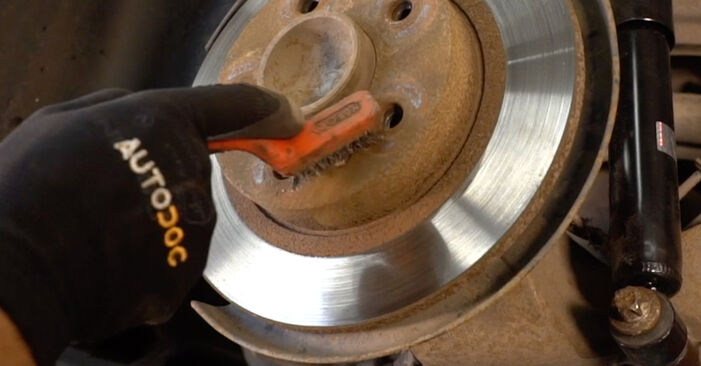 Clean the brake disc fastener. Use a wire brush. Use WD-40 spray.
 - Step 12
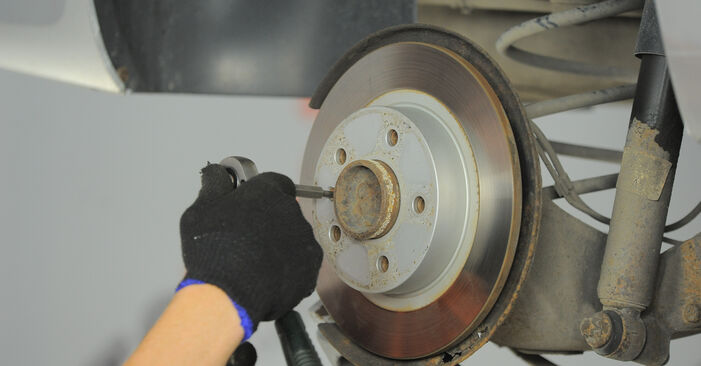 Unscrew the brake disc fastening. Use Torx T30. Use a ratchet wrench.
 - Step 13
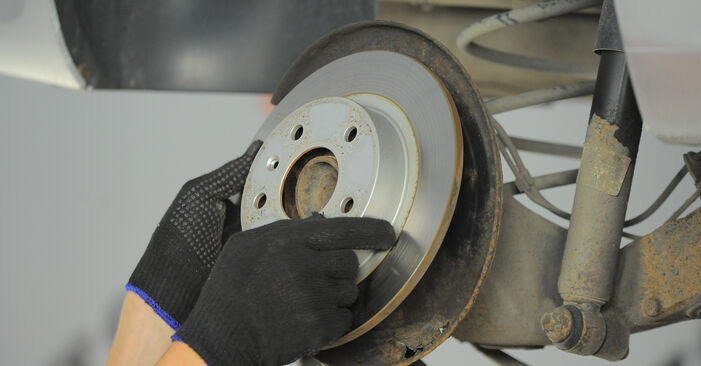 Remove the brake disc.
 - Step 14
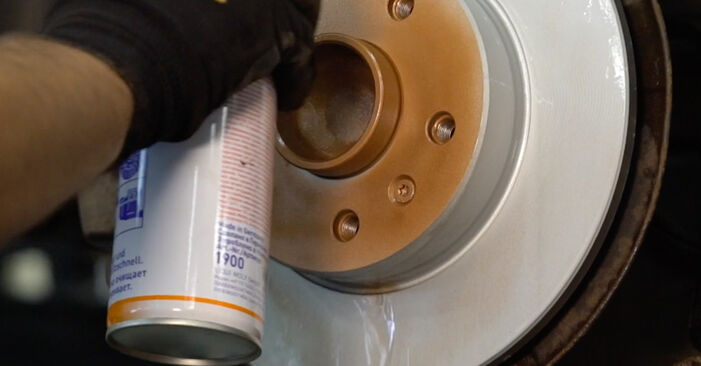
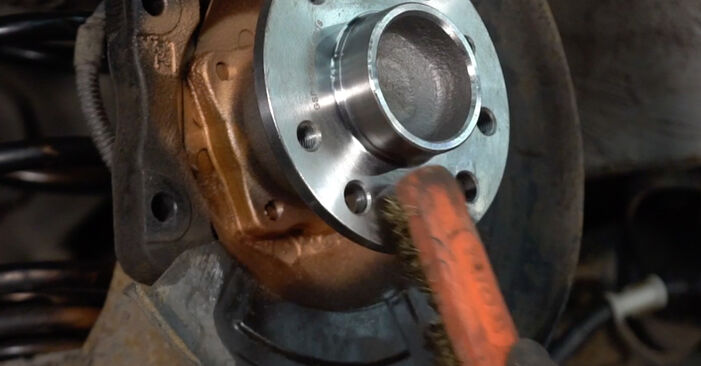 Clean the hub. Use a wire brush. Treat the contacting surface. Use copper grease.
 - Step 15
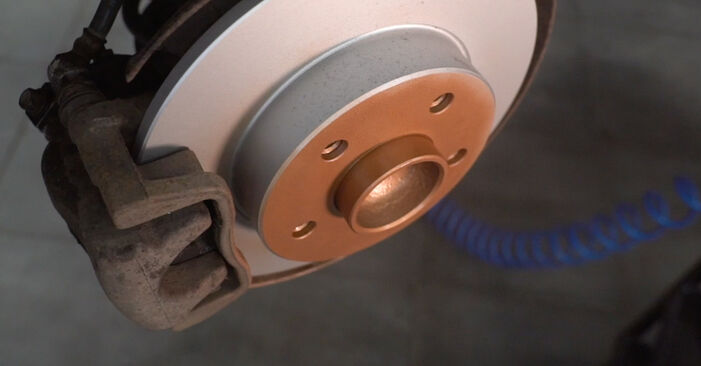
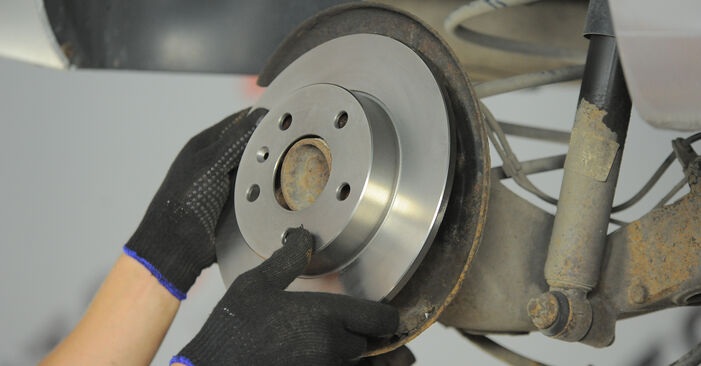 Install the brake disc.
 - Step 16
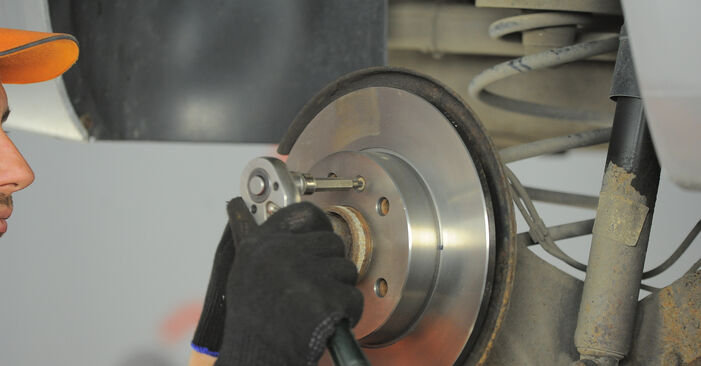 Tighten the brake disc fastening. Use Torx T30. Use a torque wrench. Tighten it to 4 Nm torque.
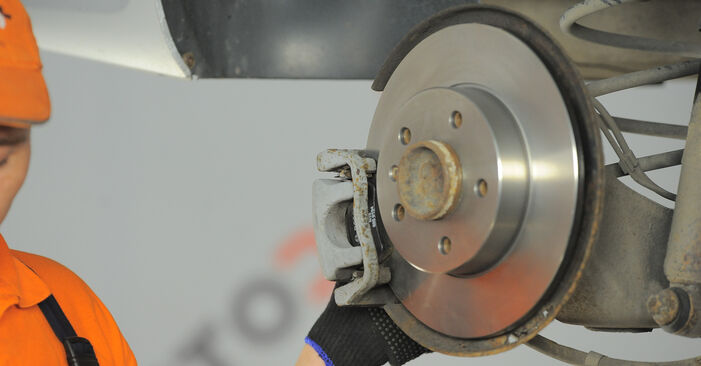
Was this manual helpful?
Please rate this manual on a scale from 1 to 5. If you have any questions, feel free to ask us.
Users voted – 0
Need New Tyres?
Find out which tyre and wheel sizes are compatible with the VAUXHALL Astra Mk5 (H) Hatchback (A04) model


Popular maintenance tutorials for Vauxhall Astra H
 Free download PDF
 2.16 MB
 Free download PDF1.98 MB
 Free download PDF1.95 MB
 Free download PDF1.5 MB
 Free download PDF2.99 MB
 Free download PDF2.11 MB
Complete guides for changing the Brake rotors on different VAUXHALL ASTRA models
- Free download PDF1.95 MB
 Free download PDF1.29 MB
 Free download PDF1.95 MB
 Free download PDF1.95 MB
 Free download PDF1.29 MB
 Free download PDF1.95 MB

Unlock your car maintenance assistant!
Track expenses, manage logs, schedule replacements, and more.

Tips & tricks for your VAUXHALL Astra Mk V (H) (A04) Hatchback
View more
 Coolant comparison test | AUTODOC
 How to tighten cylinder head bolts
 The most common problems when buying a used car | AUTODOC
 Top 7 Manual Transmission Mistakes to Avoid | AUTODOC Tips
Most commonly replaced car parts on VAUXHALL ASTRA














ОЕ number

Time to replace parts? Get even better deals in our Shop app.

SCAN ME