
Disclaimer

How to change clutch kit on VW Caddy II Van (9K9A) – replacement guide
downloads:
23
Views:
211


Recommended replacement interval for the part category Clutch kit : 100000 km
Important!
This replacement procedure can be used for:
VW Caddy II Van (9K9A) 60 1.4 … View more
The steps may slightly vary depending on the car design.
VW Caddy II Van (9K9A) 60 1.4 … View more
The steps may slightly vary depending on the car design.
This video shows the replacement procedure of a similar car part on another vehicle
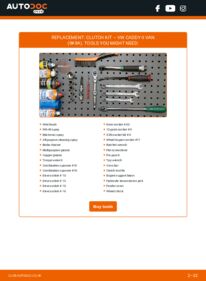
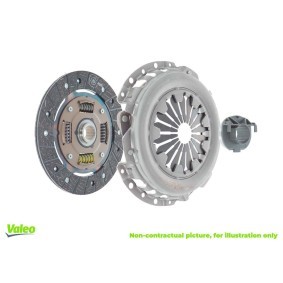
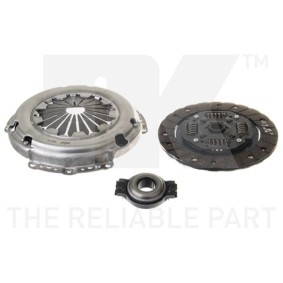
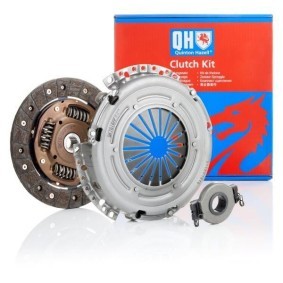
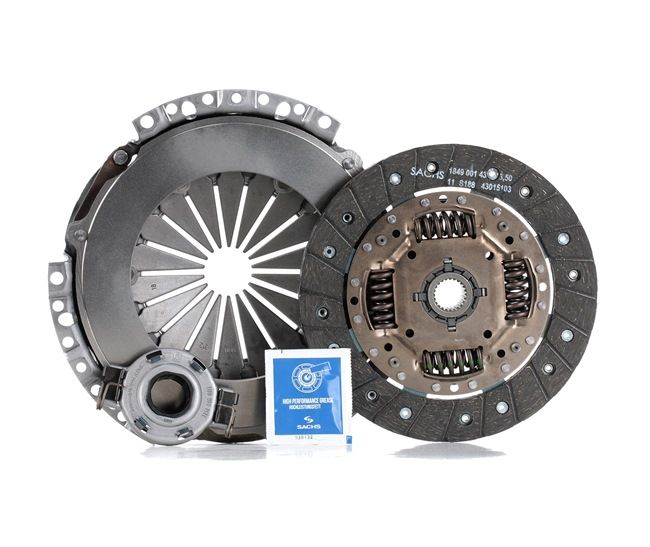
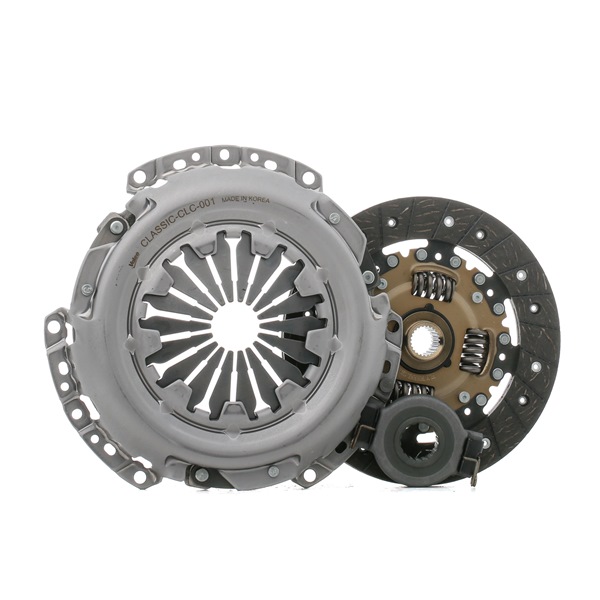
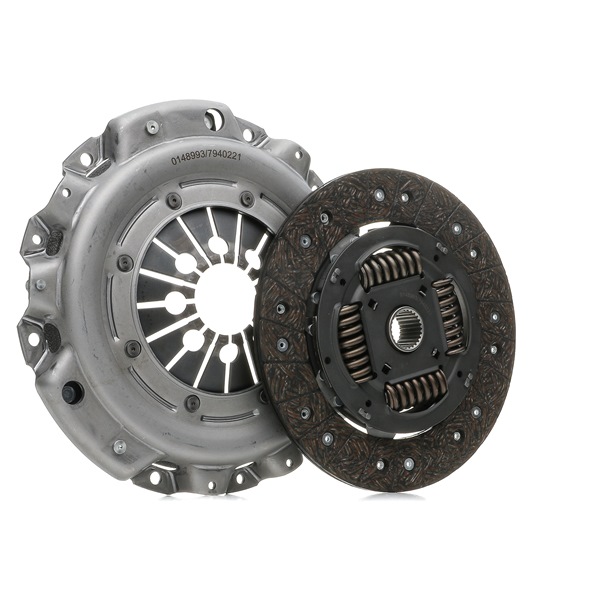
All the parts you need to replace – Clutch Kit for Caddy II Van (9K9A) and other VW models
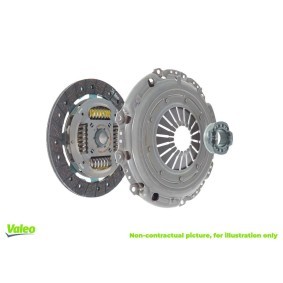
Alternative products
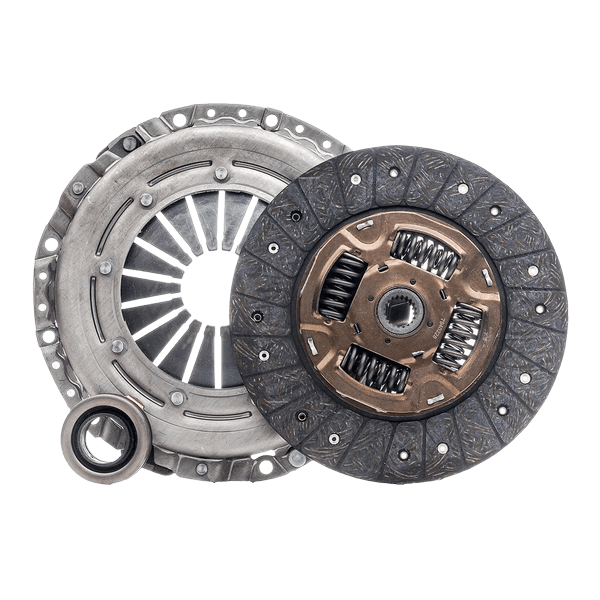 Clutch kit

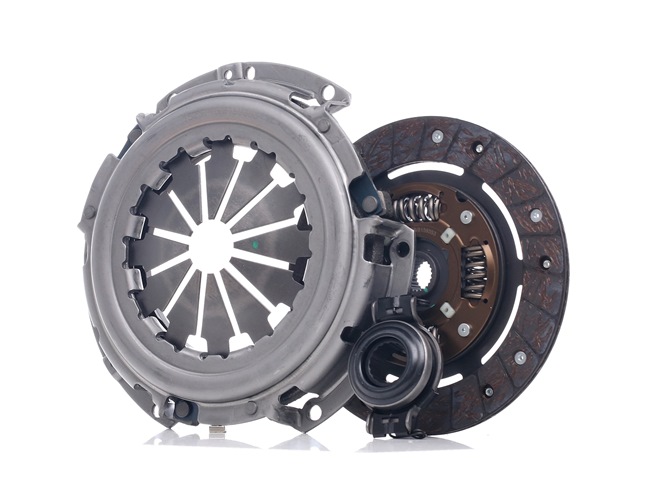


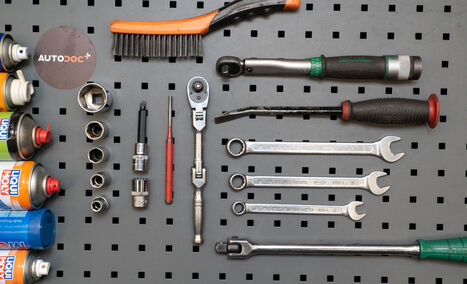
Wire brush
WD-40 spray
Electronic spray
All-purpose cleaning spray
Brake cleaner
Multipurpose grease
Copper grease
Torque wrench
Combination spanner #13
Combination spanner #16
Drive socket # 10
Drive socket # 13
Drive socket # 16
Drive socket # 18
Drive socket # 30
12-point socket # 9
XZN socket bit # 8
Wheel impact socket #17
Ratchet wrench
Flat screwdriver
Pin punch
Tap wrench
Crow bar
Clutch tool kit
Engine support beam
Hydraulic transmission jack
Fender cover
Wheel chock

Replacement: clutch kit – VW CADDY II Box (9K9A). Tip from AUTODOC:
- Replace the entire clutch kit assembly: the pressure plate, clutch disc, and release bearing.
- Please note: all work on the car – VW CADDY II Box (9K9A) – should be done with the engine switched off.
Carry out replacement in the following order:
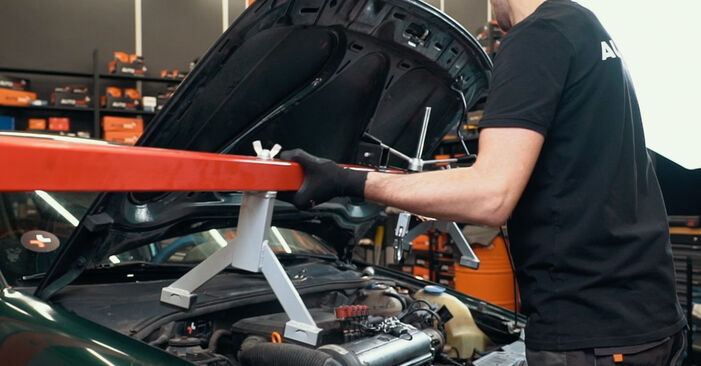
- Step 1Open the bonnet.Step 2
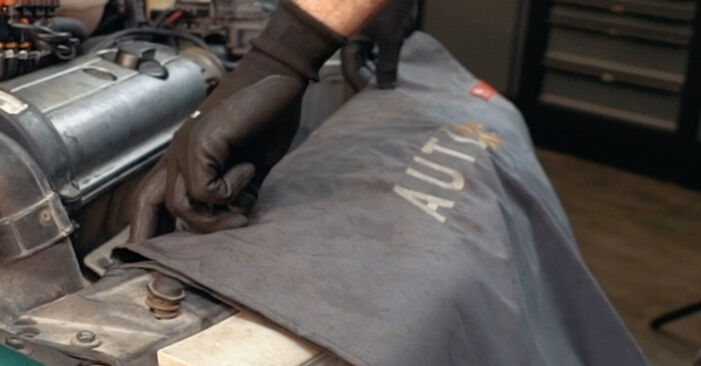
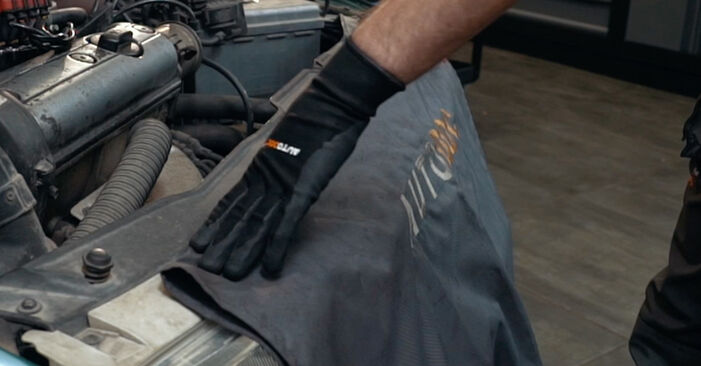 Use a fender protection cover to prevent damaging paintwork and plastic parts of the car.
 - Step 3
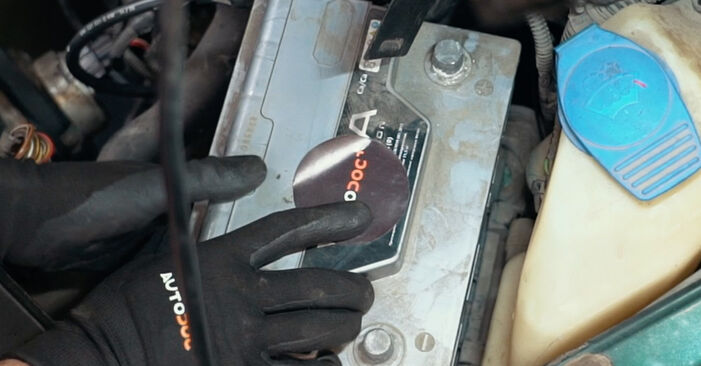
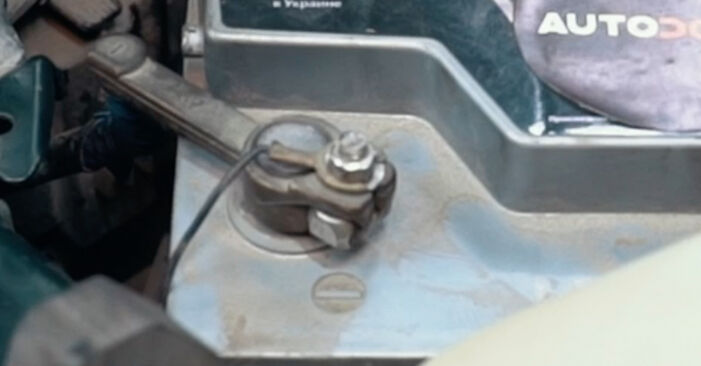
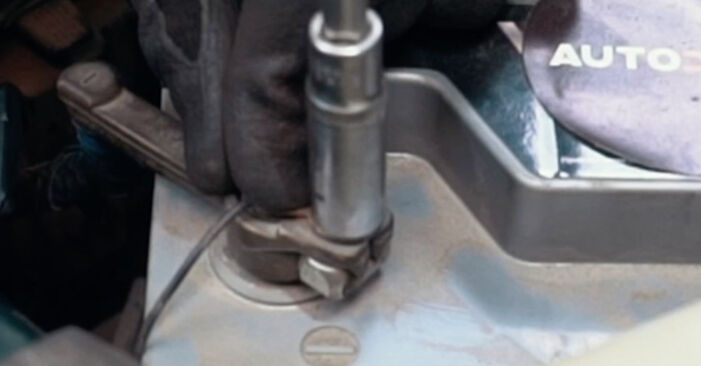
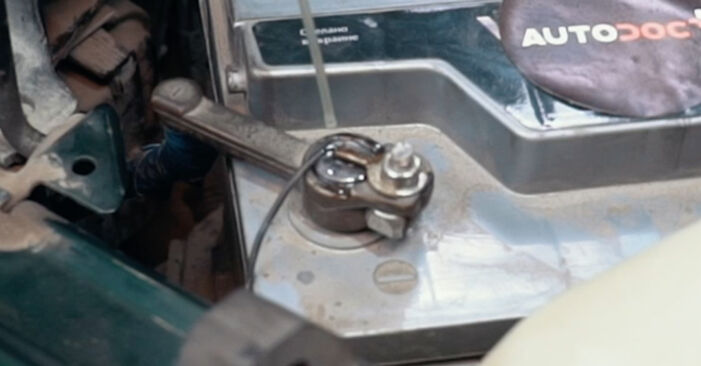
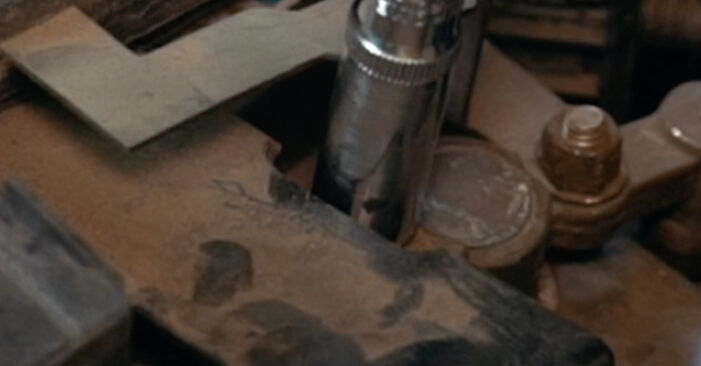 Unscrew the fasteners of the car battery terminals. Use a drive socket #10. Use a ratchet wrench.
 - Step 4
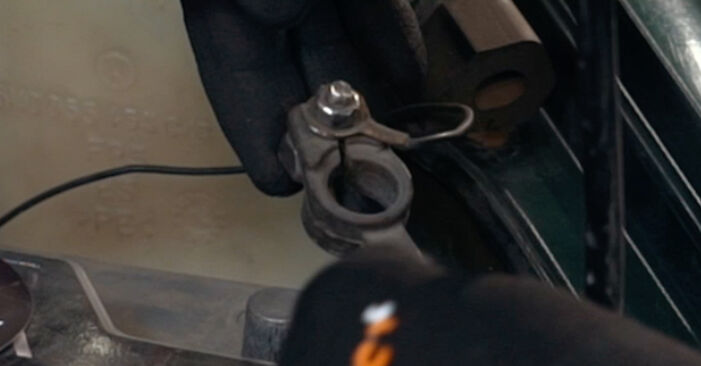 Remove the battery terminals.
 - Step 5
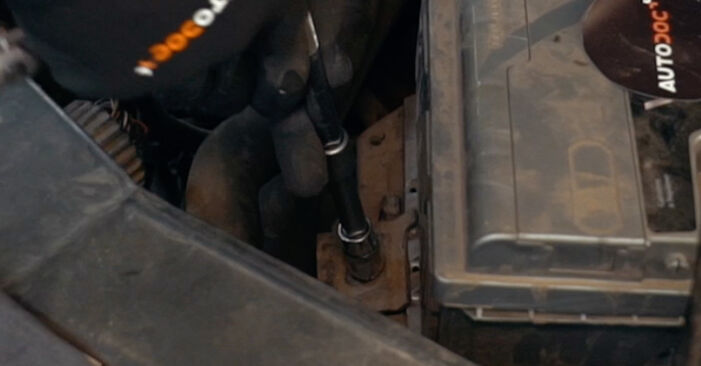 Unscrew the battery fastener. Use a drive socket #13. Use a ratchet wrench.
 - Step 6
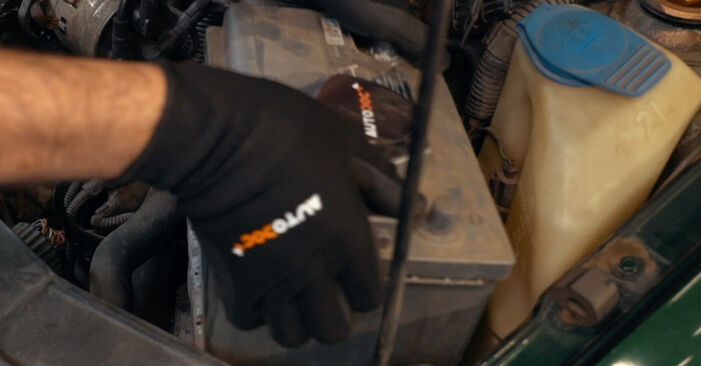 Remove the battery.
 - Step 7
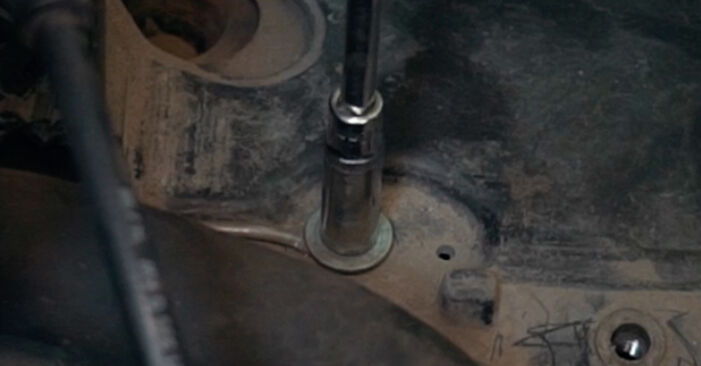 Unscrew the fasteners of the battery tray. Use a drive socket #10. Use a ratchet wrench.
 - Step 8
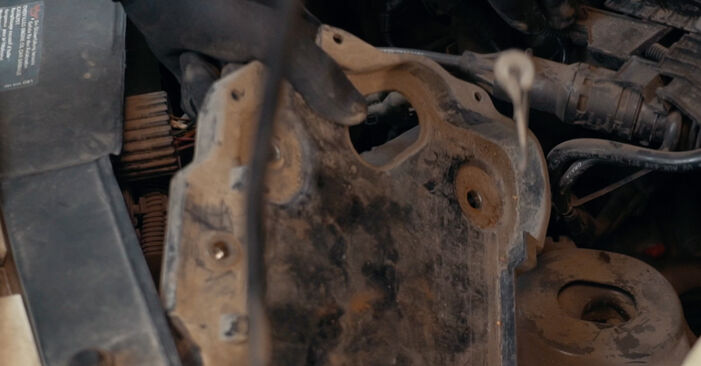 Remove the battery tray.
 - Step 9
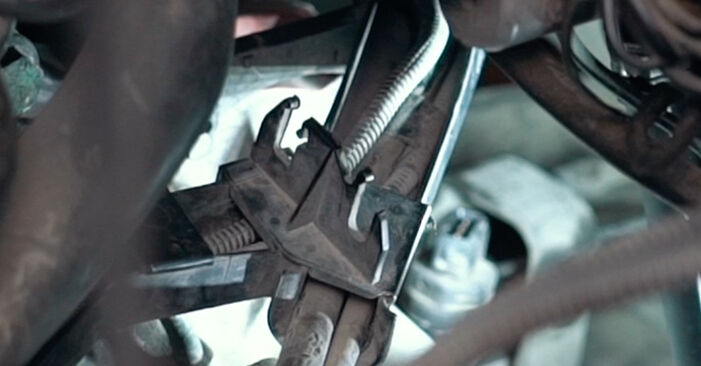
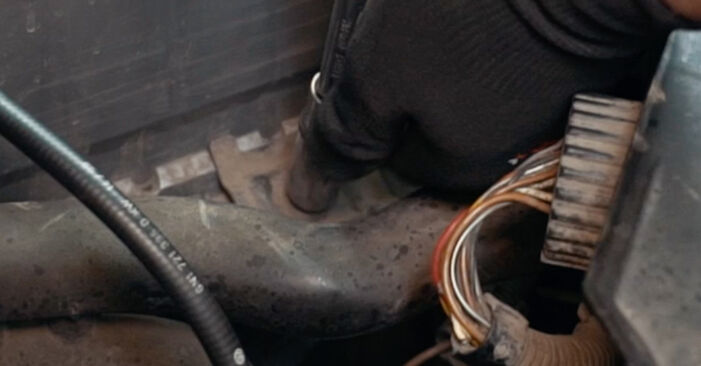
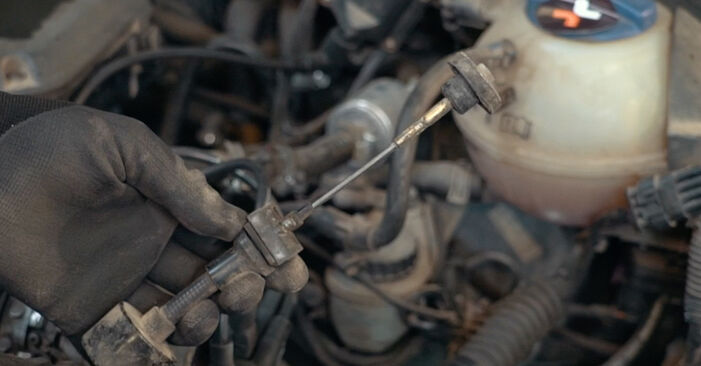 Disconnect the clutch cable.
 - Step 10
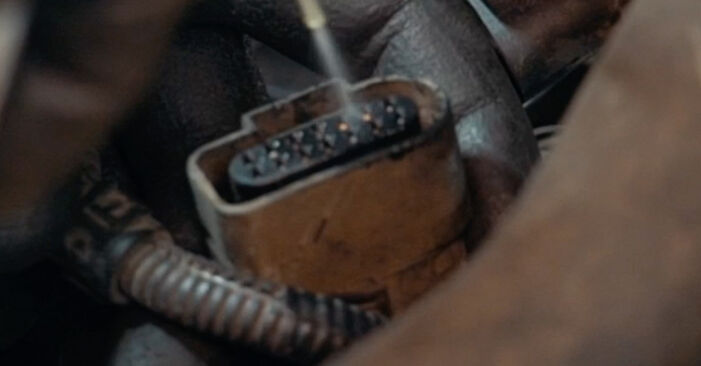
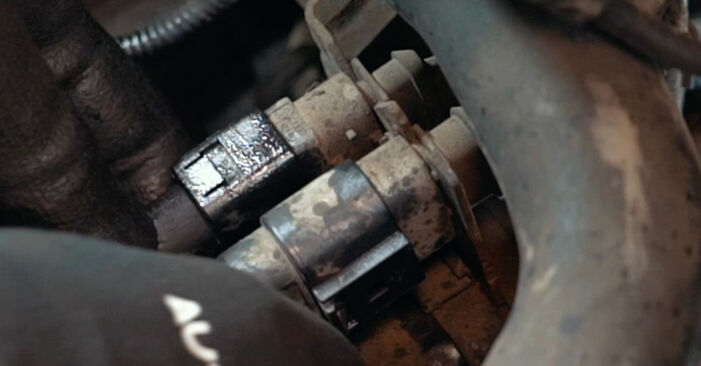
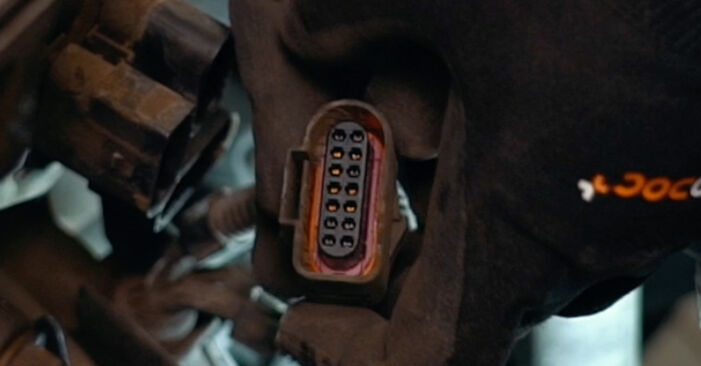 Disconnect the engine wiring harness connector.
 - Step 11
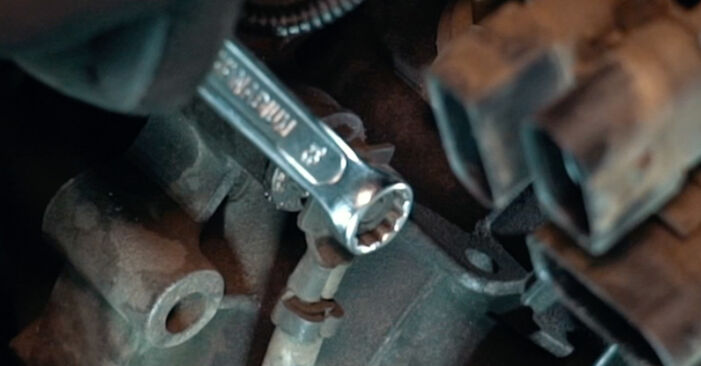 Detach the engine wiring harness.
 - Step 12
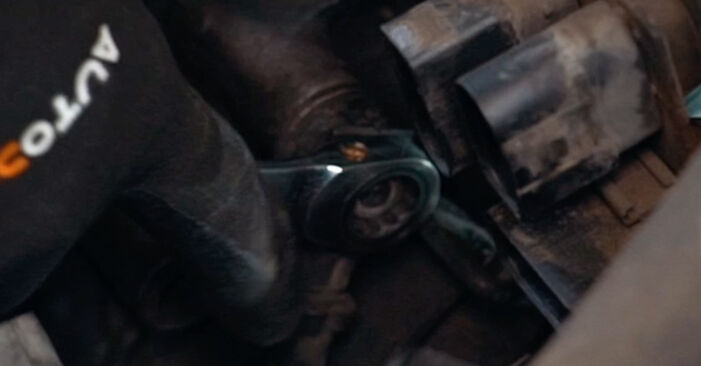
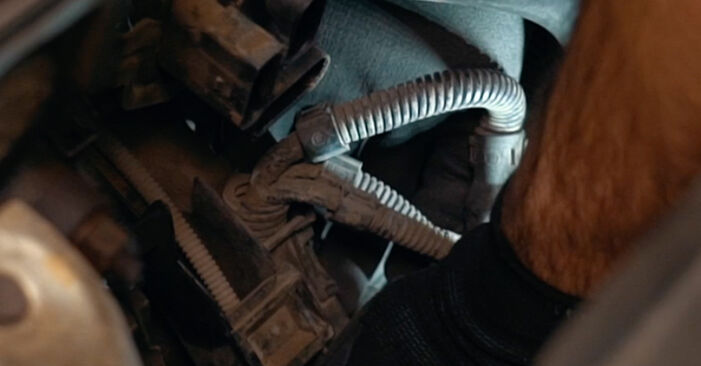 Unscrew the ground wire fastener. Use a combination spanner #13.
 - Step 13
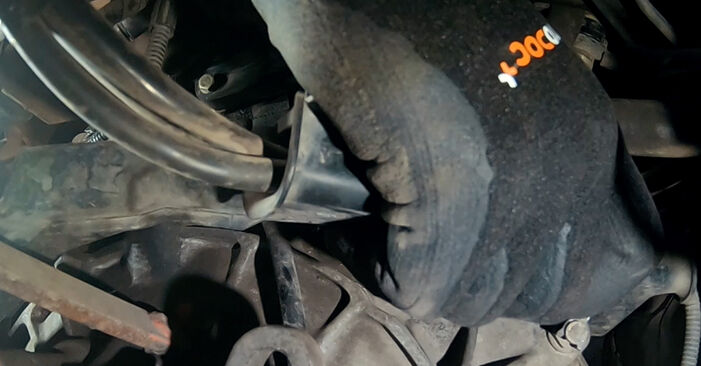 Disconnect the ground wire.
 - Step 14
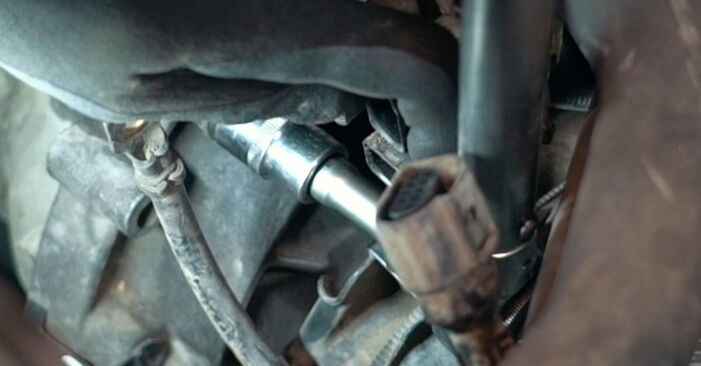
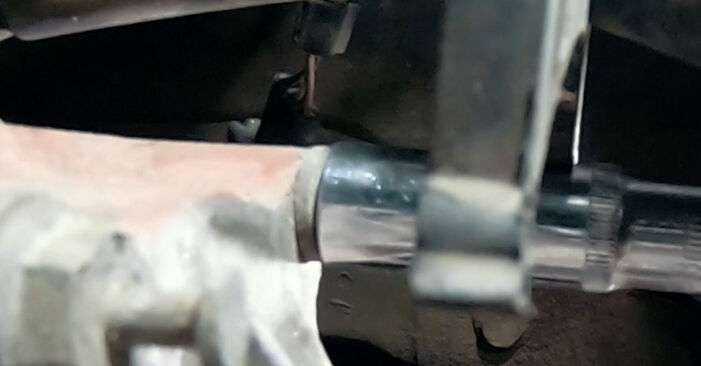 Unscrew the engine starter fasteners. Use a drive socket #13. Use a ratchet wrench.
 - Step 15
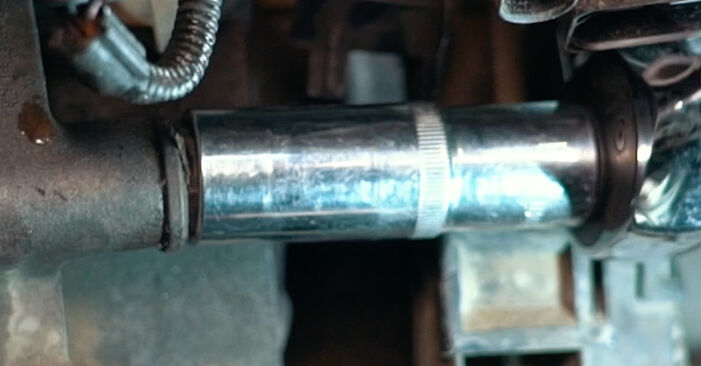 Unscrew the fasteners that connect the gearbox to the engine block. Use a drive socket #18. Use a ratchet wrench.
 - Step 16Secure the wheels with chocks.Step 17
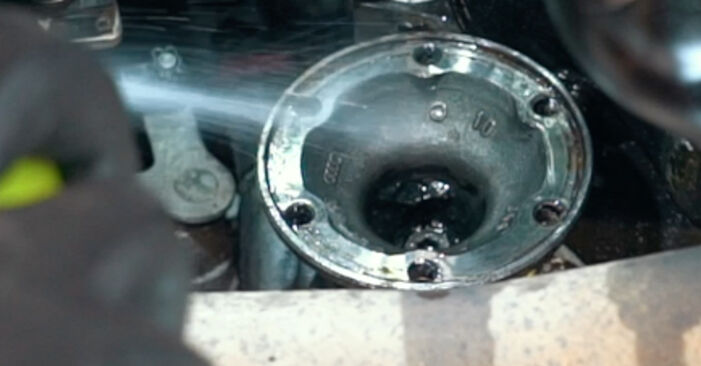
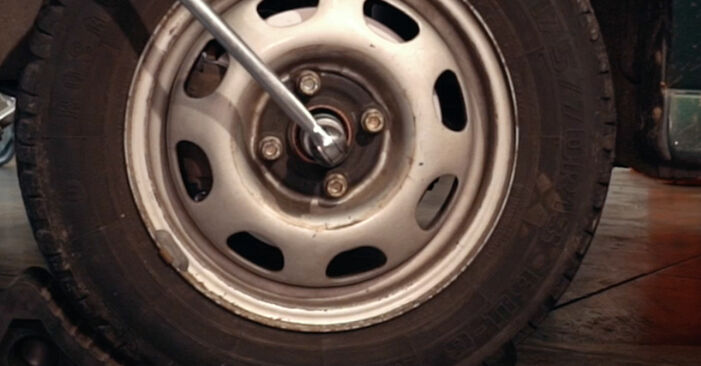 Loosen the fastener of the driveshaft. Use a drive socket #30. Use a tap wrench.
 - Step 18
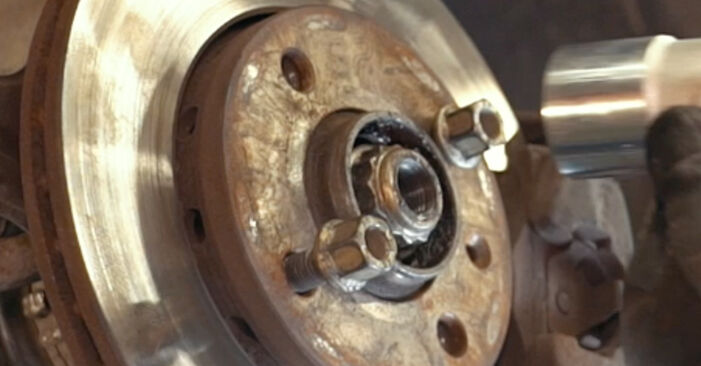
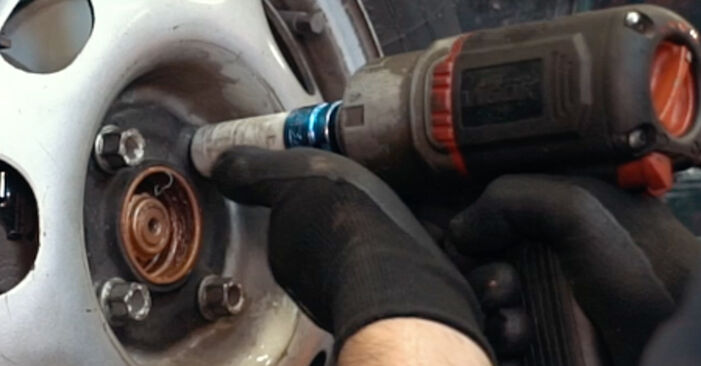
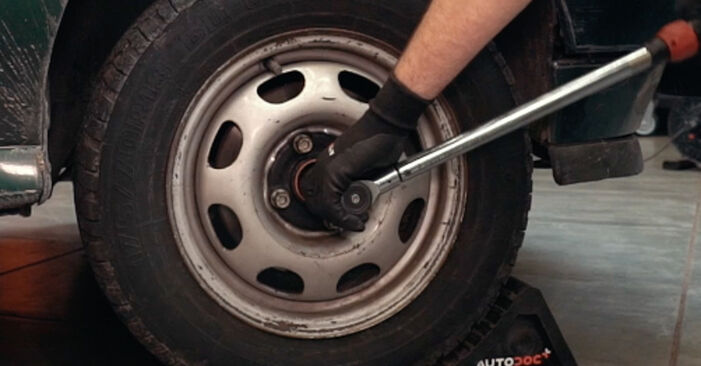
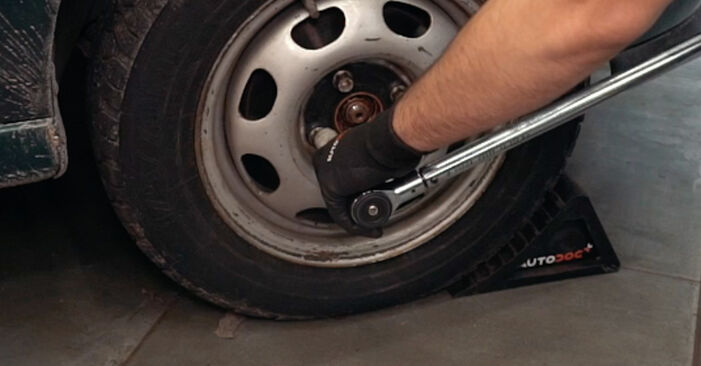
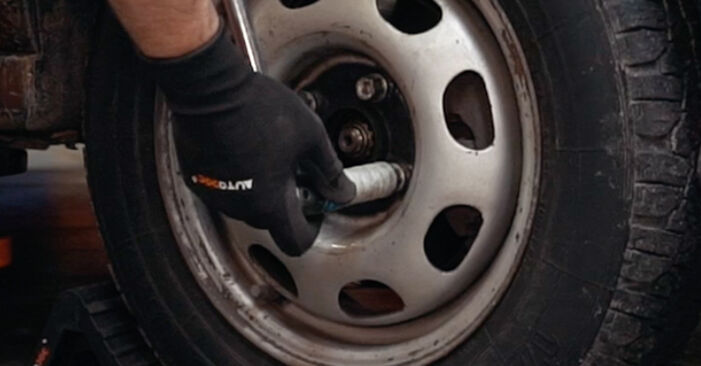 Loosen the wheel mounting bolts. Use wheel impact socket #17.
 - Step 19Raise the front of the car and secure on supports.Step 20
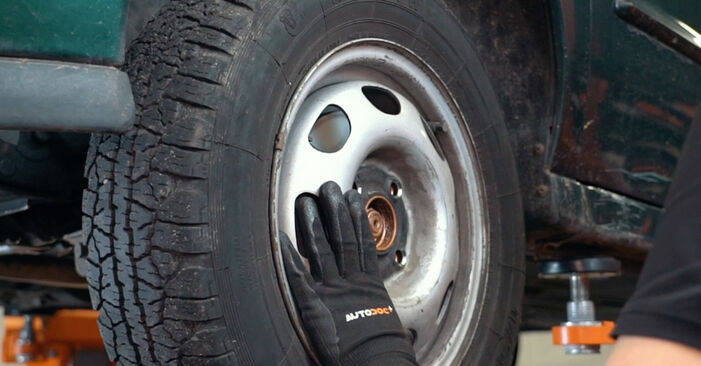
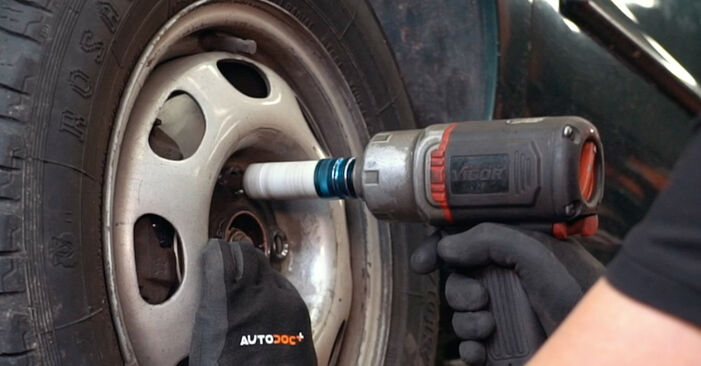 Unscrew the wheel bolts.AUTODOC recommends:Warning! To avoid injury, hold the wheel while unscrewing the fastening bolts. VW CADDY II Box (9K9A)
 - Step 21
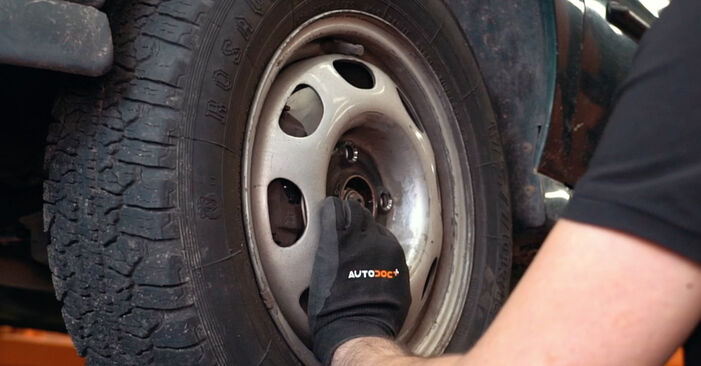 Remove the wheel.
 - Step 22
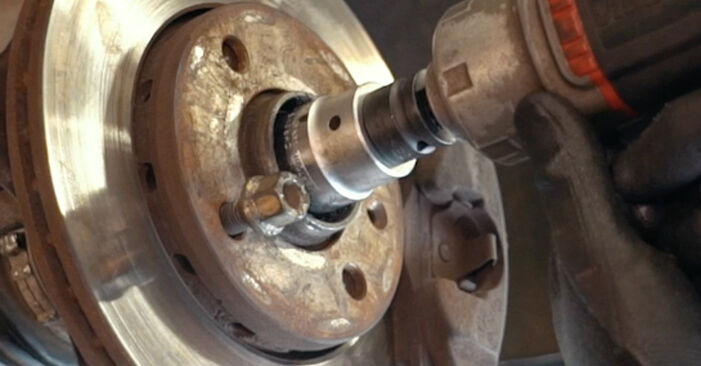
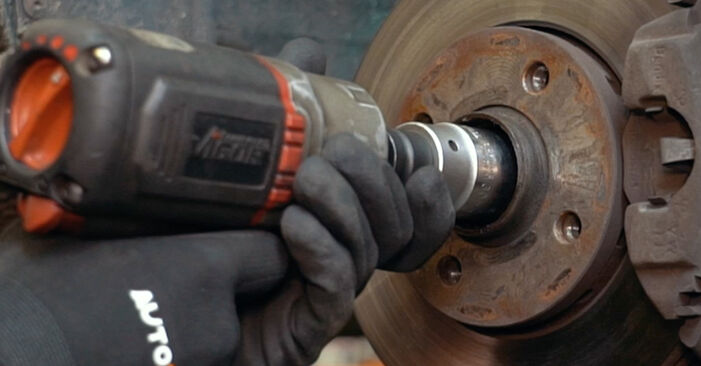 Unscrew the fastener connecting the drive shaft to the wheel hub. Use a drive socket #30. Use a ratchet wrench.
 - Step 23Remove the fastening nut.Step 24
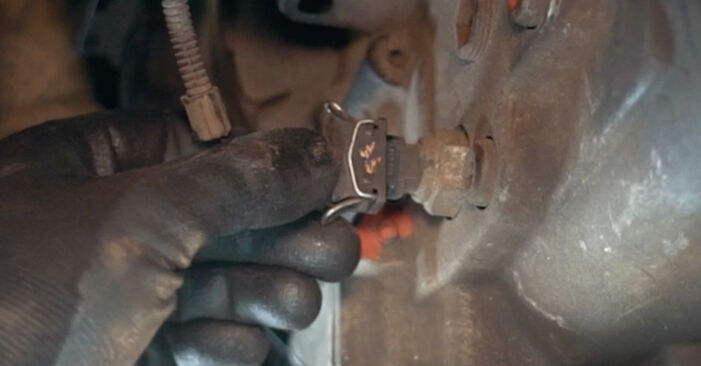
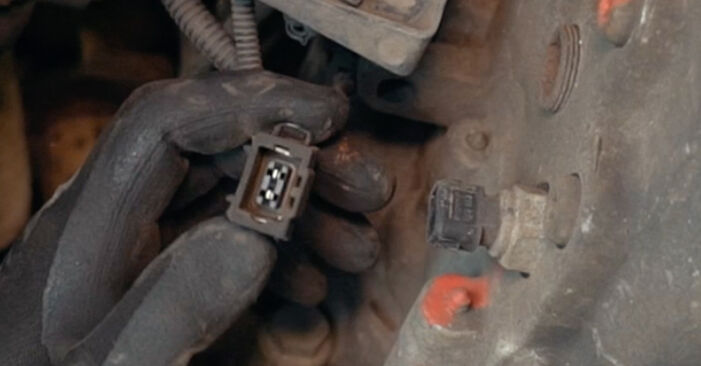 Disconnect the transmission sensor connector.
 - Step 25
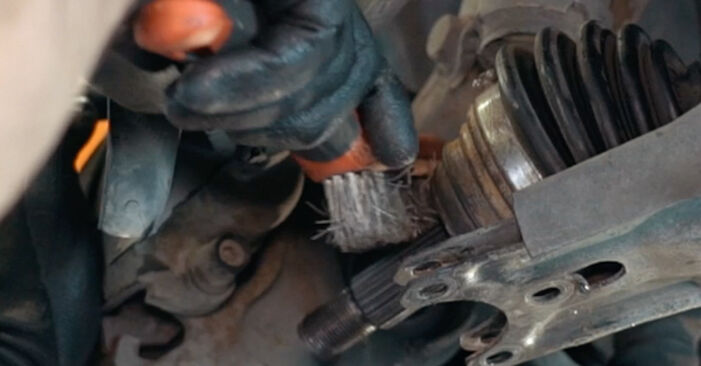
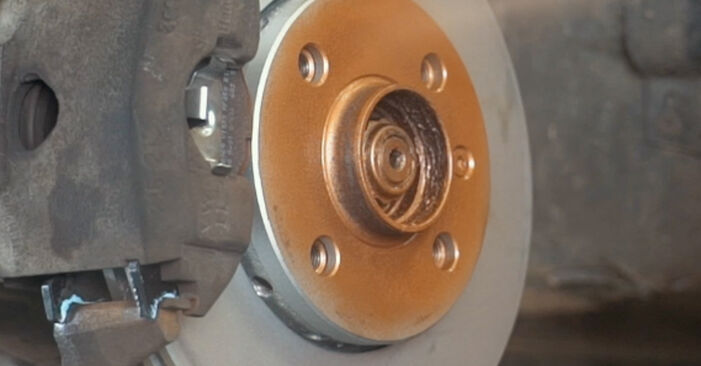
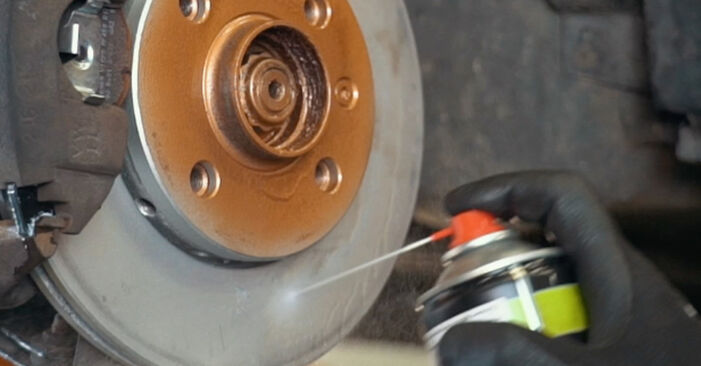
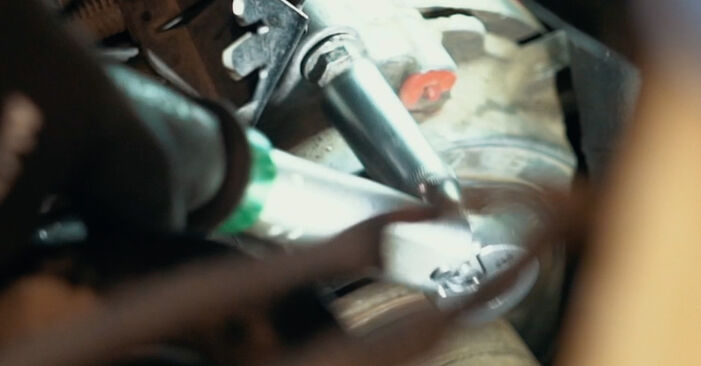
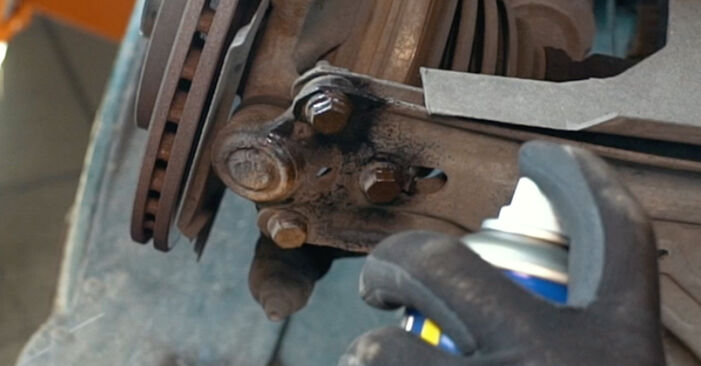 Clean the fasteners connecting the ball joint to the suspension control arm. Use a wire brush. Use WD-40 spray.
 - Step 26
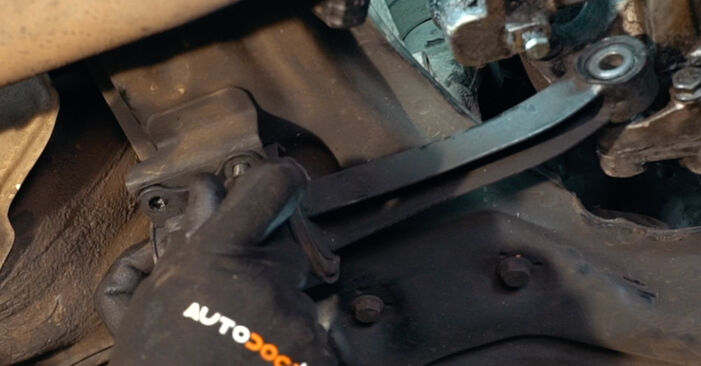
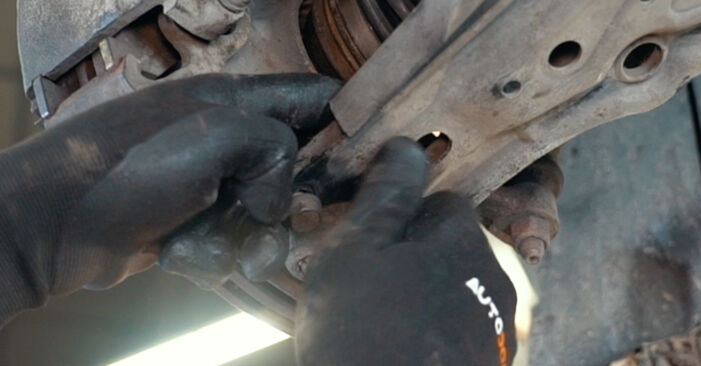
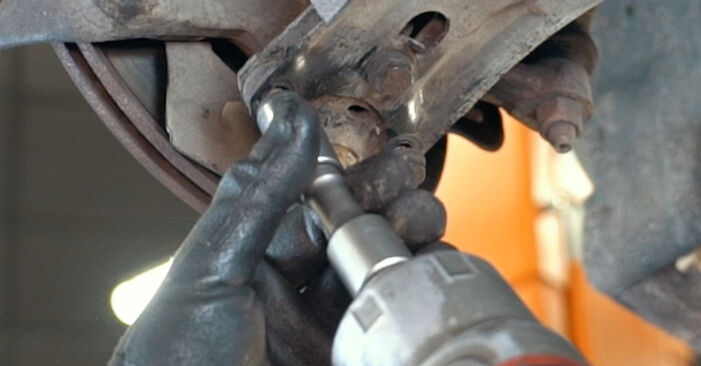
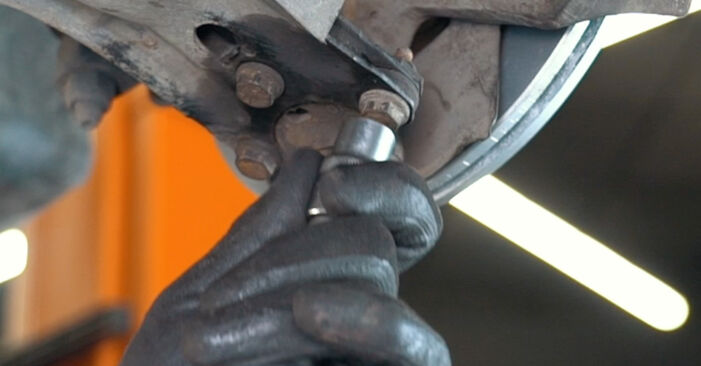
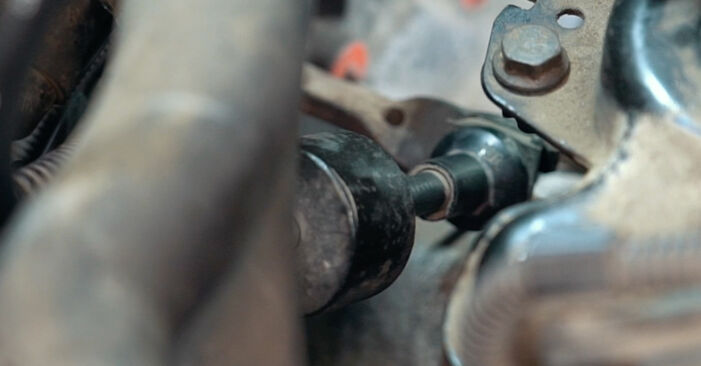
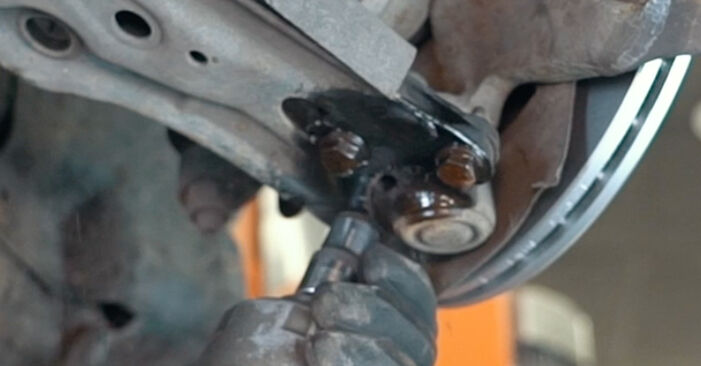 Unscrew the fastener connecting the ball joint to the suspension control arm. Use a drive socket #13. Use a ratchet wrench.
 - Step 27
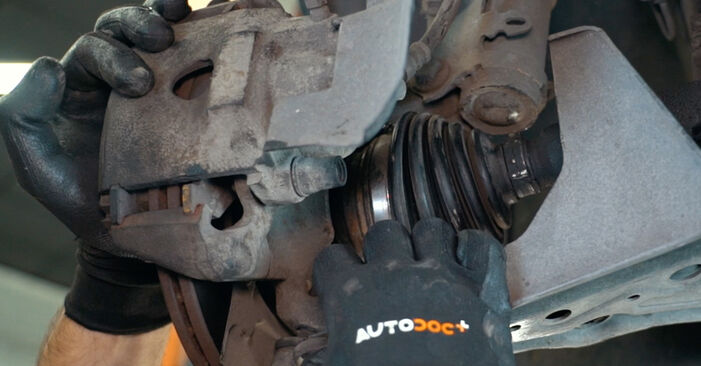
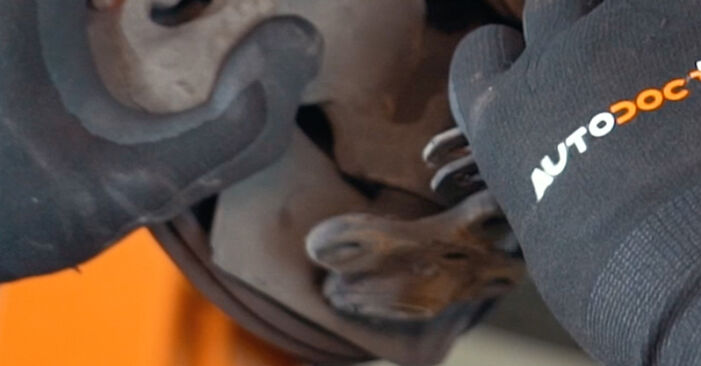 Disconnect the ball joint from the control arm.
 - Step 28
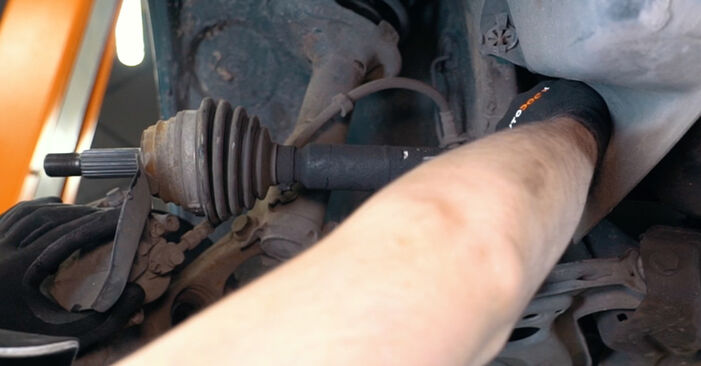
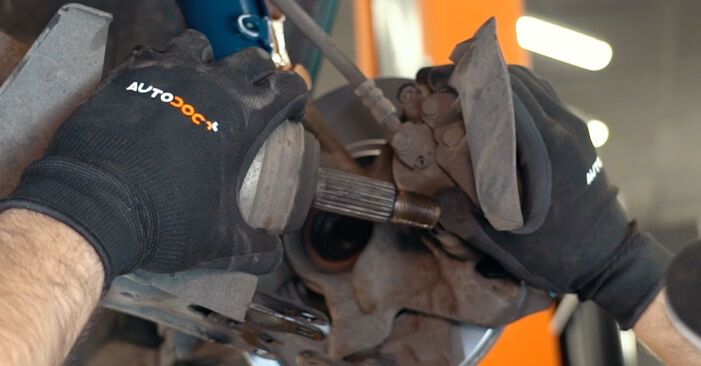 Detach the driveshaft from the steering knuckle.Replacement: clutch kit – VW CADDY II Box (9K9A). Tip:Make sure that the drive shaft is not unloaded (when the car is jacked).
 - Step 29
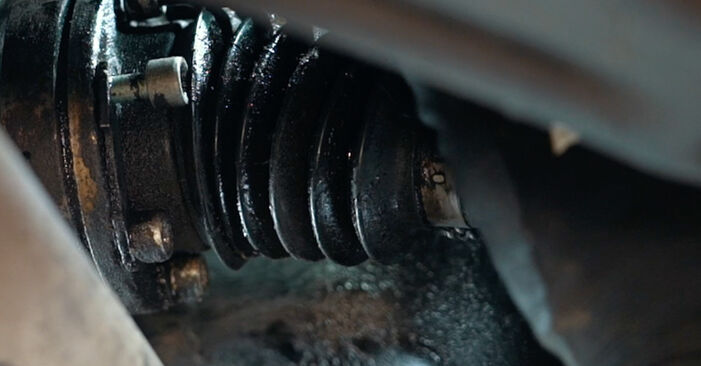
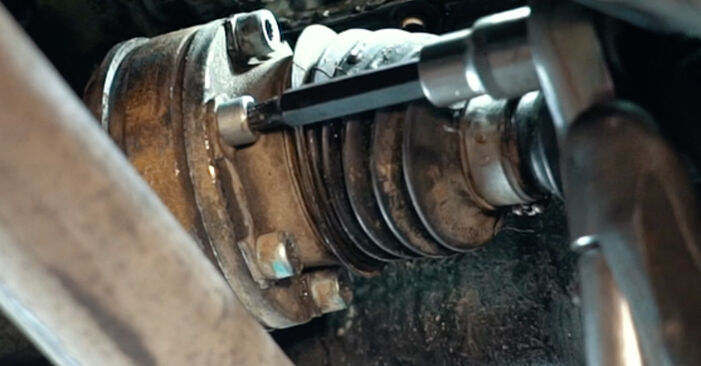
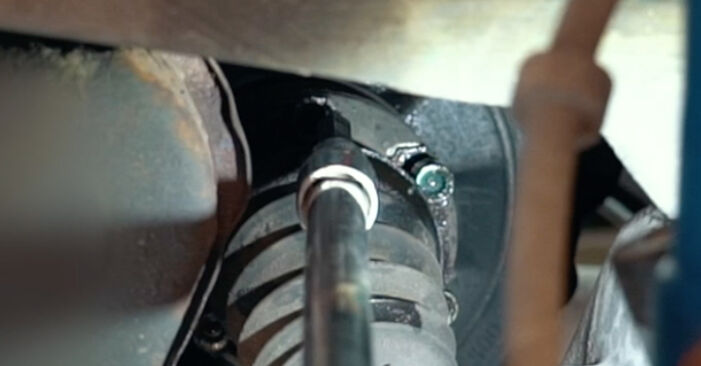 Unscrew the fasteners of the CV axle inner joint. Use XZN #8. Use a ratchet wrench.
 - Step 30
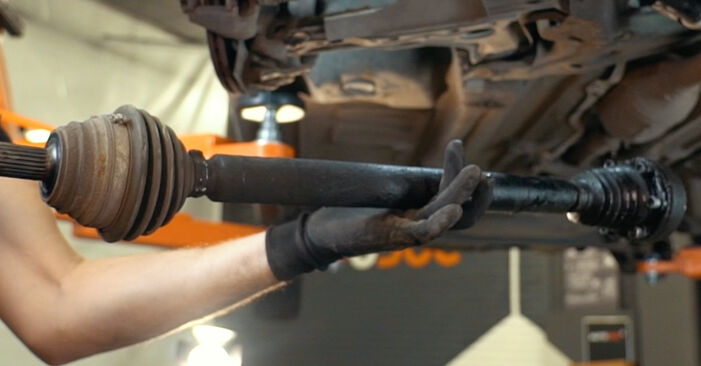 Remove the drive shaft.
 - Step 31
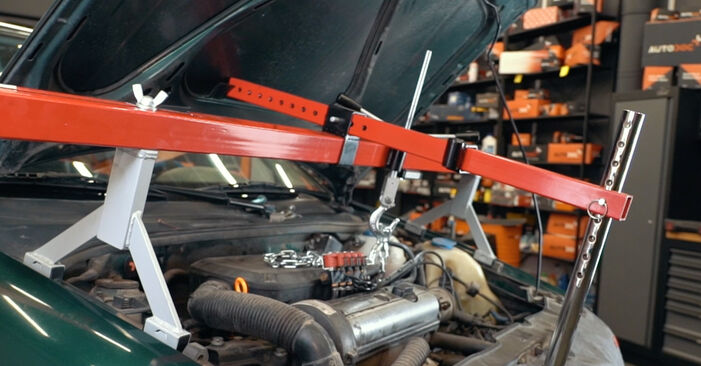 Secure the engine. Use an engine support beam.
 - Step 32
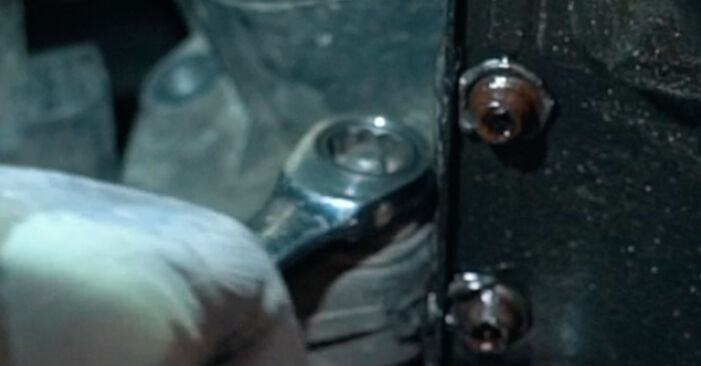 Unscrew the fastener of the cable bracket. Use a combination spanner #16.
 - Step 33
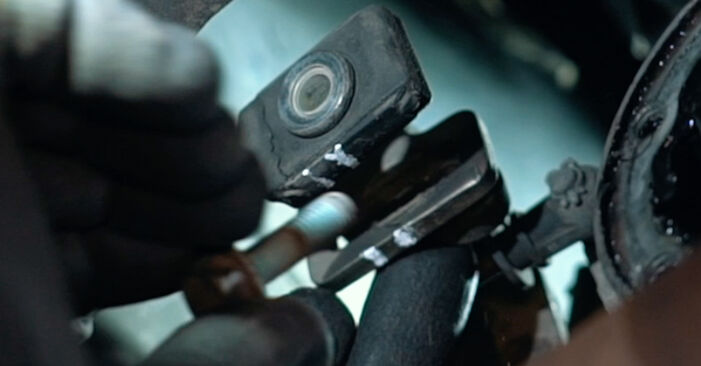 Unscrew the gear shift cable fastener. Use a drive socket #13. Use a ratchet wrench.
 - Step 34
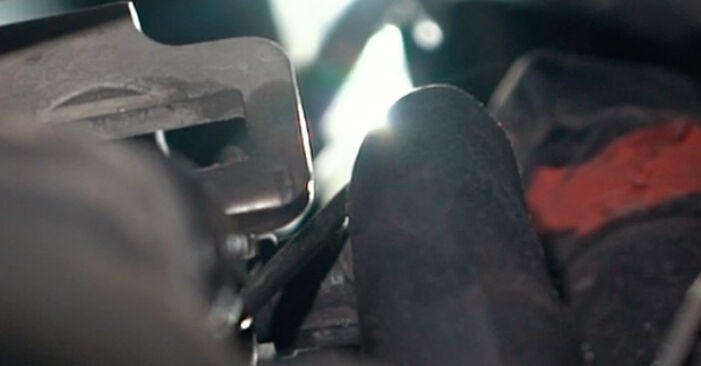 Remove the gear shift cable retaining clip. Use a flat screwdriver.
 - Step 35
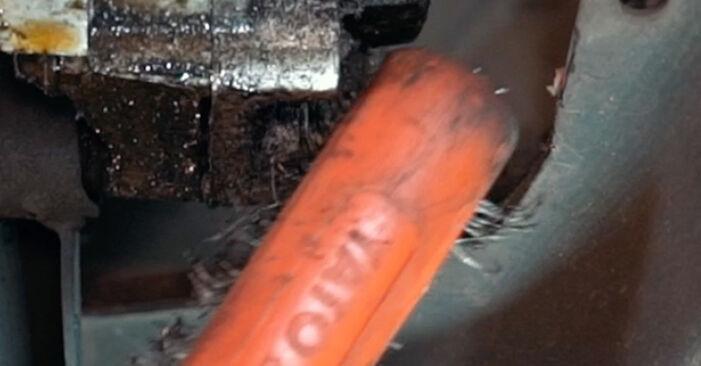 Clean the gearbox mount fasteners. Use a wire brush. Use WD-40 spray.
 - Step 36
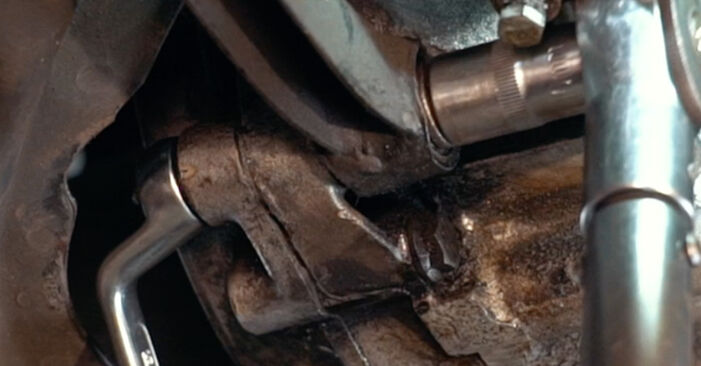
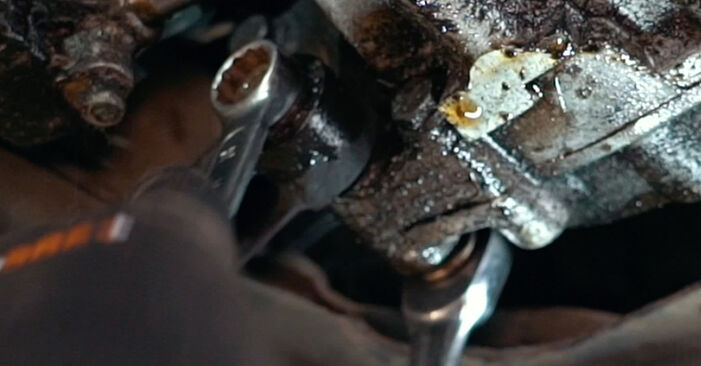 Unscrew the fasteners that connect the bottom gearbox mount to the gearbox. Use a combination spanner #16.
 - Step 37
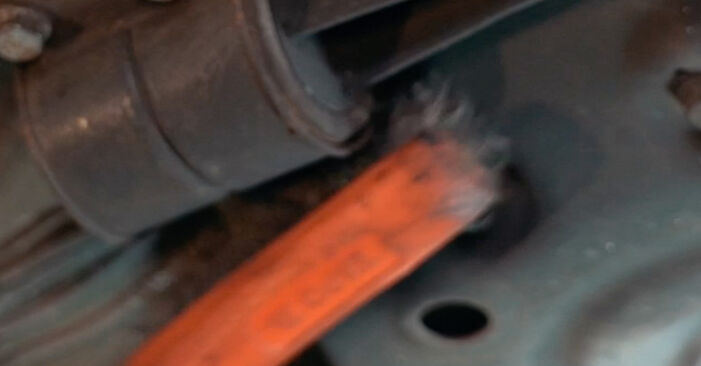 Clean the gearbox mount fasteners. Use a wire brush. Use WD-40 spray.
 - Step 38
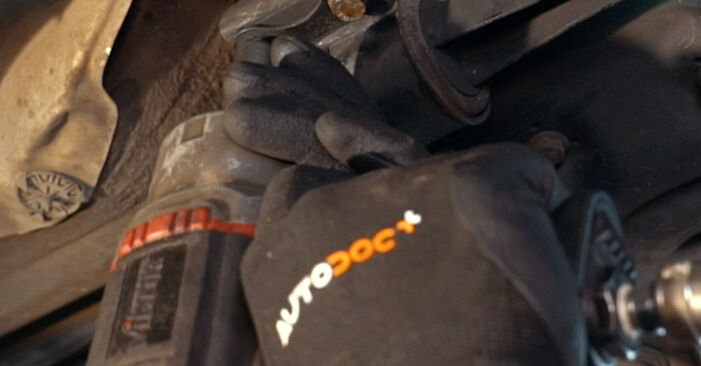
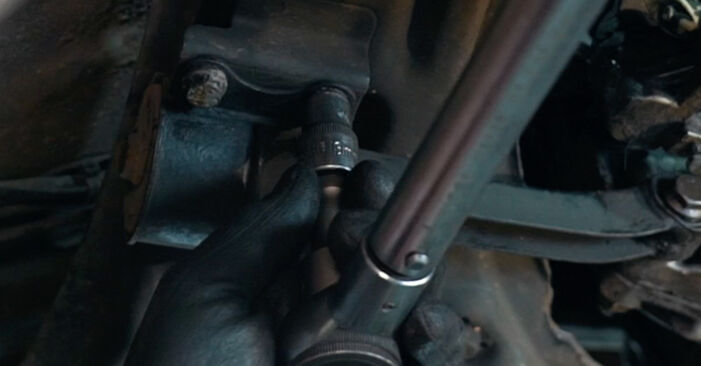
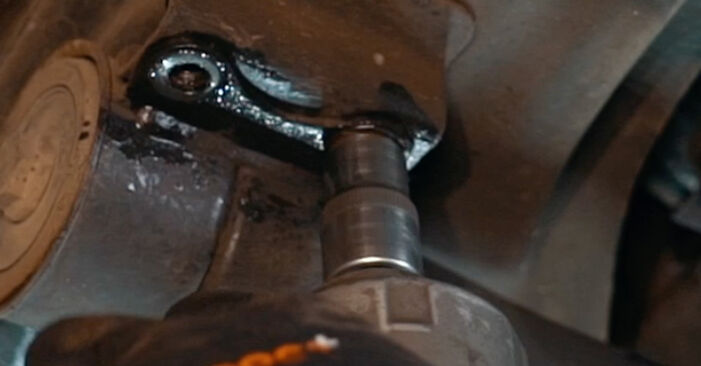 Unscrew the fasteners that connect the gearbox mount to the subframe. Use a drive socket #13. Use a ratchet wrench.
 - Step 39
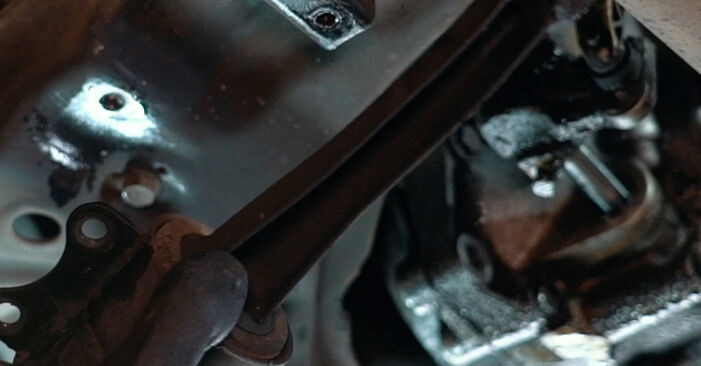 Remove the gearbox mount.
 - Step 40
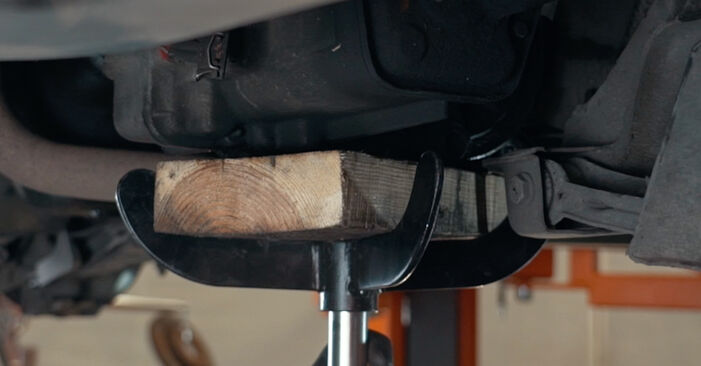 Support the gearbox. Use a hydraulic transmission jack.Replacement: clutch kit – VW CADDY II Box (9K9A). AUTODOC experts recommend:Take care to prevent the gearbox from being unsupported (hanging).
 - Step 41
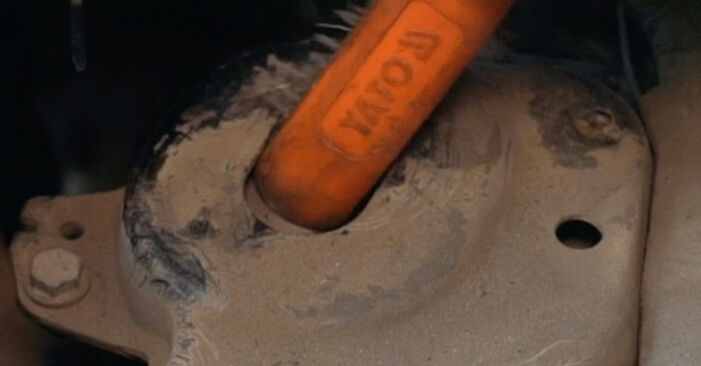 Clean the gearbox mount fasteners. Use a wire brush. Use WD-40 spray.
 - Step 42
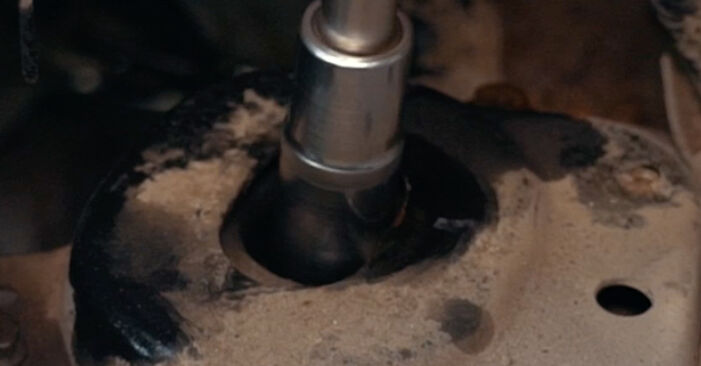 Unscrew the gearbox mount fasteners. Use a drive socket #18. Use a ratchet wrench.
 - Step 43
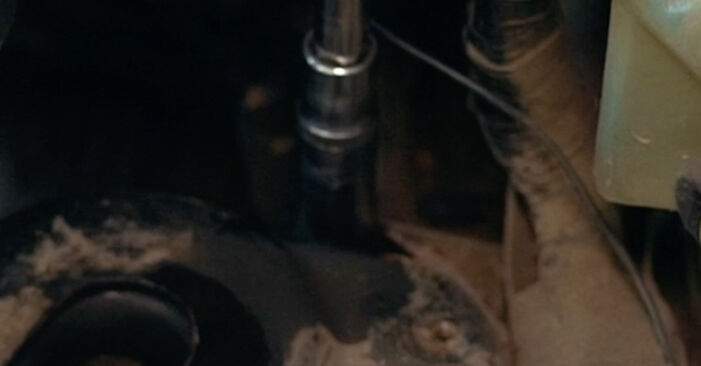 Unscrew the fastener that connects the gearbox mount to the car body. Use a drive socket #13. Use a ratchet wrench.
 - Step 44
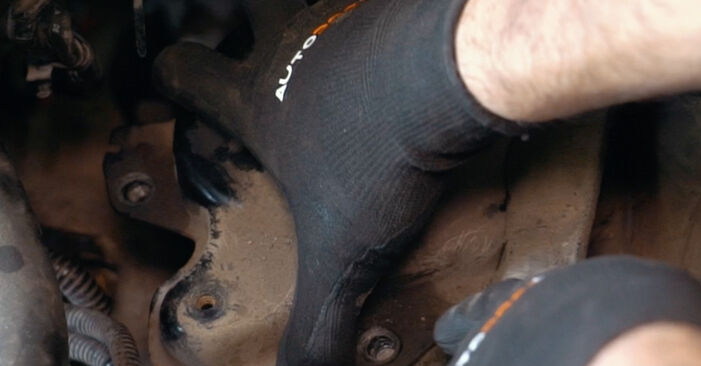 Remove the gearbox mount.
 - Step 45
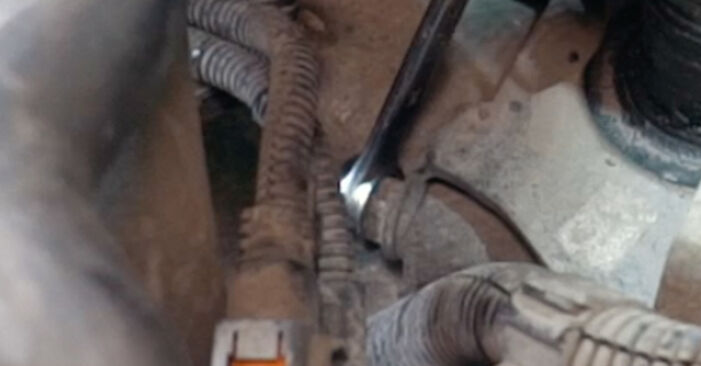 Unscrew the fasteners that connect the bottom gearbox mount to the gearbox. Use a combination spanner #16.
 - Step 46
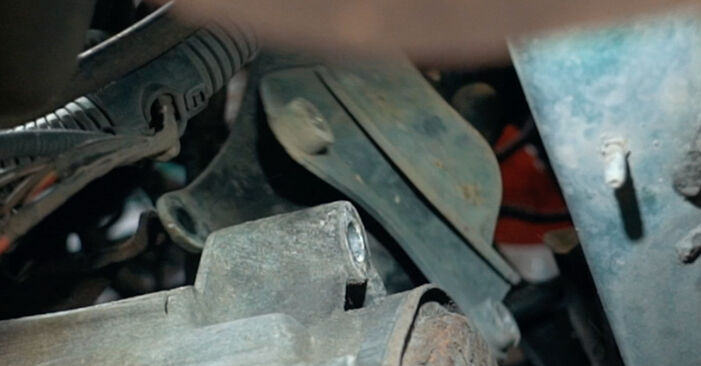 Remove the bottom gearbox mount.
 - Step 47
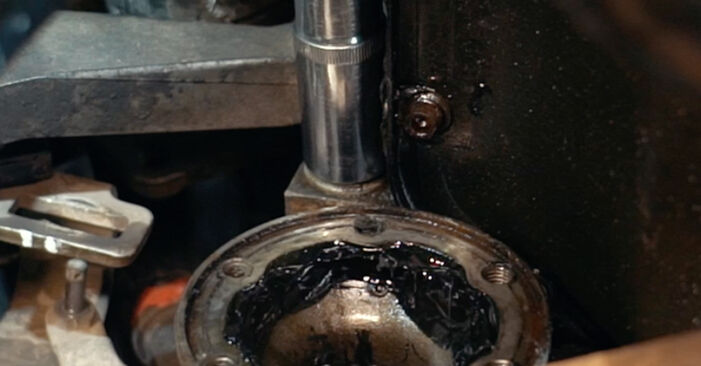 Unscrew the fasteners that connect the gearbox to the engine block. Use a drive socket #18. Use a ratchet wrench.
 - Step 48
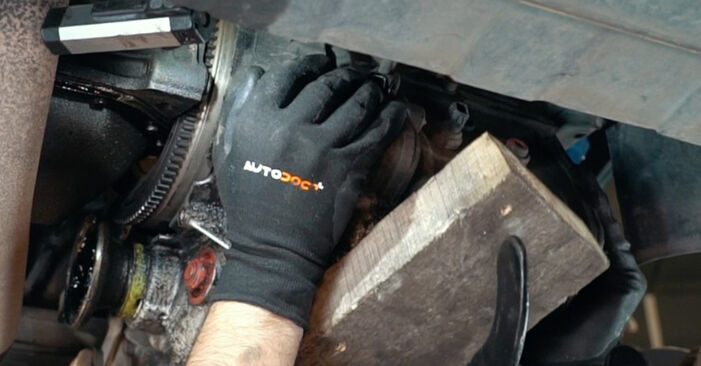 Move the gearbox aside.Replacement: clutch kit – VW CADDY II Box (9K9A). Tip from AUTODOC:Make sure the gearbox is reliably secured.
 - Step 49
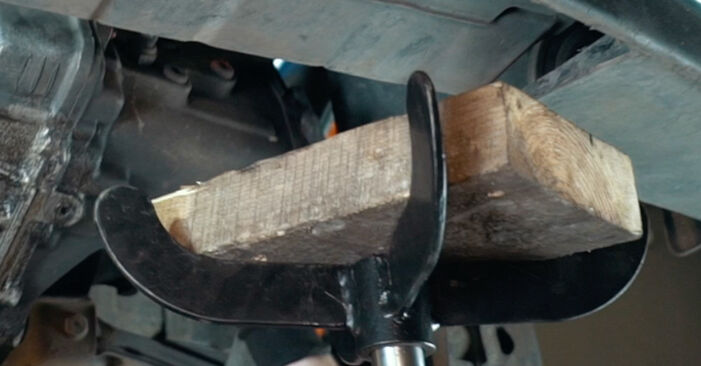 Remove the support from under the gearbox.AUTODOC recommends:Replacement: clutch kit – VW CADDY II Box (9K9A). Lower the transmission jack smoothly, without jerks, to avoid damaging components and mechanisms.
 - Step 50
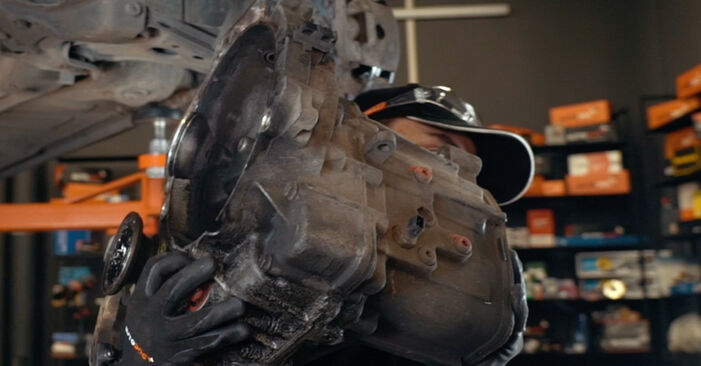 Remove the gearbox.
 - Step 51
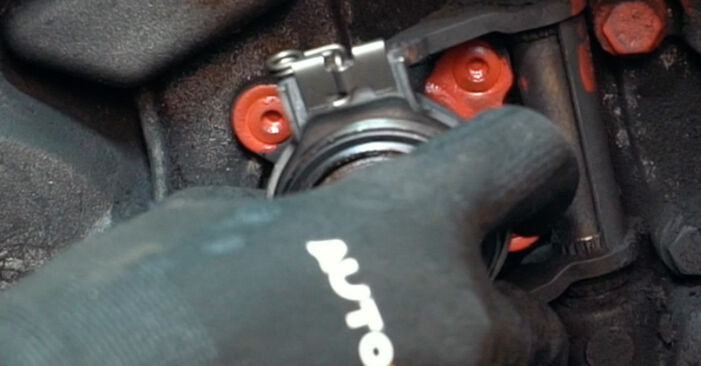 Remove the release bearing. Use a crowbar.
 - Step 52
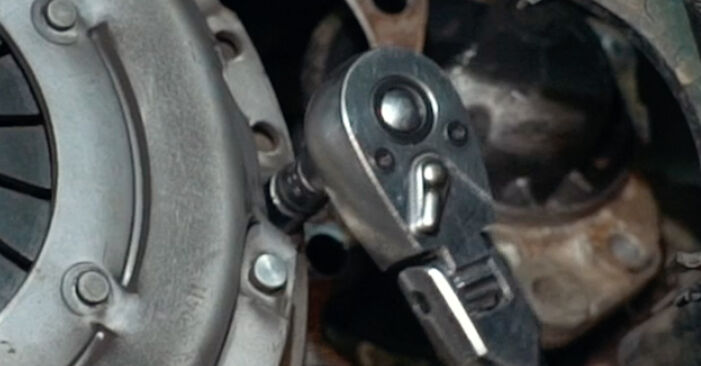 Unscrew the pressure plate fasteners. Use 12-point socket No.9. Use a ratchet wrench.
 - Step 53
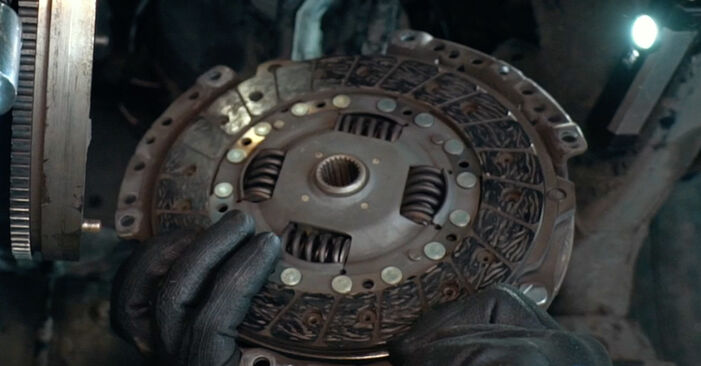 Remove the pressure plate together with the clutch disc. Use a crowbar.
 - Step 54
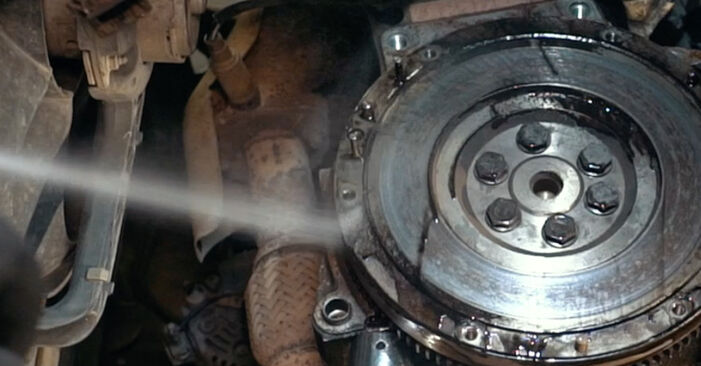 Clean the clutch kit mounting seats. Use all-purpose cleaning spray.
 - Step 55
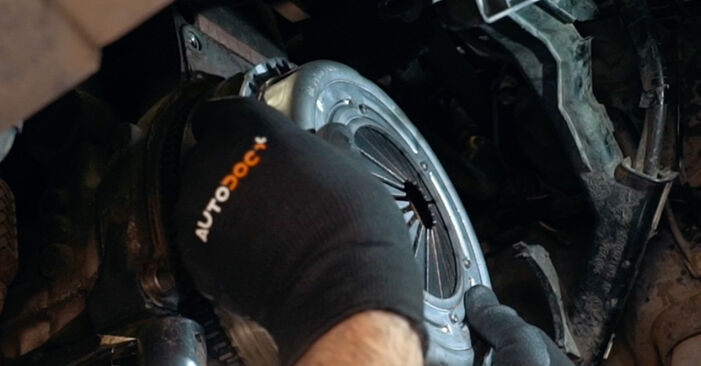 Install the new pressure plate together with the clutch disc.
 - Step 56
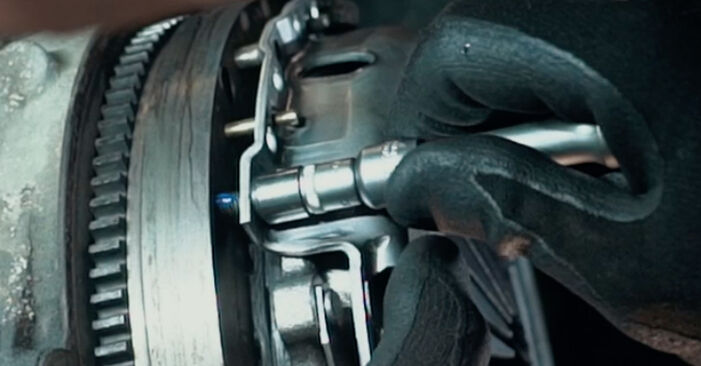 Screw in the pressure plate fasteners. Use 12-point socket No.9. Use a ratchet wrench.
 - Step 57
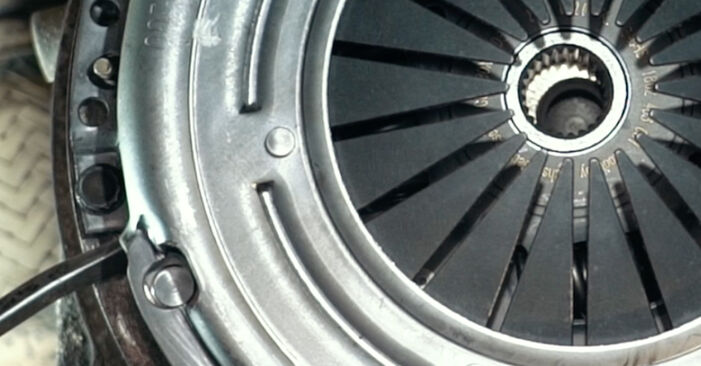 Align the clutch disc. Use a crowbar.Replacement: clutch kit – VW CADDY II Box (9K9A). AUTODOC recommends:Be careful not to damage the part.
 - Step 58
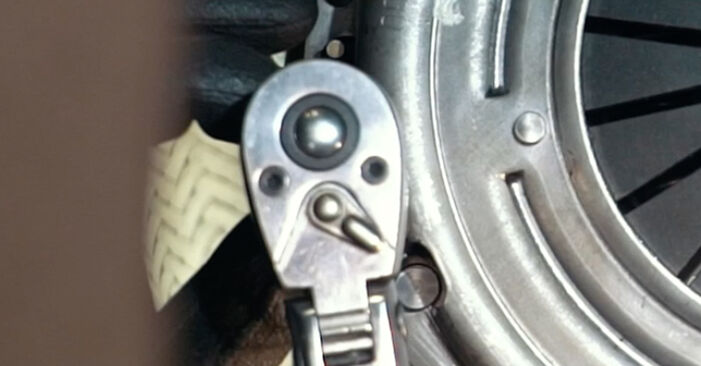 Screw in the pressure plate fasteners. Use 12-point socket No.9. Use a ratchet wrench.
 - Step 59
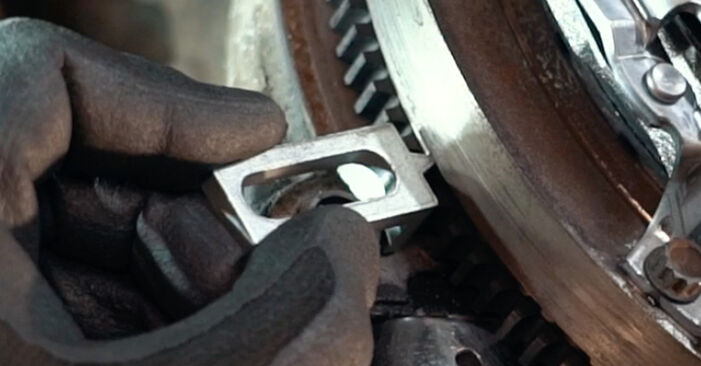 Install the engine flywheel locking tool. Use a clutch tool kit.
 - Step 60
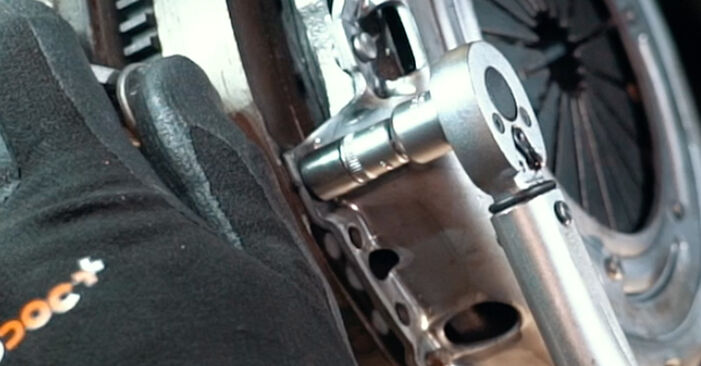 Tighten the pressure plate fasteners. Use 12-point socket No.9. Use a torque wrench. Tighten it to 27 Nm torque.
 - Step 61
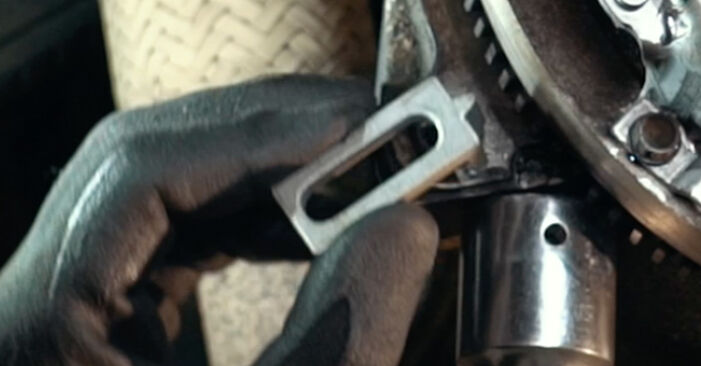 Remove the flywheel locking tool.
 - Step 62
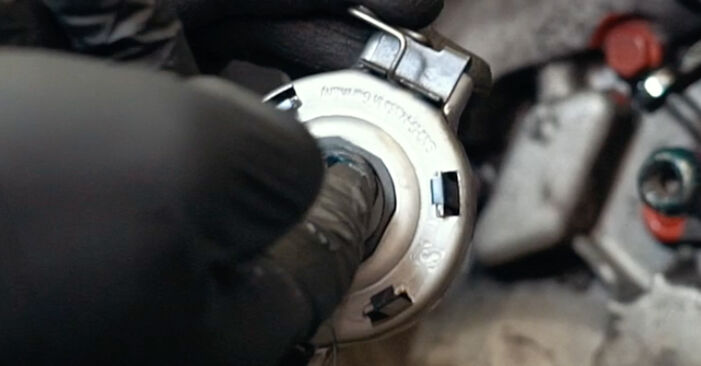 Treat the release bearing mounting seat. Use a multipurpose grease.
 - Step 63
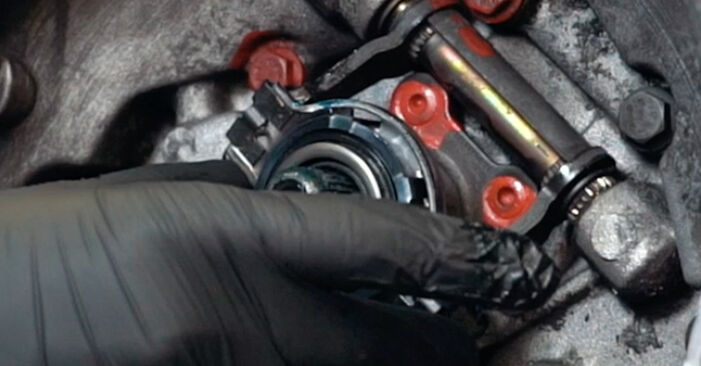 Install the new release bearing.
 - Step 64
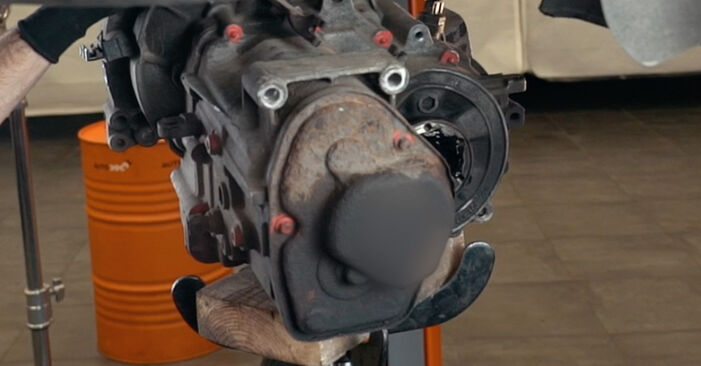 Support the gearbox. Use a hydraulic transmission jack.
 - Step 65
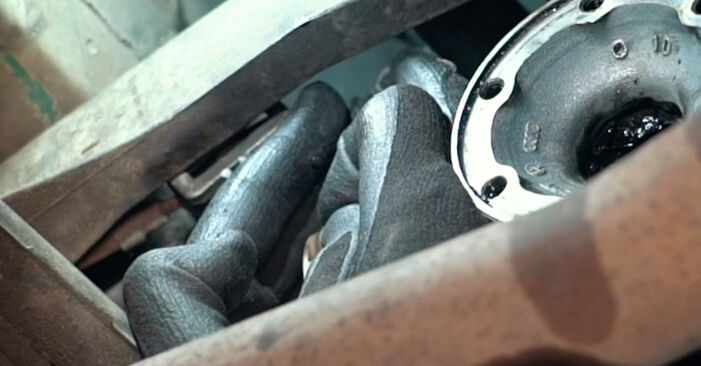
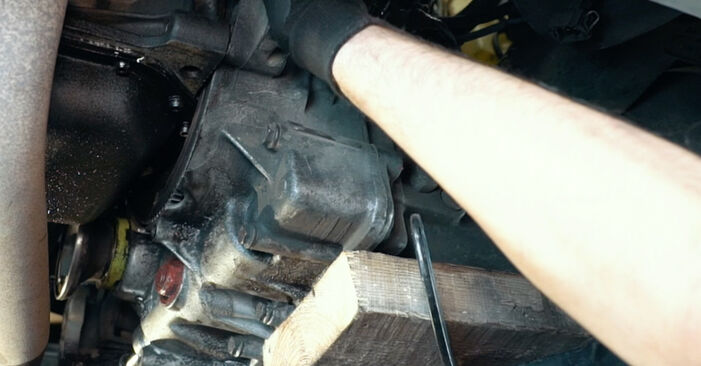 Install the gearbox.Replacement: clutch kit – VW CADDY II Box (9K9A). Tip from AUTODOC:Take care to prevent the gearbox from being unsupported (hanging).
 - Step 66Refit the gearbox to its mounting seat.Step 67
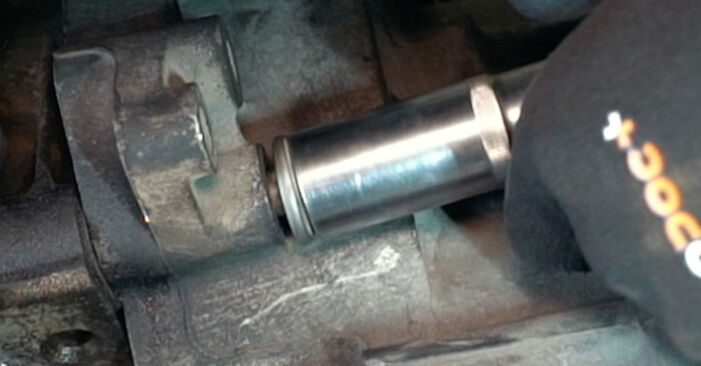 Screw in the fasteners that connect the gearbox to the engine block. Use a drive socket #18. Use a ratchet wrench.
 - Step 68
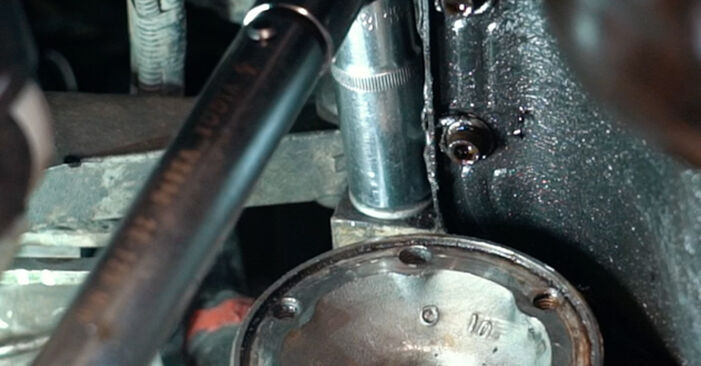
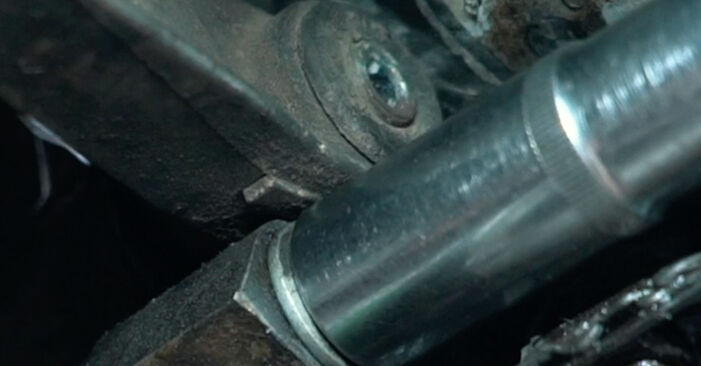 Tighten the fasteners that connect the gearbox to the engine block. Use a drive socket #18. Use a torque wrench. Tighten it to 64 Nm torque.
 - Step 69
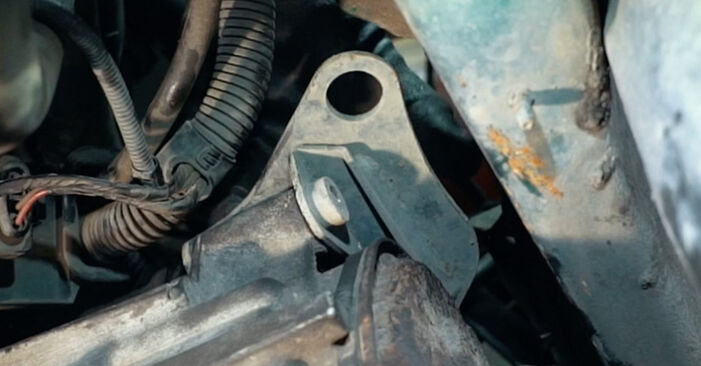 Install the lower gearbox mount.
 - Step 70Screw in the fasteners that connect the gearbox mount to the gearbox. Use a combination spanner #16.Step 71Tighten the fasteners that connect the gearbox mount to the gearbox. Use a combination spanner #16. Use a torque wrench. Tighten it to 64 Nm torque.Step 72
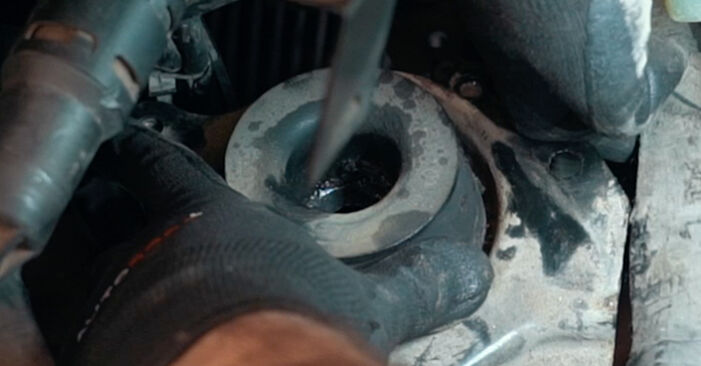 Install the gearbox mount.
 - Step 73
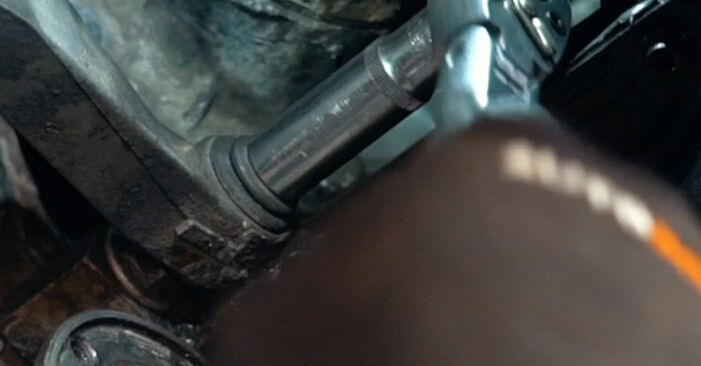
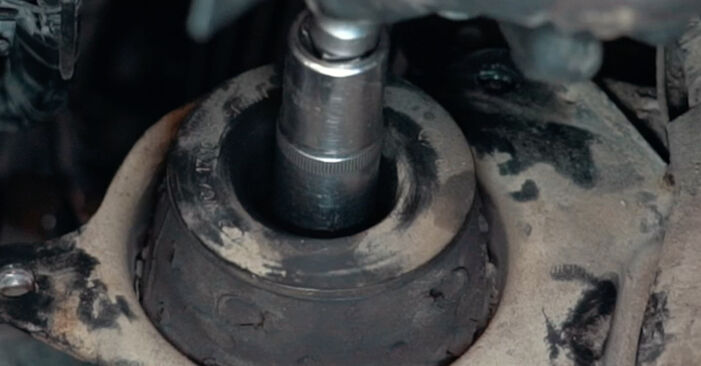 Screw in the fasteners that connect the gearbox mount to the car body. Use a drive socket #18. Use a ratchet wrench.
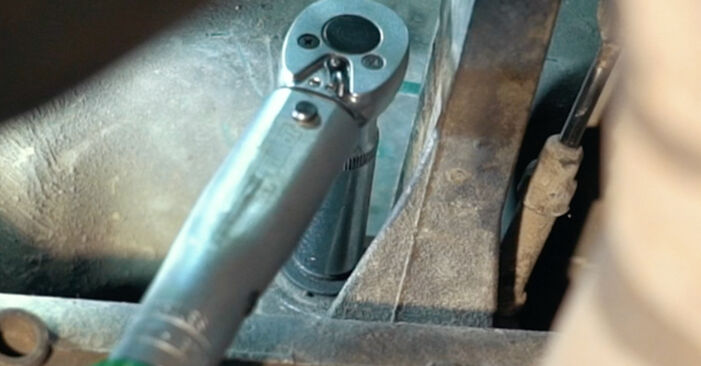
 - Step 74
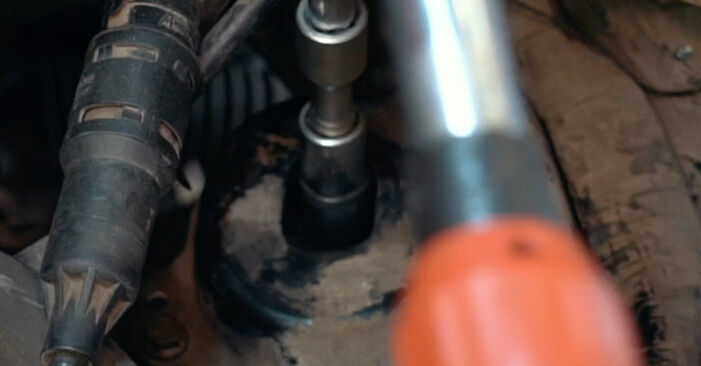
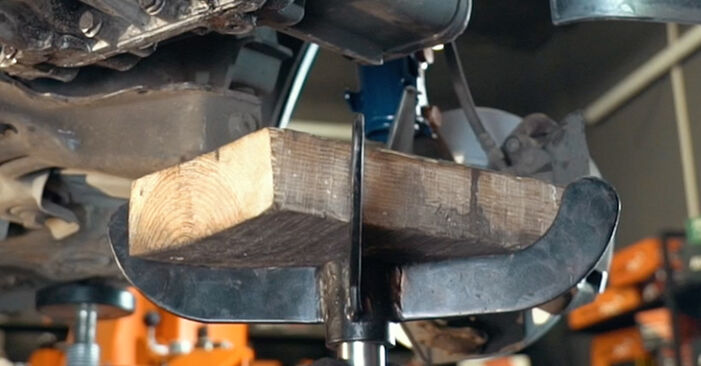
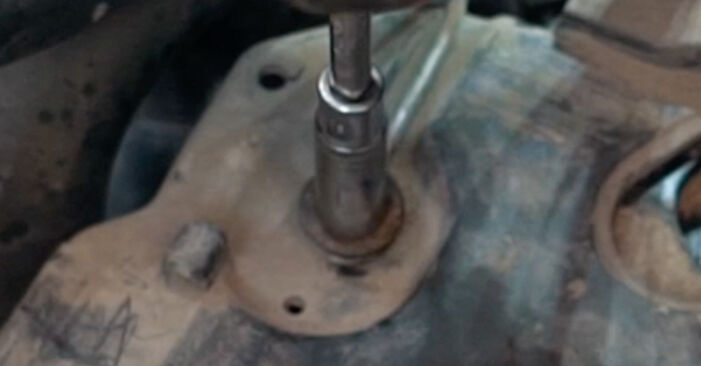
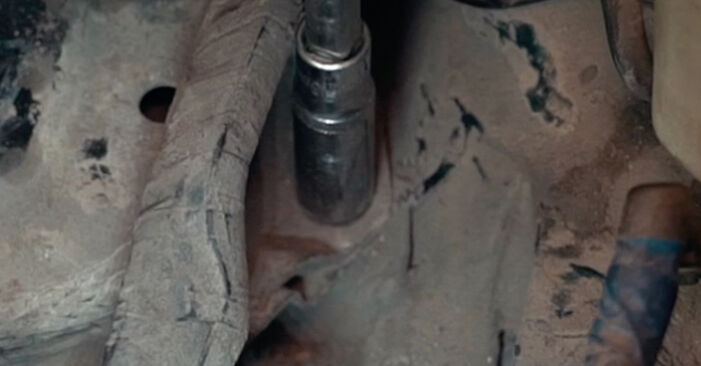 Tighten the fasteners that connect the gearbox mount to the car body. Use a drive socket #13. Use a torque wrench. Tighten it to 38 Nm torque.
Was this manual helpful?
Please rate this manual on a scale from 1 to 5. If you have any questions, feel free to ask us.
Users voted – 0
Need New Tyres?
Find out which tyre and wheel sizes are compatible with the VW Caddy II Van (9K9A) model

Popular maintenance tutorials for VW Caddy 2 Van
 Free download PDF
 1.98 MB
 Free download PDF4.06 MB
 Free download PDF1.36 MB
 Free download PDF1003.52 KB
 Free download PDF1.56 MB
 Free download PDF1.51 MB
Complete guides for changing the Clutch set on different VW CADDY models
 Free download PDF6.72 MB
 Free download PDF6.43 MB
 Free download PDF6.72 MB
 Free download PDF6.72 MB
 Free download PDF6.72 MB
 Free download PDF6.72 MB

Unlock your car maintenance assistant!
Track expenses, manage logs, schedule replacements, and more.

Tips & tricks for your VW Caddy II Van (9K9A)
View more
 How to Polish Your Car Yourself and Save Money on Garage Services | AUTODOC tips
 #DIY Guide: How to Fix a Cracked Windscreen Without a Garage Visit
 DIY alternator repair | AUTODOC tips
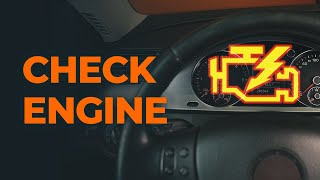 Discover the 4 Key Reasons Your CHECK ENGINE Light Could Be On | AUTODOC Tips
Most commonly replaced car parts on VW CADDY














Time to replace parts? Get even better deals in our Shop app.

SCAN ME