

Disclaimer

How to change camshaft position sensor on NISSAN NP300 Navara Platform / Chassis (D40) – replacement guide
downloads:
0
Views:
2


Important!
This replacement procedure can be used for:
NISSAN NP300 Navara Platform / Chassis (D40) 3.0 dCi … View more
The steps may slightly vary depending on the car design.
NISSAN NP300 Navara Platform / Chassis (D40) 3.0 dCi … View more
The steps may slightly vary depending on the car design.
This video shows the replacement procedure of a similar car part on another vehicle
All the parts you need to replace – Camshaft Sensor for NP300 Navara Platform / Chassis (D40) and other NISSAN models
Alternative products
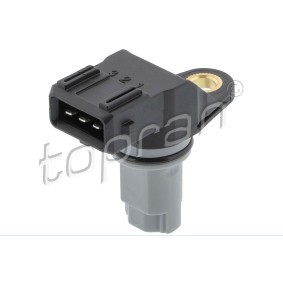
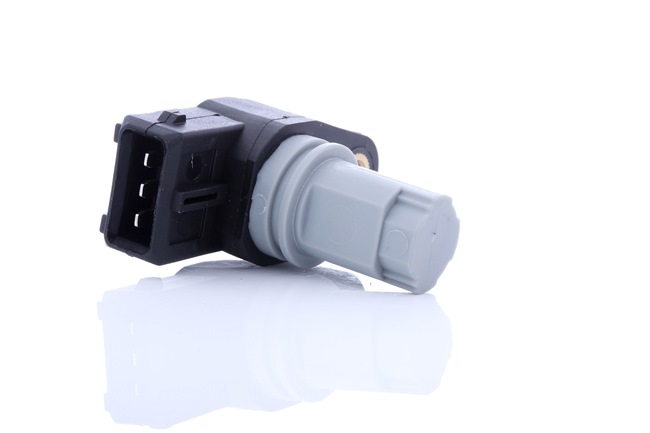
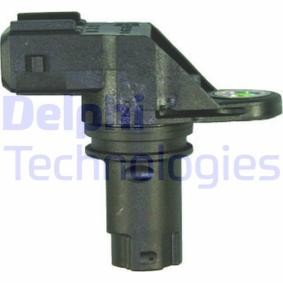
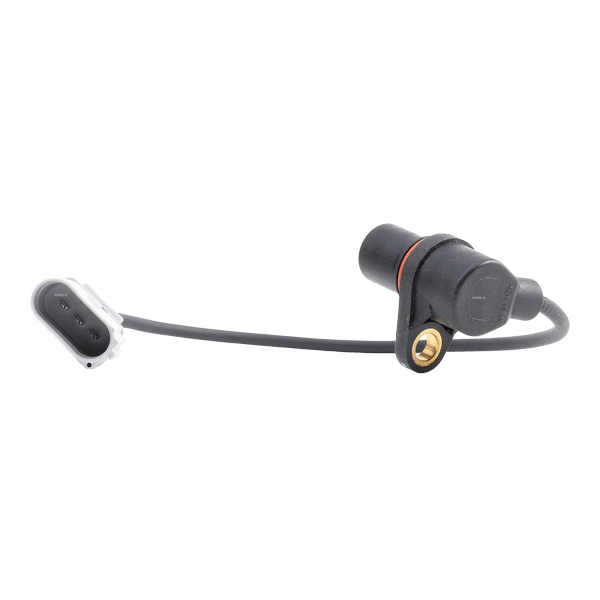 Camshaft position sensor


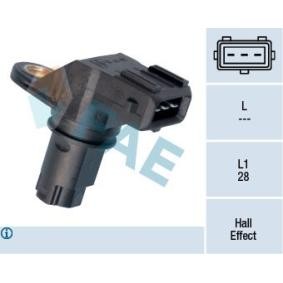

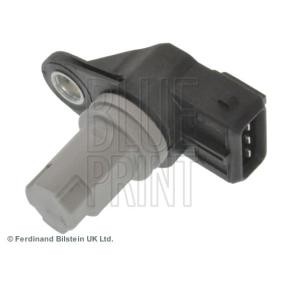
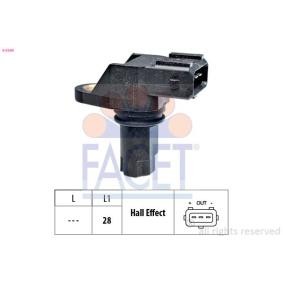
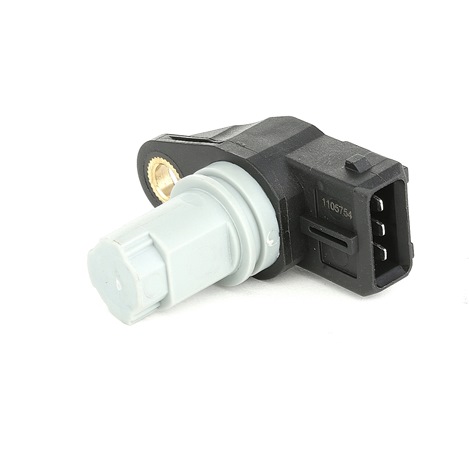

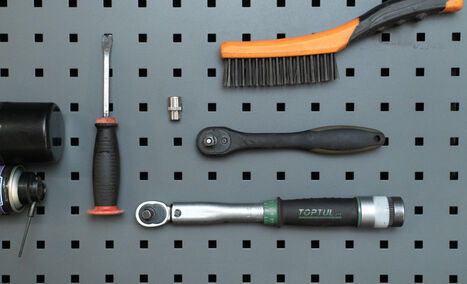
Wire brush
All-purpose cleaning spray
Electronic spray
Torque wrench
10 mm socket
Ratchet wrench
Mounting lever
Paper towels

Replacement: camshaft position sensor – NISSAN NAVARA Platform/Chassis (D40). AUTODOC recommends:
- All the work should be carried out with the ignition switched off.
Replacement: camshaft position sensor – NISSAN NAVARA Platform/Chassis (D40). Take the following steps:
- Step 1Lift the vehicle using a vehicle lift or place it over an inspection pit.Step 2
 Clean the fastener of the camshaft position sensor. Use a wire brush. Use an all-purpose cleaning spray.
 - Step 3
 Detach the connector of the camshaft position sensor.
 - Step 4
 Unscrew the fastener of the camshaft position sensor. Use a 10 mm socket. Use a ratchet wrench.
 - Step 5
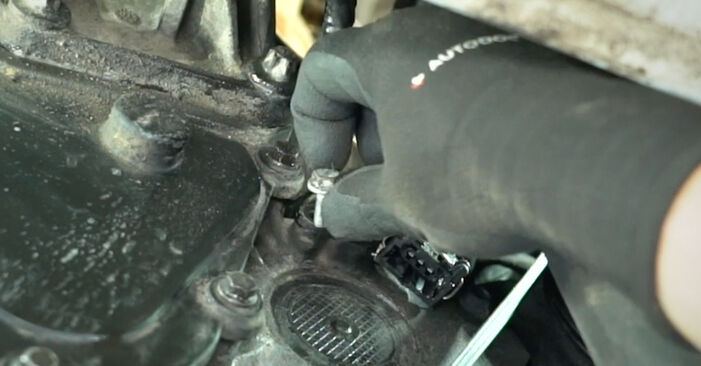 Remove the fastening bolt.
 - Step 6
 Remove the camshaft position sensor.
 - Step 7
 Plug the sensor mounting hole with a paper towel to prevent dust and dirt from getting in.
 - Step 8
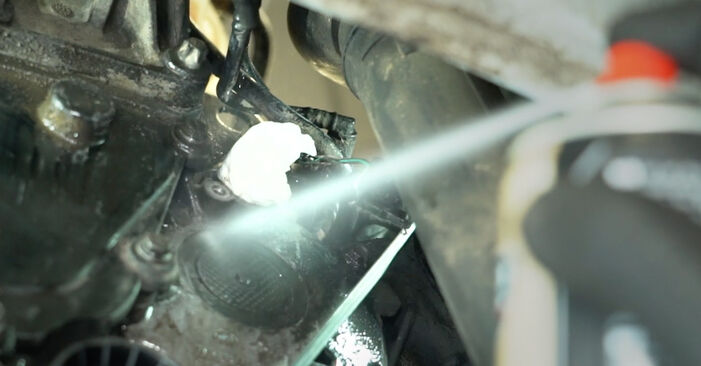 Clean the mounting seat of the camshaft position sensor. Use an all-purpose cleaning spray.
 - Step 9
 Treat the connector of the camshaft position sensor. Use an electronic spray.


Was this manual helpful?
Please rate this manual on a scale from 1 to 5. If you have any questions, feel free to ask us.
Users voted – 0
Need New Tyres?
Find out which tyre and wheel sizes are compatible with the NISSAN NP300 Navara Platform / Chassis (D40) model


Popular maintenance tutorials for Nissan Navara D40
 Free download PDF
 911.36 KB
 Free download PDF849.92 KB
 Free download PDF1003.52 KB
 Free download PDF2.37 MB
 Free download PDF2.86 MB
Complete guides for changing the Camshaft position sensor on different NISSAN NAVARA models
 Free download PDF983.04 KB
 Free download PDF983.04 KB
 Free download PDF983.04 KB
 Free download PDF983.04 KB
 Free download PDF983.04 KB
 Free download PDF983.04 KB

Unlock your car maintenance assistant!
Track expenses, manage logs, schedule replacements, and more.

Tips & tricks for your NISSAN NP300 Navara Platform / Chassis (D40)
View more
 Which Coolant is Best? Comparison Test | AUTODOC
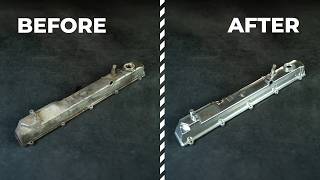 Transform Your Old Engine Valve Cover: Quick Polishing Tips for a Shiny Finish | AUTODOC Tips
 What to do if your car’s bonnet won’t open | AUTODOC tips
 Revive Your Vehicle's Look | How to Restore Wheel Rims Yourself!
Most commonly replaced car parts on NISSAN NAVARA















Time to replace parts? Get even better deals in our Shop app.

SCAN ME